1. परिचय
This manual provides detailed instructions for the installation, operation, and maintenance of your CP PLUS 4MP WI-FI Full Color Outdoor Smart Security Camera, model CP-Z43Q. This camera is designed for outdoor surveillance, offering 4MP resolution, 360-degree pan and tilt functionality, two-way audio, human detection, and full-color night vision capabilities.
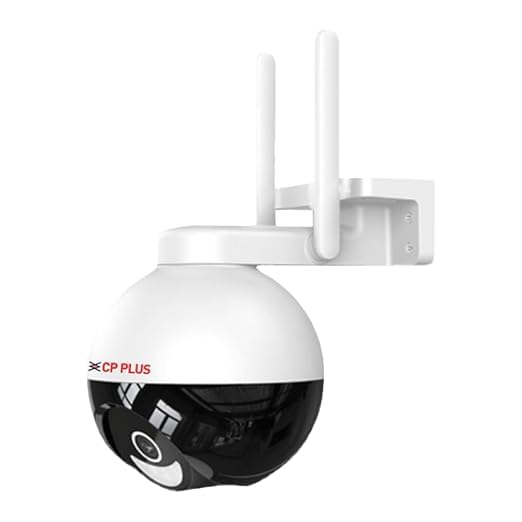
प्रतिमा: समोर view of the CP PLUS CP-Z43Q camera, showing its dome shape and dual antennas.
2. पॅकेज सामग्री
कृपया सर्व वस्तू पॅकेजमध्ये आहेत का ते तपासा:
- CP PLUS CP-Z43Q Camera
- Power Adaptor (12V 2AMP)
- माउंटिंग स्क्रू
- वापरकर्ता मॅन्युअल (हा दस्तऐवज)
टीप: A memory card for local storage and installation services are not included and must be acquired separately.
3. उत्पादन संपलेview
The CP-Z43Q camera integrates advanced features for comprehensive security monitoring:
- 4MP Quad HD Video: स्पष्ट आणि तपशीलवार व्हिडिओ foo कॅप्चर करतेtage.
- ३६०° पॅन आणि टिल्ट: Provides extensive coverage with remote control.
- द्वि-मार्गी चर्चा: Built-in microphone and speaker for remote communication.
- मानवी शोध: Identifies human shapes to reduce false alarms.
- Motion Alert: Sends immediate notifications upon detecting movement.
- Smart Color Night Vision: Utilizes built-in LEDs for full-color imaging in low-light conditions.
- वाय-फाय कनेक्टिव्हिटी: Connects to your home network wirelessly.
- SD कार्ड समर्थन: २५६ जीबी पर्यंत स्थानिक स्टोरेजला समर्थन देते.
- व्हॉइस असिस्टंट इंटिग्रेशन: अलेक्सा आणि गुगल होमशी सुसंगत.
- गोपनीयता मोड: Temporarily pauses recording and live audio/video.

Image: The CP-Z43Q camera with an overlay of its main features, including 4MP Quad HD video, 360° coverage, human detection, and two-way talk.
4. सेटअप
4.1. स्थापना
The CP-Z43Q camera is designed for outdoor use and supports wall or ceiling mounting. Ensure the installation location has stable Wi-Fi coverage and access to a power outlet.
- इच्छित प्रदान करणारे योग्य माउंटिंग स्थान निवडा viewकोनात आहे आणि तुमच्या वाय-फाय नेटवर्कच्या रेंजमध्ये आहे.
- Use the provided screws to securely mount the camera bracket to the wall or ceiling.
- कॅमेरा बसवलेल्या ब्रॅकेटला जोडा.
- Connect the power adaptor to the camera and plug it into a power source.

Image: The CP-Z43Q camera shown mounted on a wall, illustrating its outdoor installation capability.
4.2. App Integration (ezykam+)
To operate the camera, you need to download and configure the ezykam+ application.
- पायरी 1: डाउनलोड करा ezykam+ app from the App Store (iOS) or Google Play Store (Android) and register your account.
- पायरी 2: Click on the '+' icon on the app's home page and select the model number of your device (CP-Z43Q).
- पायरी 3: Enter your Wi-Fi network name and password, then confirm. Ensure your Wi-Fi network is 2.4GHz.
- पायरी 4: Scan the generated QR code with your camera. You will hear a voice prompt "Heard the beep" upon successful scanning. Wait for a steady blue indicator light, which confirms successful configuration.

Image: A visual guide demonstrating the four steps for integrating the CP-Z43Q camera with the ezykam+ mobile application, including QR code scanning.
5. ऑपरेटिंग सूचना
5.1. थेट View आणि पॅन/टिल्ट नियंत्रण
Access the live video feed through the ezykam+ app. Use the on-screen controls to pan (horizontal movement) and tilt (vertical movement) the camera to adjust the viewing angle. The camera offers a 360-degree viewकोन.
५. द्वि-मार्गी चर्चा
The camera features a built-in microphone and speaker, enabling two-way audio communication. In the live view interface of the ezykam+ app, tap the microphone icon to speak and the speaker icon to listen to audio from the camera's location.

Image: A visual representation of the two-way talk feature, showing a person interacting with a delivery person via the camera's audio capabilities.
5.3. Human Detection and Motion Alerts
The camera is equipped with human detection technology to distinguish human shapes from other moving objects, minimizing false alarms. When motion is detected, the camera will send an immediate alert to your ezykam+ app.
- Enable motion detection and human detection in the camera settings within the ezykam+ app.
- आवश्यकतेनुसार संवेदनशीलता पातळी समायोजित करा.
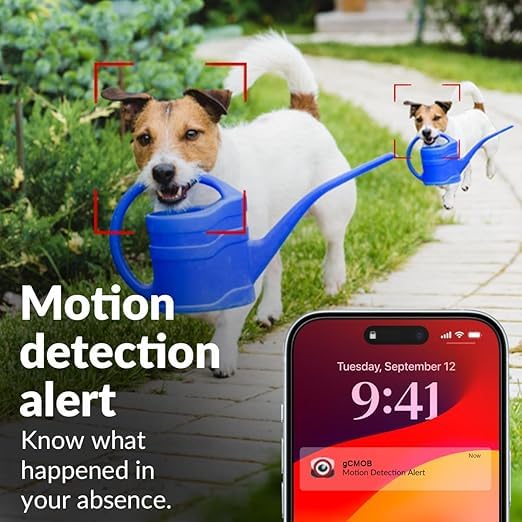
Image: A child on a bicycle with a red box highlighting the human body detection capability of the camera.

Image: A smartphone screen displaying a motion detection alert notification, with a dog in the background.
5.4. Smart Color Night Vision
The camera provides full-color video even in low-light conditions. In-built LED lights automatically activate upon motion detection to capture clear, colored images at night.
- Configure night vision settings in the ezykam+ app to enable or disable color night vision.
- The IR distance is up to 15 meters, and white LED distance is 8-10 meters.
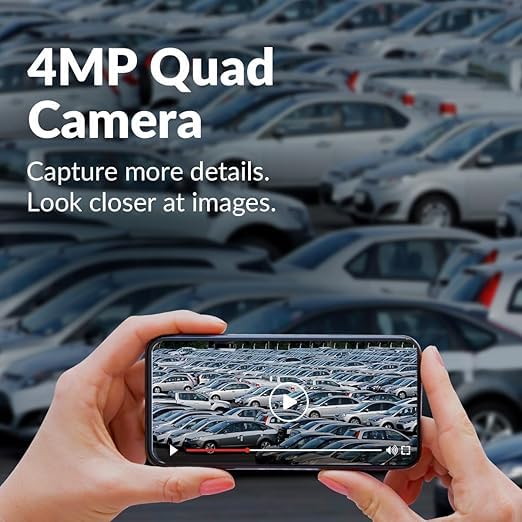
Image: A nighttime scene of a house and garden, illustrating the camera's full night color vision capability.
5.5. गोपनीयता मोड
Activate Privacy Mode through the ezykam+ app to temporarily pause live video and audio streaming, as well as recording. This feature allows for privacy when needed.
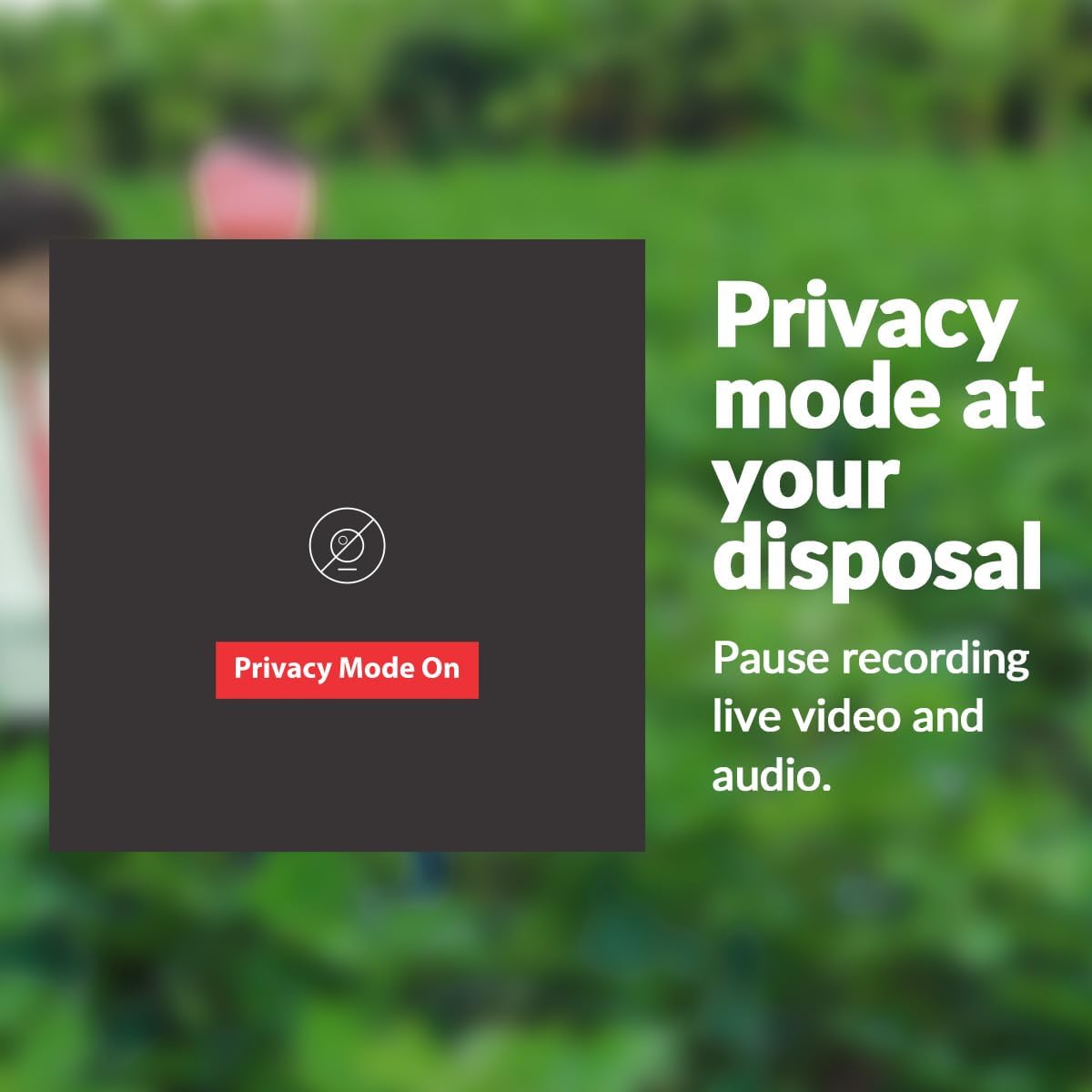
Image: A visual showing a "Privacy Mode On" button, indicating the feature to pause recording and live view.
७. एसडी कार्ड स्टोरेज
The camera supports a Micro SD card up to 128 GB for local video storage. Insert the SD card into the designated slot on the camera. Ensure the camera is powered off before inserting or removing the SD card.
४.३. व्हॉइस असिस्टंट इंटिग्रेशन
The CP-Z43Q camera is compatible with Amazon Alexa and Google Home. Follow the instructions within the ezykam+ app or your voice assistant's app to link your camera and enable voice commands for basic functions.
6. देखभाल
- स्वच्छता: कॅमेरा लेन्स आणि बॉडी सॉफ्ट, डी ने हळूवारपणे पुसून टाका.amp कापड कठोर रसायने किंवा अपघर्षक क्लीनर वापरणे टाळा.
- फर्मवेअर अद्यतने: Regularly check the ezykam+ app for available firmware updates to ensure optimal performance and security.
- वीज पुरवठा: Ensure the camera is connected to a stable power source (12V 2AMP).
- नेटवर्क स्थिरता: Maintain a strong and stable Wi-Fi connection for uninterrupted operation.
7. समस्या निवारण
| समस्या | संभाव्य कारण | उपाय |
|---|---|---|
| कॅमेरा वाय-फायशी कनेक्ट होत नाही. | Incorrect Wi-Fi password, 5GHz network, camera too far from router. | Verify Wi-Fi password. Ensure you are using a 2.4GHz network. Move the camera closer to the router or use a Wi-Fi extender. |
| वारंवार खंडित होणे. | Weak Wi-Fi signal, network interference. | Improve Wi-Fi signal strength. Reduce interference from other devices. Restart the camera and router. |
| No image/video in app. | Camera offline, power issue, app glitch. | Check camera power and network connection. Restart the app. Re-add the camera if necessary. |
| मोशन अलर्ट मिळाले नाहीत. | Alerts disabled, incorrect settings, app notifications off. | Ensure motion detection and alerts are enabled in the ezykam+ app. Check phone notification settings for the app. |
8. तपशील
| वैशिष्ट्य | तपशील |
|---|---|
| मॉडेल क्रमांक | CP-Z43Q |
| प्रतिमा सेन्सर | 1/2.9 ”4 एमपी सीएमओएस |
| ठराव | 4MP (1440p) |
| लेन्स | 4 मिमी |
| व्हिडिओ कॉम्प्रेशन | H.265 |
| फ्रेम दर | Max. 25fps@4MP |
| कनेक्टिव्हिटी | वाय-फाय (2.4GHz) |
| Viewकोन | ३६० अंश (पॅन आणि टिल्ट) |
| नाईट व्हिजन रेंज (IR) | 15 मीटर |
| Night Vision Range (White LED) | 8-10 मीटर |
| ऑडिओ | Two-Way Talk (Built-in Mic and Speaker) |
| स्टोरेज | Micro SD Card (Up to 128 GB) |
| उर्जा स्त्रोत | 12V 2AMP |
| स्थापना प्रकार | वॉल माउंट, सीलिंग माउंट |
| इनडोअर/आउटडोअर वापर | घराबाहेर |
| साहित्य | प्लास्टिक |
| परिमाण (LxWxH) | 18 x 11 x 18 सेंटीमीटर |
| वजन | 420 ग्रॅम |
| पाणी प्रतिकार पातळी | पाणी प्रतिरोधक |
| सुसंगत साधने | Smartphone (via ezykam+ app), Alexa, Google Home |
9. वॉरंटी माहिती
The CP PLUS CP-Z43Q camera comes with a 2 वर्षाची वॉरंटी from the date of purchase. Please retain your purchase receipt for warranty claims. The warranty covers manufacturing defects but does not cover damages caused by improper installation, misuse, or unauthorized repairs.
10. समर्थन
For technical assistance or support, please contact CP PLUS customer service:
- Technical Support Dial: +91-8800952952 | +91-120-4555666
- ईमेल: customer_care@cpplusworld.com
- Webसाइट: www.cpplusworld.com
Please have your model number (CP-Z43Q) and purchase details ready when contacting support.


