1. परिचय
This manual provides detailed instructions for the installation, operation, and maintenance of your SOVMIKU DB3 Solar Panel and 2K Smart Video Doorbell. Please read this manual thoroughly before using the product to ensure proper function and safety. Keep this manual for future reference.

Image 1.1: The SOVMIKU DB3 Video Doorbell and its accompanying solar panel.
2. पॅकेज सामग्री
Verify that all items are present in your package. If any items are missing or damaged, please contact customer support.
- स्मार्ट डोअरबेल x १
- Doorbell bracket x 2
- मायक्रो यूएसबी केबल x 1
- चाइम x 1
- वापरकर्ता मॅन्युअल x 1
- स्क्रू बॅग x 1

प्रतिमा २.१: उत्पादन पॅकेजमध्ये समाविष्ट असलेल्या वस्तूंचे दृश्य प्रतिनिधित्व.
3. सेटअप आणि स्थापना
२.४ अॅप डाउनलोड आणि कनेक्शन
To begin, download the free "Vicohome" App from the Google Play Store or Apple App Store. Follow the in-app instructions to connect your SOVMIKU DB3 Wi-Fi Doorbell to your internet network. The doorbell supports 2.4GHz Wi-Fi (IEEE 802.11 b/g/n) for optimal coverage.
3.2 भौतिक स्थापना
The SOVMIKU DB3 Video Doorbell is designed for easy installation. Secure the doorbell bracket to your desired outdoor location using the provided screws. Then, attach the doorbell to the bracket. Ensure the charging interface, protected by a silicone waterproof plug, is properly sealed for outdoor use.

Image 3.1: Step-by-step illustration of mounting the doorbell onto its bracket.
५.३ सौर पॅनेल कनेक्शन
The included solar panel is designed to provide continuous power. It is compatible with most battery cameras that support USB-C and Micro-USB receptacles. Connect the solar panel to your doorbell using the appropriate adapter. Position the solar panel to maximize sun exposure for efficient charging.

Image 3.2: Diagram illustrating the solar panel's compatibility with different camera charging ports.
3.4 Anti-Removal Design
The doorbell features an anti-removal design. Special tools are required to detach the doorbell from its bracket, enhancing security against unauthorized removal.
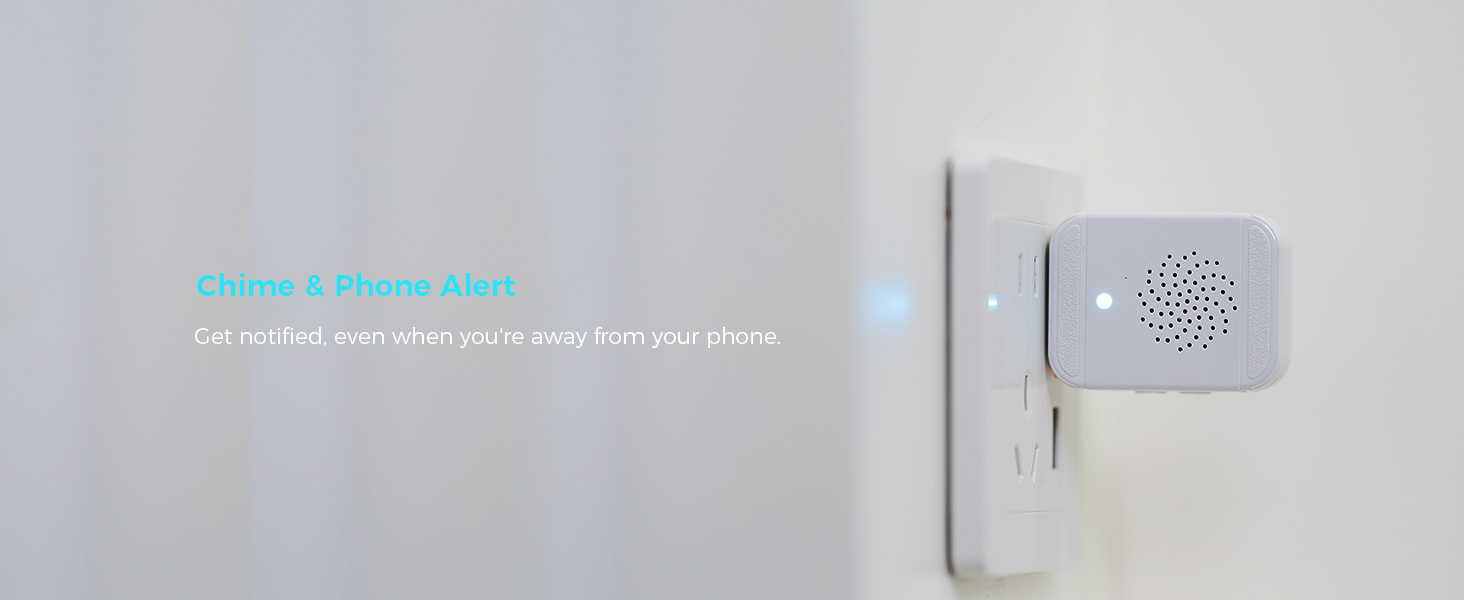
Image 3.3: Close-up of the doorbell's anti-removal mechanism.
4. ऑपरेटिंग सूचना
4.1 थेट View आणि मल्टी-कॅमेरा मॉनिटरिंग
Through the Vicohome App, you can view the live feed from your doorbell. The app also allows simultaneous viewing of up to four cameras without the need for a separate Network Video Recorder (NVR). To access this feature, tap the second button in the top right corner of the Vicohome app.

Image 4.1: The Vicohome app interface showing live feeds from multiple connected cameras.
४.४ टू-वे ऑडिओ
The doorbell supports two-way audio communication. You can speak and listen to visitors at your door directly through the Vicohome App, regardless of your location.
Image 4.2: Illustration of the two-way audio function, enabling remote conversation.
३.३ हालचाल शोधणे आणि सूचना
Enable the push notification function in the Vicohome App to receive alerts when motion is detected by the camera. These alerts can also be viewed on a connected smartwatch.

Image 4.3: A smartwatch showing a notification for detected motion.
4.4 Chime and Phone Alerts
When the doorbell button is pressed, you will receive instant audible notifications from the included chime and push notifications on your phone via the Vicohome App.

Image 4.4: The doorbell in action, with the chime and a smartphone displaying an alert.
4.5 Cloud Intelligence (Optional Subscription)
The doorbell supports optional cloud intelligence features through a subscription. This service provides cloud analytics and 60 days of cycle recording cloud storage. The AI server analyzes captured footage for vehicles, persons, packages, and activity zones, sending advanced alarm notifications.

Image 4.5: The Vicohome app displaying advanced detection alerts for people and vehicles.
5. देखभाल
5.1 Solar Panel Charging
The 5V high-output solar panel features a smart light-tracking chip to maximize sun exposure, providing continuous power to the doorbell. Ensure the solar panel is clean and free from obstructions to maintain optimal charging efficiency. The built-in Type-C port and included Micro-USB adapter ensure broad compatibility.
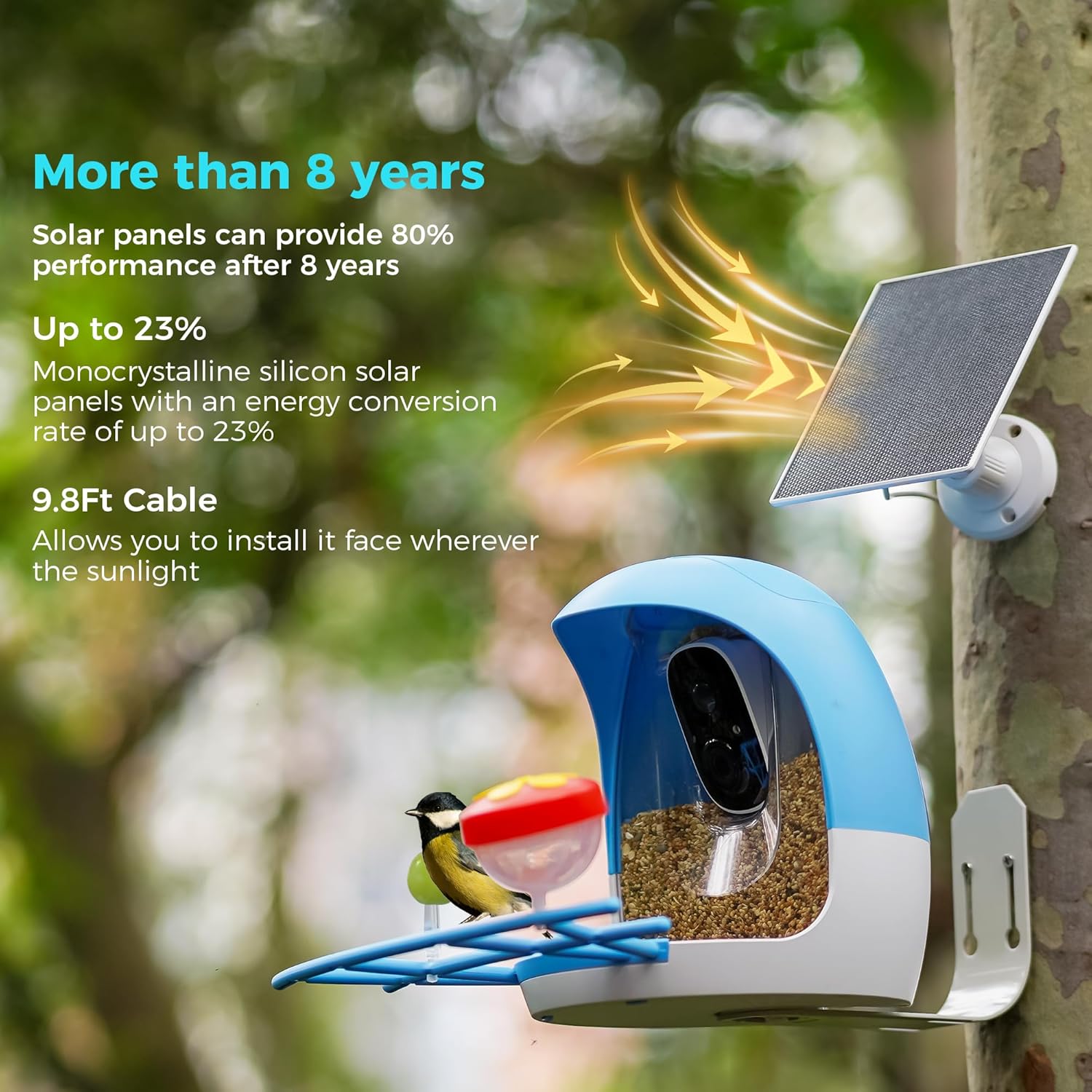
Image 5.1: A solar panel positioned to capture sunlight for charging.
५.२ टिकाऊपणा आणि स्वच्छता
The DB3 doorbell is splash, water, and dust resistant with an IP65 rating under IEC standard 60529. While resistant, these conditions are not permanent and resistance may decrease with normal wear. The charging interface uses a silicone waterproof protective plug; ensure it is securely in place when installed outdoors. For cleaning, refer to the user guide for specific instructions to avoid damage.
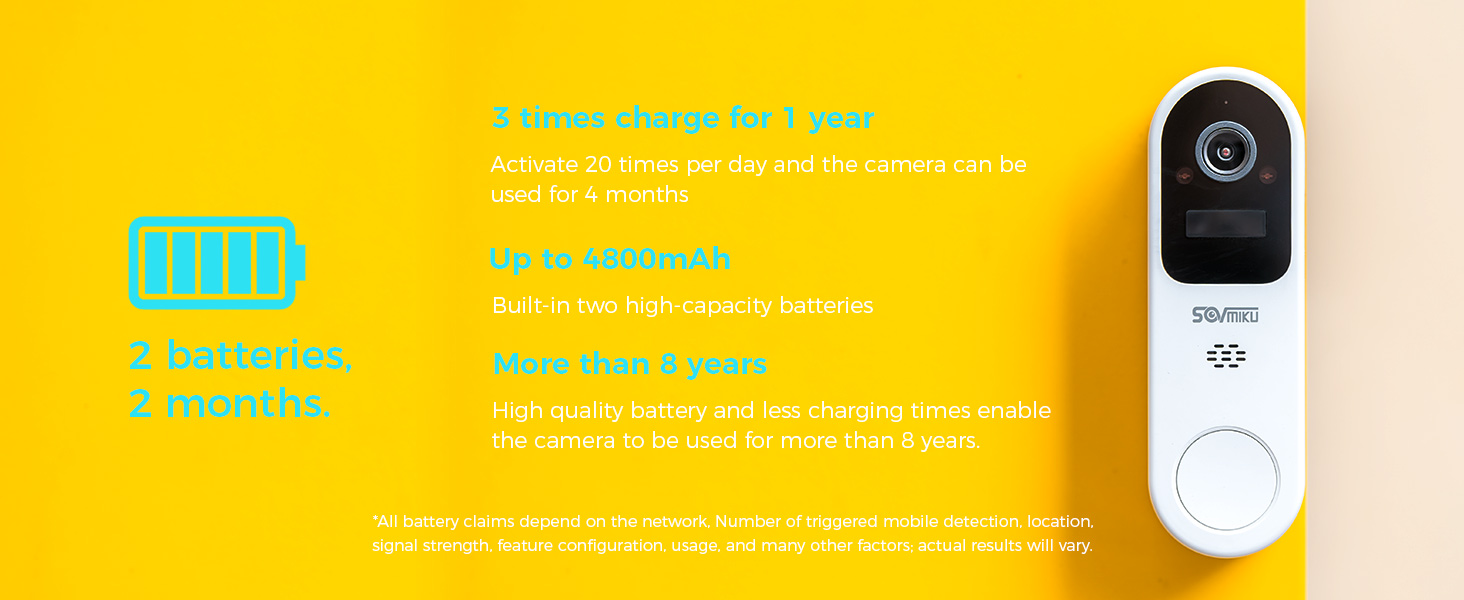
Image 5.2: The doorbell enduring water exposure, highlighting its IP65 rating.
5.3 बॅटरी माहिती
The doorbell is equipped with two high-capacity 4800mAh batteries. With typical usage (activating 20 times per day), the camera can operate for approximately 4 months on a single charge. High-quality batteries and efficient charging contribute to a long lifespan, potentially exceeding 8 years.
6. समस्यानिवारण आणि वारंवार विचारले जाणारे प्रश्न
३.४ वाय-फाय कनेक्टिव्हिटी
The doorbell exclusively supports 2.4GHz Wi-Fi (IEEE 802.11 b/g/n). This frequency offers a larger coverage area compared to 5GHz Wi-Fi, which is beneficial for outdoor security devices that may be further from the router. The transmission rate of 2.4GHz Wi-Fi (300Mbps) is sufficient for real-time 2K video transmission (typically not exceeding 1.5Mb/s with H.265+ technology).
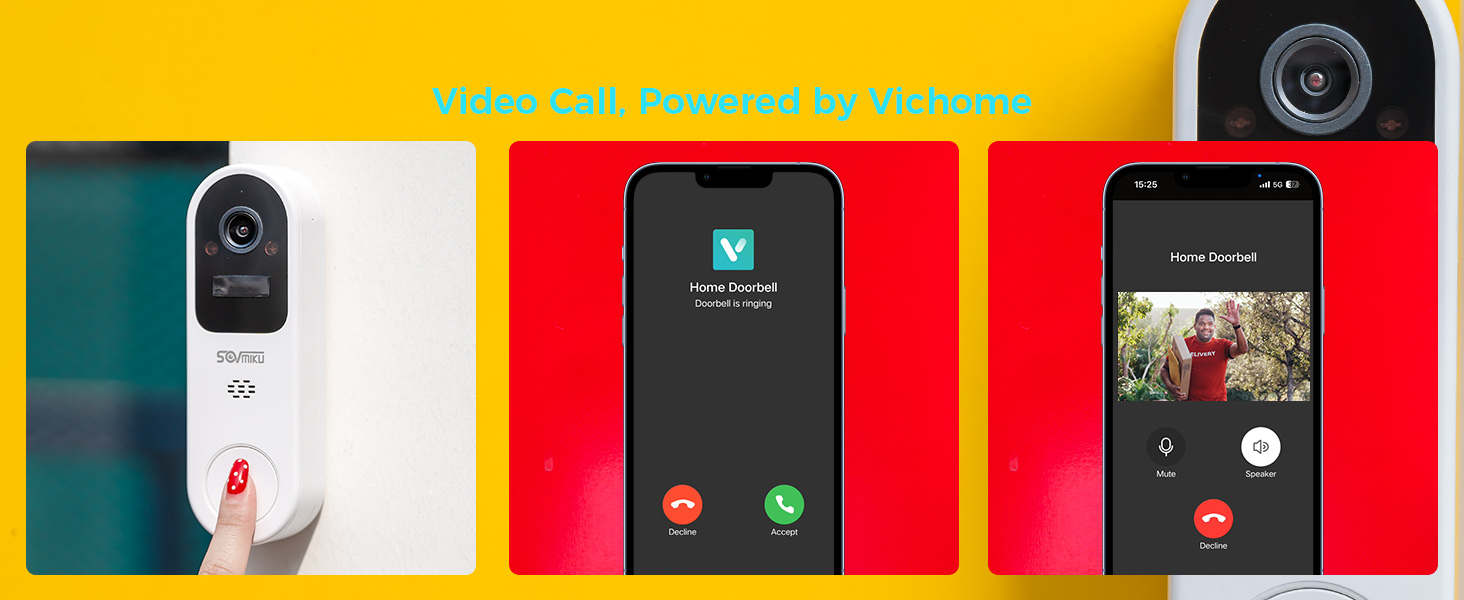
Image 6.1: Visual comparison of 2.4GHz and 5GHz Wi-Fi coverage within a home environment.
6.2 सामान्य प्रश्न
- प्रश्न: मी करू शकतो view the camera without a subscription?
- उत्तर: होय, तुम्ही करू शकता view the camera's live feed without a subscription. Subscriptions are only required for advanced features such as motion detection area customization, person recognition, vehicle recognition, and cloud storage.
- Q: Does this camera have an SD Slot?
- A: No, this doorbell does not include an SD card slot for local storage.
7. तपशील
| वैशिष्ट्य | तपशील |
|---|---|
| मॉडेल | DB3 |
| ठराव | 2K (also supports 1080p) |
| Viewकोन | 150 ° कर्ण |
| वाय-फाय वारंवारता | २.४GHz (IEEE ८०२.११ b/g/n) |
| बॅटरी क्षमता | 4800mAh (2 built-in high-capacity batteries) |
| हवामान प्रतिकार | IP65 (Splash, water, and dust resistant) |
| कार्यरत तापमान | -10°C ते 45°C (14°F ते 113°F) |
| परिमाण | 5.8 इंच x 1.7 इंच x 1.3 इंच |
| वजन | 0.33 पाउंड |
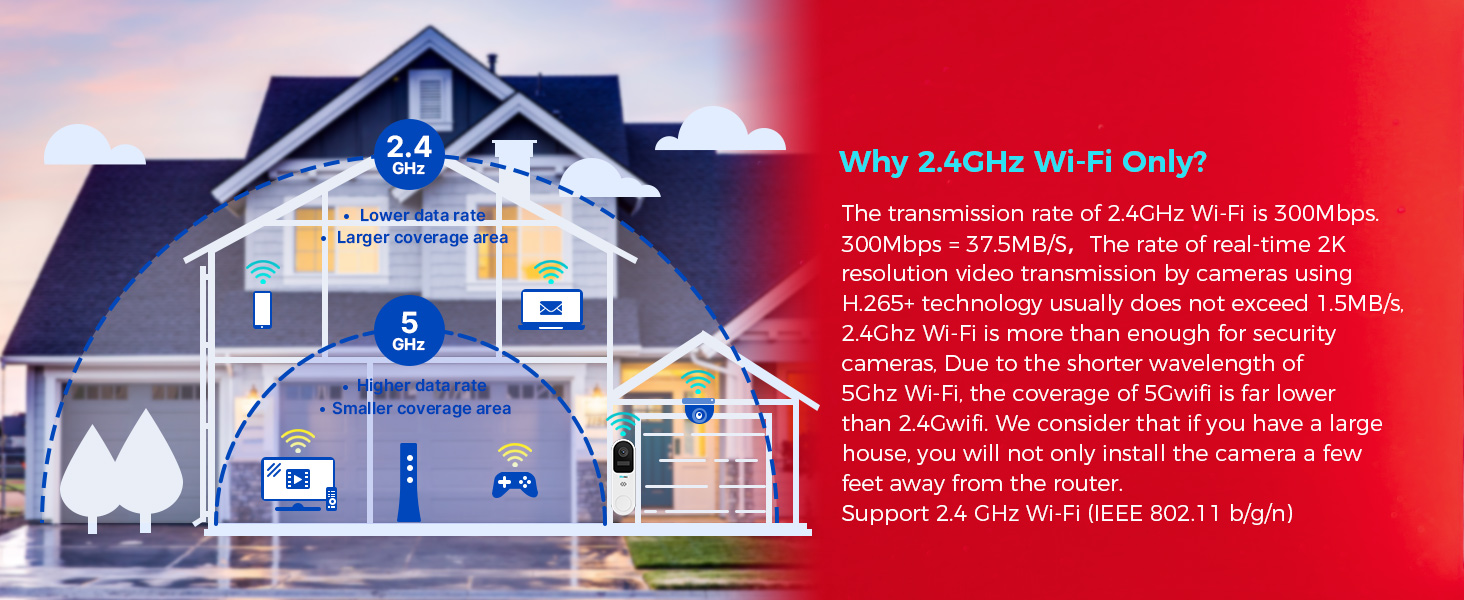
Image 7.1: Visual representation of the doorbell's physical dimensions.
8. हमी आणि समर्थन
8.1 Exchange Policy
SOVMIKU offers a 180-day exchange policy. If you are not satisfied with the product for any reason, you may submit an exchange request. Our support team will provide a resolution within 24 hours.
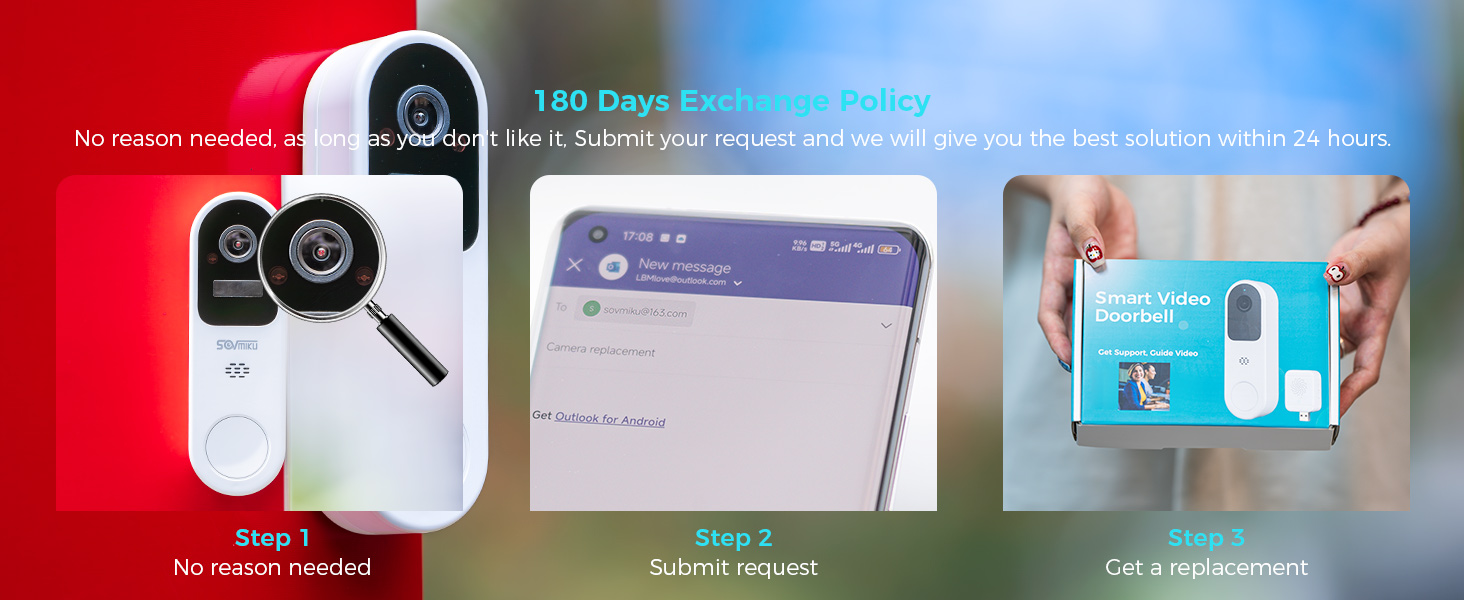
Image 8.1: Steps for utilizing the 180-day exchange policy.
8.2 ग्राहक समर्थन
SOVMIKU is committed to providing excellent customer service. For support, guide videos, or any inquiries, please contact us:
- Email: Sovmiku@163.com
- Visit our official channels on YouTube, TikTok, and Facebook for additional resources and FAQs.
Image 8.2: SOVMIKU customer support team and guide video resources.


