1. परिचय
Thank you for choosing the TIATUA Kids Instant Print Camera, Model S10. This camera is designed to provide a fun and interactive photographic experience for children aged 3-14. It combines digital photography with instant printing capabilities, allowing young users to capture and print memories immediately. This manual provides essential information for safe operation, setup, usage, and maintenance of your new camera.
प्रमुख वैशिष्ट्ये:
- झटपट मुद्रण तंत्रज्ञान: Print photos instantly without ink or toner.
- High-Resolution Capture: 12MP lens for clear images and 1080P HD video recording.
- बहुमुखी कार्ये: Includes photography, video recording, black and white printing, music playback, games, and playback modes.
- सर्जनशील साधने: Fun frames, filters, and DIY coloring options for printed photos.
- टिकाऊ डिझाइन: Covered with a protective silicone case to prevent damage from drops and bumps.
- दीर्घ बॅटरी आयुष्य: Built-in 1000mAh battery provides up to 4 hours of continuous use.
- विस्तारण्यायोग्य स्टोरेज: Comes with an extra 32GB memory card for ample photo and video storage.
2. सुरक्षितता माहिती
Please read and understand all safety precautions before using the camera. Failure to follow these instructions may result in injury or damage to the device.
- प्रौढ पर्यवेक्षण: This camera is designed for children, but adult supervision is recommended during use, especially for younger children.
- गुदमरण्याचा धोका: Keep small parts, such as the memory card, out of reach of very young children to prevent choking.
- बॅटरी सुरक्षा: The camera contains a built-in lithium polymer battery. Do not attempt to replace the battery. Do not expose the camera to extreme temperatures, direct sunlight, or fire.
- चार्जिंग: Use only the provided USB charging cable. Ensure the charging port is dry before connecting the cable.
- पाणी एक्सपोजर: This camera is not waterproof. Avoid contact with water or other liquids.
- स्वच्छता: Clean the camera with a soft, dry cloth. Do not use liquid cleaners or solvents.
- विल्हेवाट: Do not dispose of the camera in household waste. Follow local regulations for electronic waste disposal.
3. उत्पादन घटक
The TIATUA Kids Instant Print Camera package includes the following items:
- TIATUA Kids Instant Print Camera (Pink)
- 3 Rolls of Thermal Print Paper
- 32GB मेमरी कार्ड
- यूएसबी चार्जिंग केबल
- डोरी
- Set of Color Pens

Image: The TIATUA Kids Instant Print Camera in pink, shown with included accessories: three rolls of thermal paper, a 32GB memory card, a USB charging cable, a lanyard, and a set of five color pens.
4. सेटअप
३६ कॅमेरा चार्ज करणे
Before first use, fully charge the camera. Connect the provided USB charging cable to the camera's charging port and the other end to a USB power adapter (not included), computer, or power bank. The charging indicator light will show the charging status. A full charge typically takes a few hours and provides up to 4 hours of usage time.

Image: The TIATUA Kids Instant Print Camera connected via USB cable to a power source, illustrating the charging process and highlighting the 1000mAh battery capacity and 32GB memory card slot.
4.2 मेमरी कार्ड घालणे
The camera comes with a 32GB memory card. Locate the memory card slot on the side of the camera. Insert the memory card with the gold contacts facing down until it clicks into place. To remove, gently push the card in until it springs out.
4.3 Loading Print Paper
The camera uses thermal print paper. Follow these steps to load the paper:
- Open the paper slot cover on the front of the camera.
- Insert a roll of thermal paper into the compartment, ensuring the paper feeds from the bottom and the leading edge is straight.
- Pull a small length of paper (about 1-2 inches) out of the slot.
- Close the paper slot cover firmly until it clicks.
Image: A three-step diagram illustrating how to open the paper slot, insert the thermal paper roll with the correct orientation, and close the cover to prepare for printing.
5. ऑपरेटिंग सूचना
5.1 पॉवर चालू/बंद
Press and hold the power button (usually marked with a power symbol) for a few seconds to turn the camera on or off.
५.२ फोटो काढणे
In photo mode, frame your shot using the 2.4-inch display. Press the shutter button to capture an image. The camera supports continuous shooting and timer shooting.
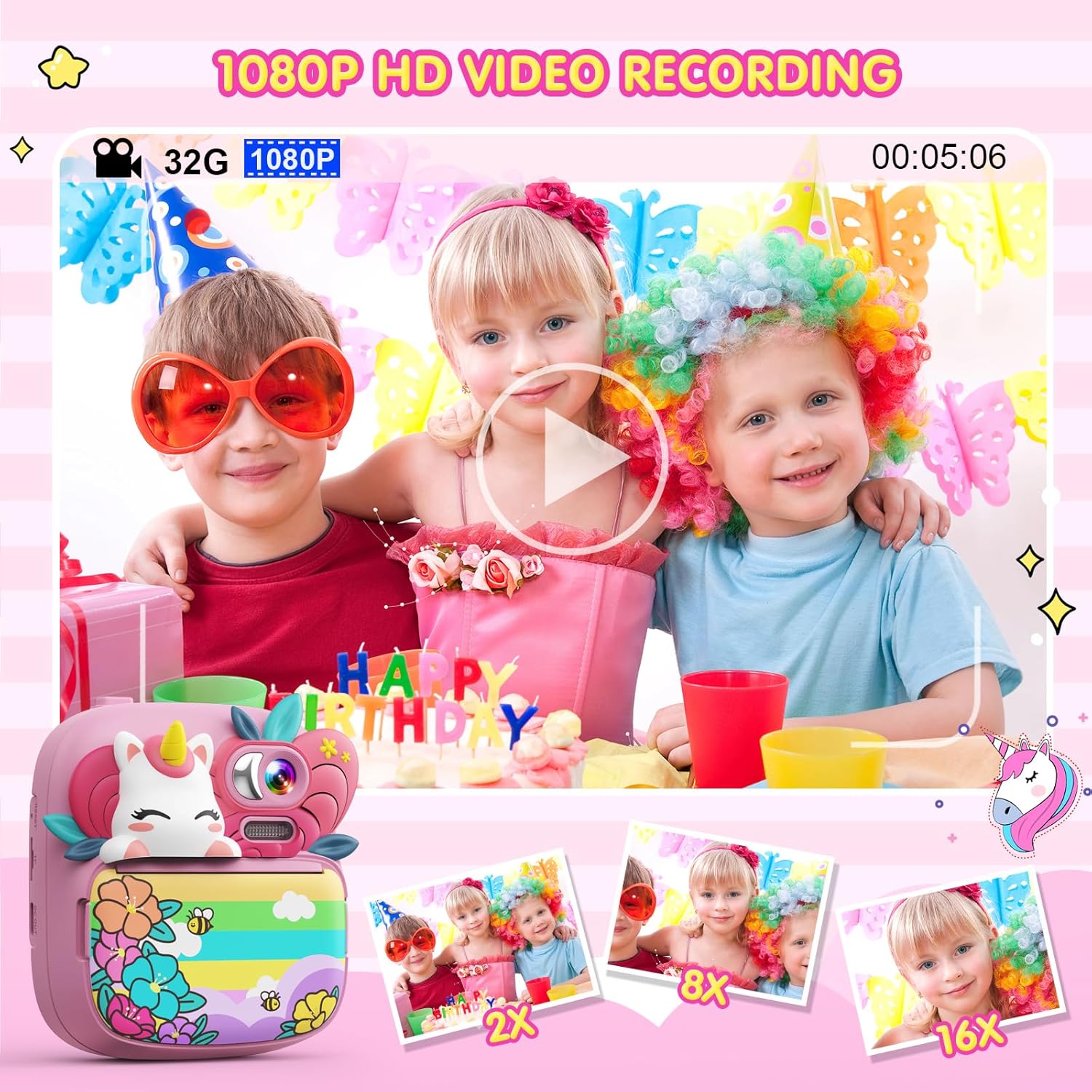
Image: A child holding the TIATUA Kids Instant Print Camera, demonstrating the one-click print photo feature as a black and white photo emerges from the camera.
5.3 रेकॉर्डिंग व्हिडिओ
Switch to video recording mode. Press the record button to start and stop recording. The camera supports 1080P HD video recording.

Image: Three children posing for a video being recorded by the TIATUA Kids Instant Print Camera, highlighting its 1080P HD video recording capability and 16x zoom function.
5.4 Instant Printing
After taking a photo, you can choose to print it instantly. The camera uses inkless thermal printing technology. You can also adjust print density (Low, Middle, High) and choose between Grayscale Mode and Dot Matrix Mode for printing.

Image: An illustration showing the two printing modes (Grayscale and Dot Matrix) and three print density options (Low, Middle, High) available on the TIATUA Kids Instant Print Camera.
३.४ सर्जनशील वैशिष्ट्ये
- Photo Frames & Filters: Apply various fun frames and filters to your photos before printing or saving.
- DIY Coloring: Use the included color pens to decorate your black and white printed photos.
- खेळ: The camera includes 5 puzzle games for entertainment.
- एमपी 3 प्लेयर: The camera supports music playback. Transfer MP3 files to the memory card to use this feature.

Image: A child using the TIATUA Kids Instant Print Camera, with a display of various cute photo frames and color filters that can be applied to images.
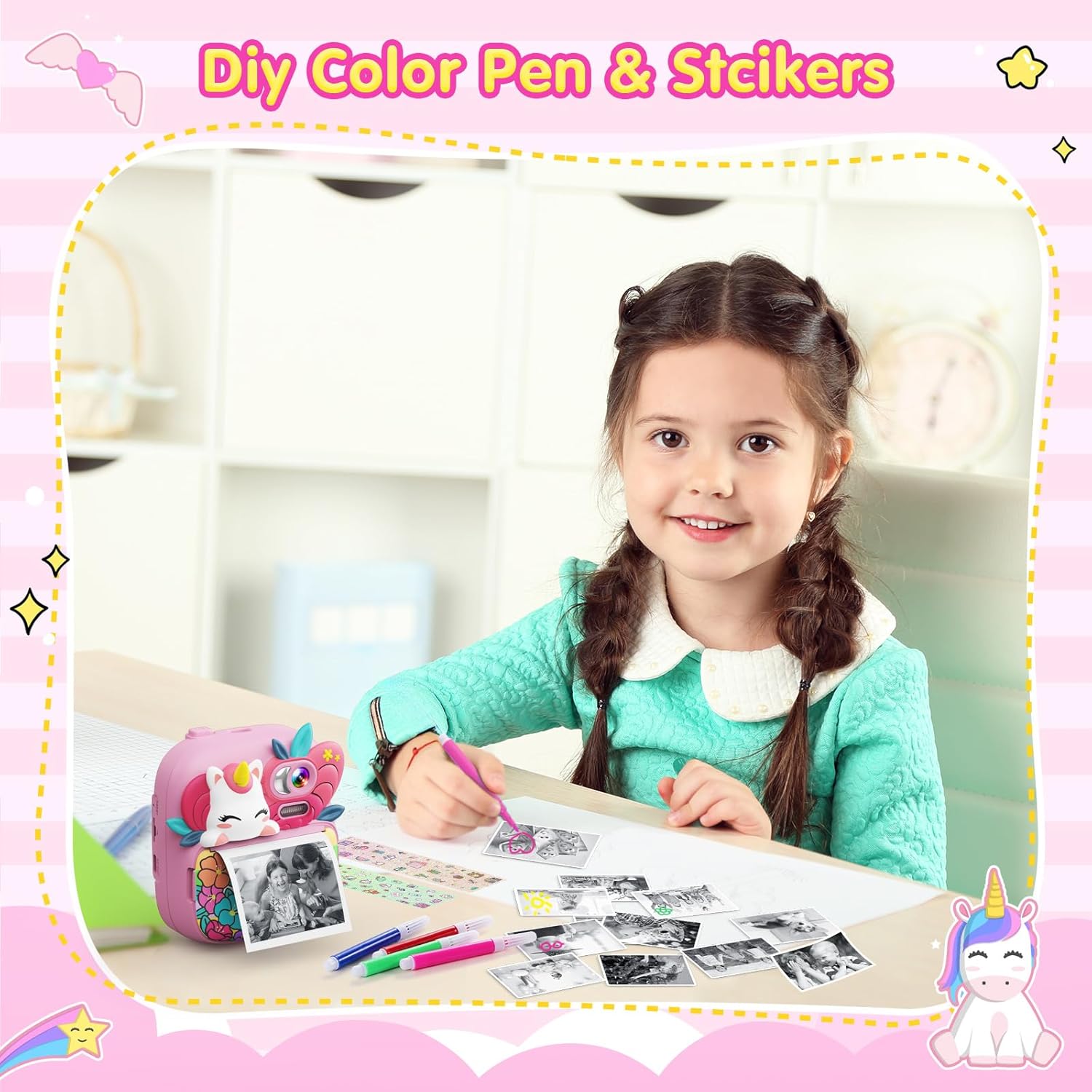
Image: A young girl happily coloring a black and white photo printed from her TIATUA Kids Instant Print Camera, with color pens and stickers laid out.
Image: Two children engaged in playing one of the five built-in puzzle games on the TIATUA Kids Instant Print Camera.
३.१ हस्तांतरण Files
Connect the camera to a computer using the provided USB cable to transfer photos and videos. The camera will appear as a removable disk drive, allowing you to access its contents.
6. देखभाल
- स्वच्छता: Use a soft, lint-free cloth to clean the camera body and screen. Do not use abrasive cleaners or solvents.
- स्टोरेज: वापरात नसताना कॅमेरा थेट सूर्यप्रकाशापासून आणि अति तापमानापासून दूर थंड, कोरड्या जागी ठेवा.
- बॅटरी काळजी: बॅटरीचे आयुष्य वाढवण्यासाठी, बॅटरी वारंवार पूर्णपणे डिस्चार्ज करणे टाळा. कॅमेरा नियमितपणे चार्ज करा, जरी तो बराच काळ वापरात नसला तरीही.
- Paper Storage: Store thermal paper rolls in a cool, dark place to prevent degradation and ensure print quality.
7. समस्या निवारण
| समस्या | संभाव्य कारण | उपाय |
|---|---|---|
| कॅमेरा चालू होत नाही. | बॅटरी संपली आहे. | दिलेल्या USB केबलचा वापर करून कॅमेरा पूर्णपणे चार्ज करा. |
| Screen is white or black. | सॉफ्टवेअरमध्ये बिघाड किंवा हार्डवेअर समस्या. | Try restarting the camera. If the problem persists, contact customer support. |
| Photos are not printing or print quality is poor. | Paper loaded incorrectly, paper roll empty, or print head issue. | Ensure paper is loaded correctly and not empty. Check print density settings. If issues persist, contact support. |
| हस्तांतरित करू शकत नाही fileसंगणकावर s. | USB cable connection issue or camera not recognized. | Ensure the USB cable is securely connected to both the camera and the computer. Try a different USB port. |
| कॅमेरा गोठतो किंवा प्रतिसाद देत नाही. | Temporary software error. | Press and hold the power button to force a shutdown, then restart the camera. |
8. तपशील
| वैशिष्ट्य | तपशील |
|---|---|
| मॉडेलचे नाव | S10 |
| ब्रँड | टियातुआ |
| लेन्स रिझोल्यूशन | 12 मेगापिक्सेल |
| व्हिडिओ रिझोल्यूशन | 1080P HD |
| स्क्रीन आकार | 2.4-inch HD Eye-care Screen |
| ऑप्टिकल झूम | 16x डिजिटल झूम |
| बॅटरी क्षमता | ४०००mAh लिथियम पॉलिमर (समाविष्ट) |
| वापर वेळ | 4 तासांपर्यंत |
| मेमरी कार्ड | 32GB (included) |
| मुद्रण तंत्रज्ञान | इंकलेस थर्मल प्रिंटिंग |
| समर्थित File स्वरूप | JPEG |
| आयटम वजन | ११.३ औंस (अंदाजे ३२० ग्रॅम) |
| पॅकेजचे परिमाण | 8.27 x 5.63 x 2.2 इंच |
9. हमी आणि समर्थन
The TIATUA Kids Instant Print Camera comes with a one-year after-sales maintenance period. For any product-related issues, technical support, or warranty claims, please contact TIATUA customer service through the retailer where you purchased the product or visit the official TIATUA store page on Amazon for further assistance.
अधिक माहिती आणि समर्थनासाठी, तुम्ही येथे भेट देऊ शकता TIATUA Store on Amazon.


