1. परिचय
Thank you for choosing Herdio 6.5-inch Indoor Outdoor Bluetooth Speakers. This manual provides essential information for the proper setup, operation, and maintenance of your speakers. Please read it thoroughly before use to ensure optimal performance and longevity of your product.
These speakers are designed for versatile use, featuring Bluetooth 5.3 connectivity, IP66 marine-grade waterproofing, and a 2-way full-range audio system with a 6.5-inch woofer and 1.0-inch PET dome tweeter.
2. पॅकेज सामग्री
पॅकेजमध्ये सर्व वस्तू आहेत का ते तपासा:
- 2 x Herdio 6.5-inch Indoor Outdoor Speakers (1 active, 1 passive)
- 1 x PWR-24V3A-US Power Adapter
- 1 x 16FT/5M Speaker Cable
- १ x मालकाचे मॅन्युअल (हे दस्तऐवज)
- Mounting Brackets and Hardware (screws/nails)

४. सेटअप सूचना
४. स्पीकर्स बसवणे
The speakers come with adjustable mounting brackets for wall installation. Ensure the mounting surface is sturdy enough to support the weight of the speakers.
- Remove the Bracket: Turn the knob on the side of the speaker counter-clockwise to loosen and remove the mounting bracket.
- ब्रॅकेट सुरक्षित करा: Position the bracket on your desired mounting location. Use appropriate nails or screws (provided) to securely fix the bracket to the wall.
- स्पीकर संलग्न करा: Place the speaker onto the secured bracket. Tighten the knob clockwise to firmly secure the speaker in place. Adjust the speaker angle as needed before fully tightening.


२. स्पीकर्सना वायरिंग करणे
The system includes one active speaker (with amplifier and Bluetooth) and one passive speaker. The passive speaker connects to the active speaker using the provided speaker cable.
- स्पीकर केबल कनेक्ट करा: Identify the speaker cable (red for positive, black for negative). Connect the red wire to the red terminal and the black wire to the black terminal on both the active and passive speakers. Ensure a secure connection.
- वीज कनेक्शन: Plug the PWR-24V3A-US power adapter into the DC 24V IN port on the active speaker. Then, plug the power adapter into a suitable power outlet.


3.3. ब्लूटूथ पेअरिंग
Once powered on, the active speaker will enter Bluetooth pairing mode, indicated by an audible prompt.
- ब्लूटूथ सक्रिय करा: तुमच्या मोबाईल डिव्हाइसवर (स्मार्टफोन, टॅबलेट, लॅपटॉप), ब्लूटूथ सक्षम करा.
- डिव्हाइस निवडा: साठी शोधा available Bluetooth devices. You should see 'HOS602' in the list. Select it to initiate pairing.
- कनेक्शनची पुष्टी करा: Once paired, an audible confirmation will sound, and your device will show 'HOS602' as connected for media audio.
४. ट्रू वायरलेस स्टीरिओ (TWS) पेअरिंग
For a stereo configuration with two active speakers (purchased separately), use the TWS function.
- Power On Both Speakers: Ensure both active speakers are powered on and in Bluetooth pairing mode.
- Activate TWS: On the back of one active speaker, locate the TWS/Reset button. A short press will illuminate the light and activate TWS functionality. The speakers will automatically attempt to pair with each other.
- डिव्हाइसशी कनेक्ट करा: Once the two active speakers are paired in TWS mode, connect your mobile device to one of the speakers via Bluetooth as described in Section 3.3.
4. ऑपरेटिंग सूचना
4.1. मूलभूत ऑपरेशन
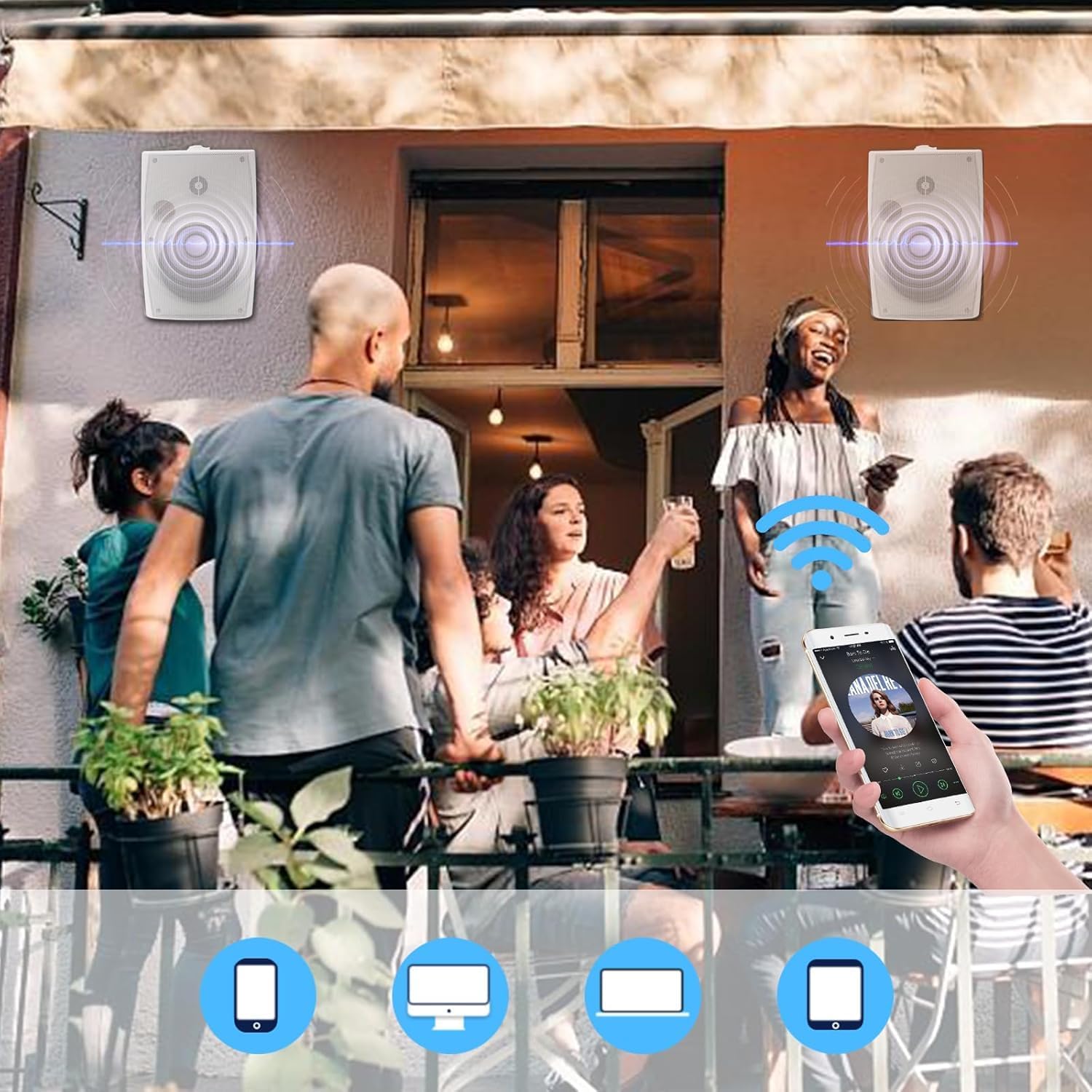
After successful Bluetooth pairing, you can control music playback directly from your connected device. Adjust volume, skip tracks, and pause/play using your device's media controls.
4.2. पॉवर चालू/बंद
The speakers power on automatically when connected to the power adapter and power is supplied. To power off, disconnect the power adapter from the outlet.
5. देखभाल
७.२. साफसफाई
मऊ सह स्पीकर्स पुसणे, डीamp cloth. Do not use harsh chemicals or abrasive cleaners, as these can damage the finish or internal components.
५.१. वॉटरप्रूफिंग
The speakers feature an IP66 marine-grade waterproof rating, making them suitable for outdoor use in various weather conditions, including rain and snow. The Bluetooth motherboard is also coated with triple-proof paint for added protection against moisture.

5.3. Power Adapter Care
The provided power adapter is generally designed for indoor use. If installing the speakers outdoors, ensure the power adapter is protected from direct exposure to rain, snow, or extreme moisture. Consider housing it in a weatherproof enclosure if outdoor placement is unavoidable.
6. समस्या निवारण
- शक्ती नाही: Ensure the power adapter is securely plugged into both the active speaker and a working power outlet. Check if the outlet has power.
- आवाज नाही: Verify that the speakers are properly wired (red to red, black to black). Ensure your Bluetooth device is connected and the volume is turned up on both the device and the speakers.
- ब्लूटूथ पेअरिंग समस्या: Make sure the speakers are in pairing mode. If you have previously paired the speakers with another device, disconnect them from that device first. Try restarting your Bluetooth device and the speakers.
- TWS पेअरिंग समस्या: Ensure both speakers are active and within range. Perform a system reset if TWS pairing fails repeatedly.
- सिस्टम रीसेट: To restore the active speaker to factory settings, press and hold the TWS/Reset button on the back of the master unit for 3 seconds.
7. तपशील
| वैशिष्ट्य | तपशील |
|---|---|
| मॉडेलचे नाव | HOS-602WBT (SZJW-US-602WBT) |
| स्पीकरचा प्रकार | Outdoor (Indoor/Outdoor) |
| विशेष वैशिष्ट्य | Waterproof (IP66 Marine-Grade) |
| कनेक्टिव्हिटी तंत्रज्ञान | ब्लूटूथ 5.3 |
| स्पीकरचा आकार | 6.5 इंच |
| वूफर | 6-inch Injection-Molded Polypropylene (PP) Cone with Rubber Surround |
| ट्वीटर | 1.0-inch PET Dome Tweeter |
| स्पीकर कमाल आउटपुट पॉवर | 400 वॅट्स (पीक) |
| ऑडिओ आउटपुट मोड | स्टिरिओ |
| उत्पादनाची परिमाणे (L x W x H) | 11.81" (30cm) x 8.27" (21cm) x 6.69" (17cm) |
| आयटम वजन | 12.94 पौंड (5.88 किलोग्रॅम) |
| माउंटिंग प्रकार | वॉल माउंट |
| उर्जा स्त्रोत | Battery Powered (via included power adapter) |
१०. व्हिडिओ मार्गदर्शक
For a visual demonstration of the setup and features, please refer to the official product video below:
9. हमी आणि समर्थन
Herdio products are manufactured with quality and performance in mind. For specific warranty details, please refer to the warranty card included with your purchase or visit the official Herdio website. If you encounter any issues or require technical assistance, please contact Herdio customer support through their official channels.


