परिचय
This manual provides essential instructions for the safe and efficient use of your iTEKIRO AC Adapter, Model HXY065-19. This adapter is designed to provide reliable power to compatible laptops, including various EVOO EVC156 series and AVITA Clarus Liber models. Please read this manual thoroughly before using the product.
महत्वाची सुरक्षितता माहिती
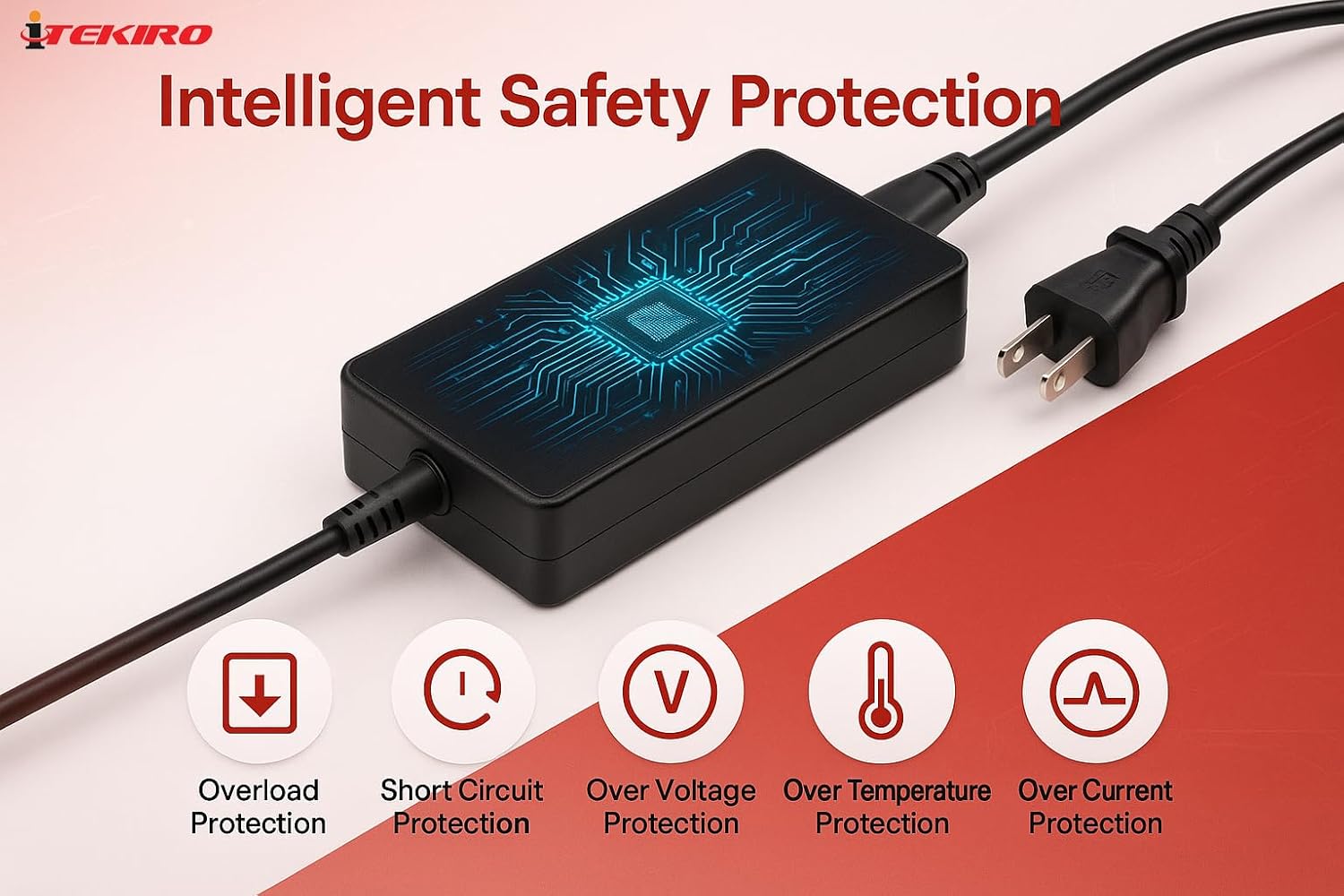
- खंडtagई सुसंगतता: This 19V adapter is नाही compatible with laptops requiring 5V or 12V input. Always verify the input voltage requirement on your laptop's bottom label or manufacturer's specifications before connecting the adapter. Incorrect voltagई आपले डिव्हाइस खराब करू शकते.
- फक्त अंतर्गत वापर: This adapter is designed for indoor use in dry conditions. Do not expose it to rain, moisture, or extreme temperatures.
- योग्य कनेक्शन: Connect the adapter only to grounded outlets. Ensure the AC power cord is fully inserted into both the adapter and the wall outlet.
- ओव्हरलोडिंग टाळा: इलेक्ट्रिकल आउटलेट किंवा एक्स्टेंशन कॉर्ड ओव्हरलोड करू नका.
- केबल केअर: Do not place heavy objects on the power cord or allow it to be pinched or sharply bent. Avoid placing the cord in high-traffic areas where it could be tripped over.
- डिस्कनेक्शन: Always grasp the plug, not the cord, when disconnecting the adapter from the power source.
- नुकसान: Do not use the adapter if the cord or plug is damaged. Contact customer support for assistance.
- वायुवीजन: Ensure adequate ventilation around the adapter during use. Do not cover it or place it in an enclosed space that could restrict airflow.
पॅकेज सामग्री
तुमच्या पॅकेजमध्ये सर्व वस्तू आहेत का ते तपासा:
- iTEKIRO AC Adapter (Model HXY065-19)
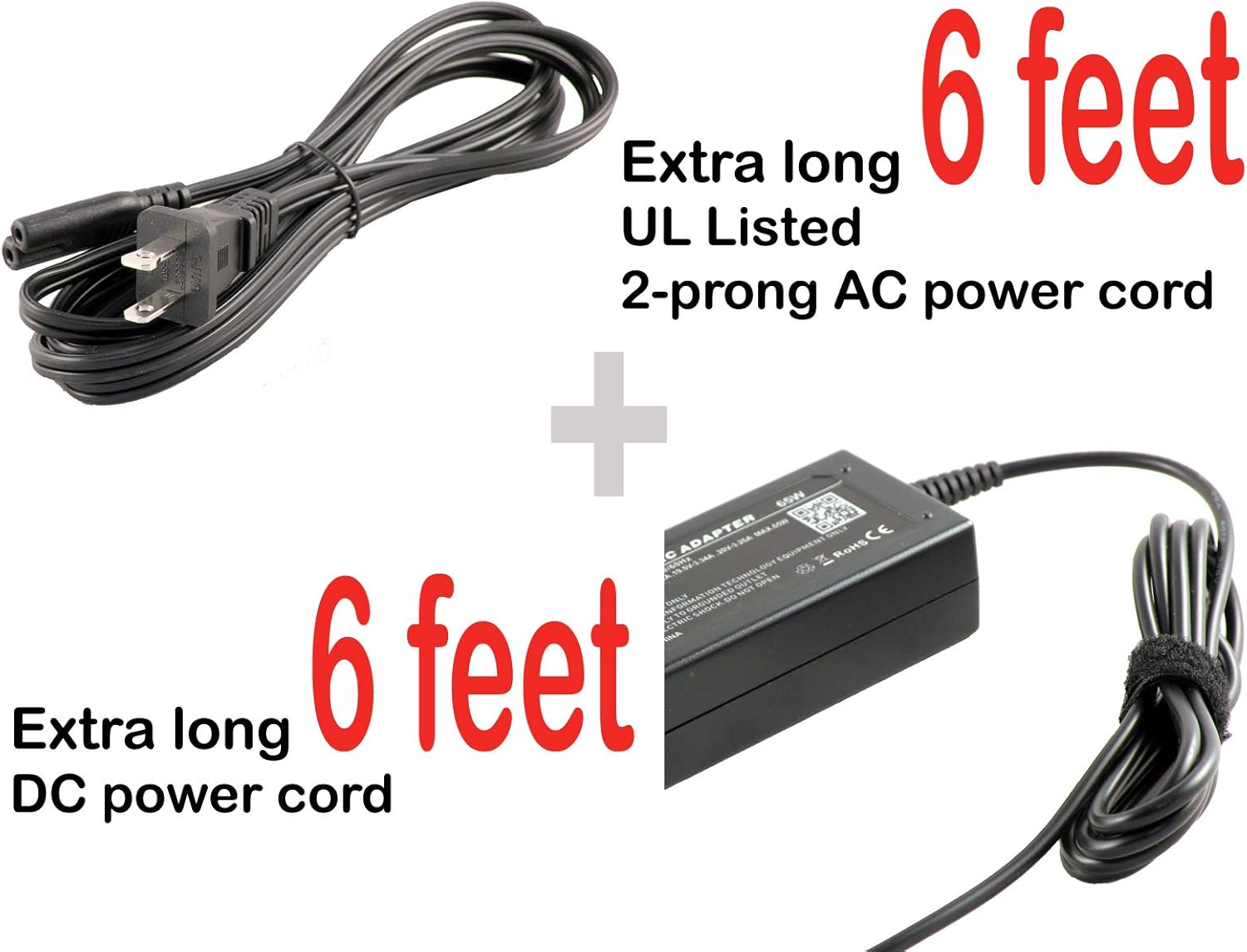
- 2-prong U.S. AC Power Cord (UL listed, 6 ft)

सेटअप सूचना
- एसी पॉवर कॉर्ड कनेक्ट करा: Insert the 2-prong U.S. AC power cord firmly into the AC input port on the iTEKIRO AC adapter.
- वॉल आउटलेटशी कनेक्ट करा: Plug the other end of the 2-prong AC power cord into a standard, grounded 100-240V AC wall outlet.
- लॅपटॉपशी कनेक्ट करा: Carefully insert the proprietary barrel plug of the DC output cord into the power input port on your compatible laptop. Ensure the connection is secure.
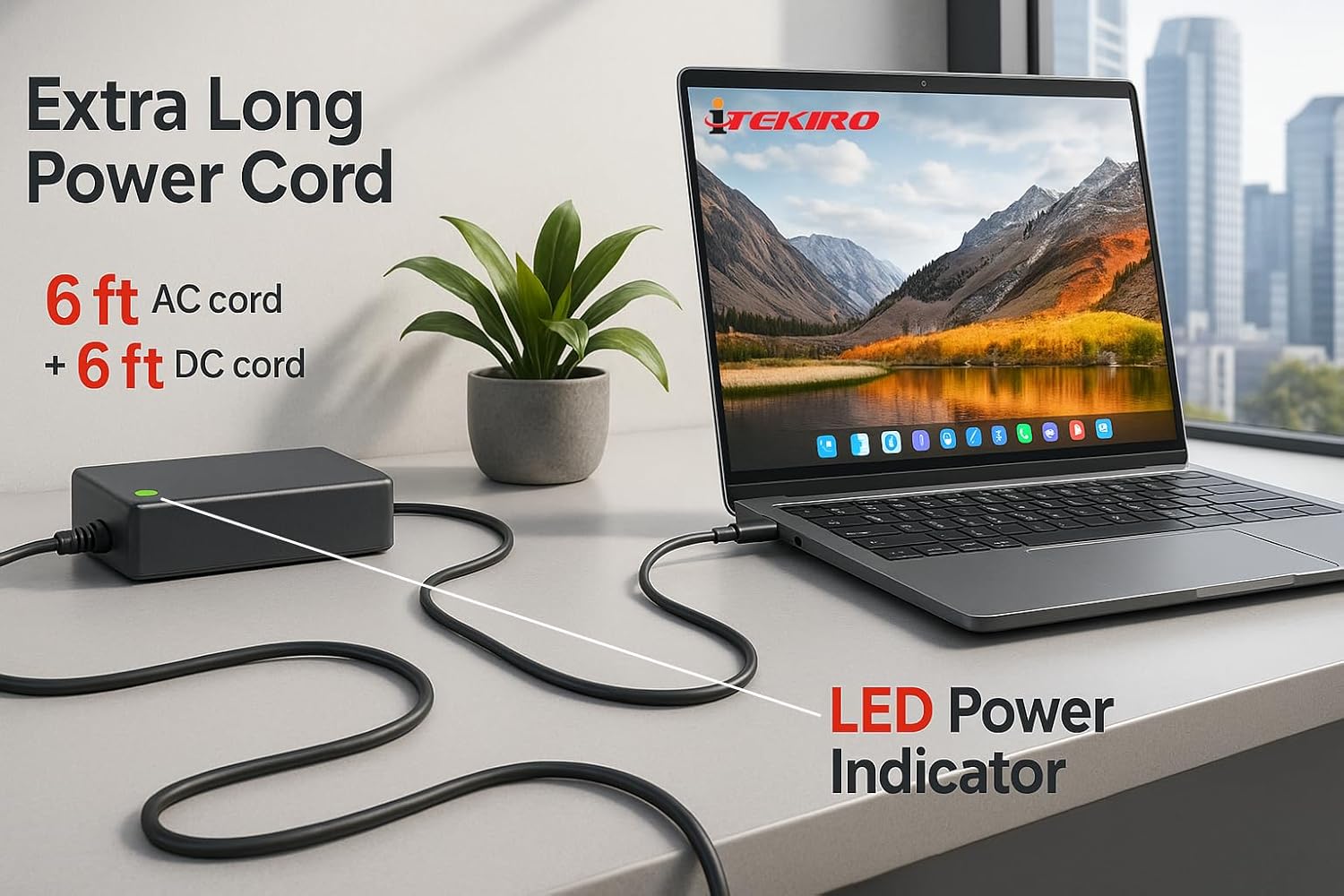
- शक्ती सत्यापित करा: Once connected, the LED power indicator on the adapter should illuminate, indicating that power is being supplied.
ऑपरेटिंग सूचना
The iTEKIRO AC Adapter is designed for simple plug-and-play operation:
- Once properly connected to a power source and your laptop, the adapter will automatically begin supplying power and charging your laptop's battery (if applicable).
- The adapter features an एलईडी पॉवर इंडिकेटर. When the adapter is receiving power and functioning correctly, this LED will illuminate (typically green).
- The extra-long 6 ft AC power cord and 6 ft DC power cord provide flexibility in positioning your laptop and adapter.
देखभाल
To ensure the longevity and optimal performance of your iTEKIRO AC Adapter, follow these maintenance guidelines:
- स्वच्छता: साफसफाई करण्यापूर्वी अॅडॉप्टरला सर्व वीज स्रोतांपासून डिस्कनेक्ट करा. बाहेरील भाग पुसण्यासाठी मऊ, कोरड्या कापडाचा वापर करा. द्रव क्लीनर किंवा सॉल्व्हेंट्स वापरू नका.
- स्टोरेज: When not in use, store the adapter in a cool, dry place. Avoid tightly wrapping the cords, as this can cause damage over time. Use the included hook-and-loop fastener to neatly bundle the cords.
- तपासणी: Periodically inspect the power cords and adapter casing for any signs of damage, such as cuts, fraying, or cracks. If damage is found, discontinue use and replace the adapter.
- पर्यावरणीय परिस्थिती: Avoid exposing the adapter to extreme temperatures, direct sunlight, or high humidity.
समस्यानिवारण
If you encounter issues with your iTEKIRO AC Adapter, refer to the following common troubleshooting steps:
| समस्या | संभाव्य कारण | उपाय |
|---|---|---|
| Adapter LED is off, laptop not charging. | No power from wall outlet; loose connection; damaged cord/adapter. |
|
| Laptop not charging, but adapter LED is on. | चुकीचे खंडtage/amperage; laptop's charging port issue; laptop battery issue. |
|
| Adapter feels excessively hot. | Poor ventilation; adapter overload; internal fault. |
|
If these steps do not resolve the issue, please contact iTEKIRO customer support.
तपशील
| ब्रँड | iTEKIRO |
| मॉडेल क्रमांक | HXY065-19 |
| इनपुट व्हॉल्यूमtage | १००-१२० व्होल्ट (एसी) |
| आउटपुट व्हॉल्यूमtage | 19 व्होल्ट (DC) |
| वाटtage | 65 वॅट्स |
| कनेक्टर प्रकार | Proprietary Barrel Plug |
| सुसंगत साधने | Laptops (EVOO EVC156 series, AVITA Clarus Liber series, etc., requiring 19V) |
| विशेष वैशिष्ट्य | Long Power Cord (6 ft AC + 6 ft DC) |
| सुरक्षा प्रमाणपत्र | UL Listed (AC power cord) |
| रंग | काळा |
| आयटम वजन | 4 pounds (Note: This weight is as provided in product data.) |
हमी आणि समर्थन
Your iTEKIRO AC Adapter comes with comprehensive coverage:
- मनी-बॅक गॅरंटी: A full money-back guarantee is included.
- Replacement Coverage: One year of hassle-free replacement coverage is provided.
For warranty claims, technical assistance, or any product-related inquiries, please contact iTEKIRO customer support through the retailer where the product was purchased or visit the official iTEKIRO webसंपर्क माहितीसाठी साइट.


