परिचय
This manual provides comprehensive instructions for the setup, operation, maintenance, and troubleshooting of your Sonew Home Burglar Alarm System Control Keypad. Please read this manual thoroughly before using the product to ensure proper function and safety.
उत्पादन संपलेview
The Sonew Home Burglar Alarm System Control Keypad is designed to enhance the security of your home or apartment. It features a user-friendly interface with a microprocessor for efficient control. Key features include adjustable light brightness, multiple doorbell zones, and emergency alarm buttons.
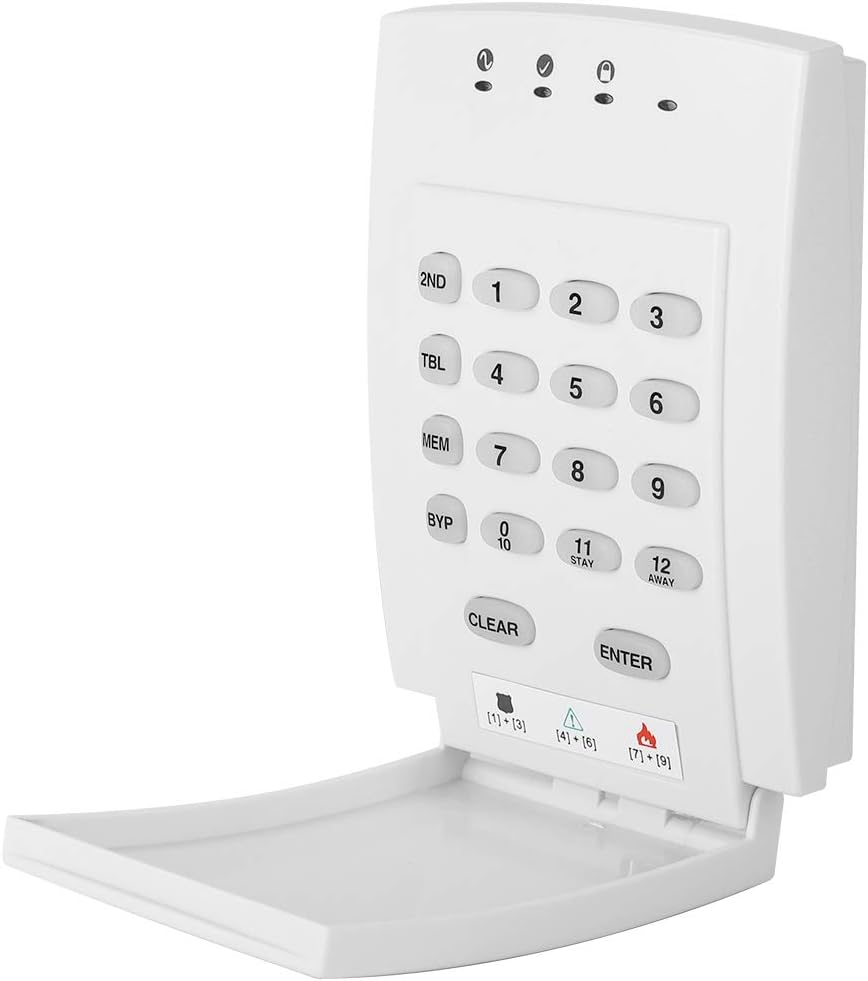
Figure 1: Sonew Home Burglar Alarm System Control Keypad. This image displays the white control keypad with numbered buttons (1-12), function keys (2ND, TBL, MEM, BYP, CLEAR, ENTER), and indicator lights at the top. The bottom flap is open, revealing additional alarm status indicators.
सेटअप
1. अनबॉक्सिंग आणि प्रारंभिक तपासणी
Carefully unpack all components and inspect for any damage. The package should include: 1 Burglar alarm system keyboard, 1 Digital card, and 1 User Manual.
2. वीज जोडणी
Connect the keypad to an AC power source. The keypad features an AC indicator for power status. This device is designed for low power consumption.

Figure 2: Sonew Keypad in a bedroom setting, highlighting its low power consumption and AC display. The keypad is shown with its bottom flap open, indicating power status.
3. स्थापना स्थान
Choose a central location within your home for optimal coverage. The keypad is designed with a fireproof enclosure for safety.
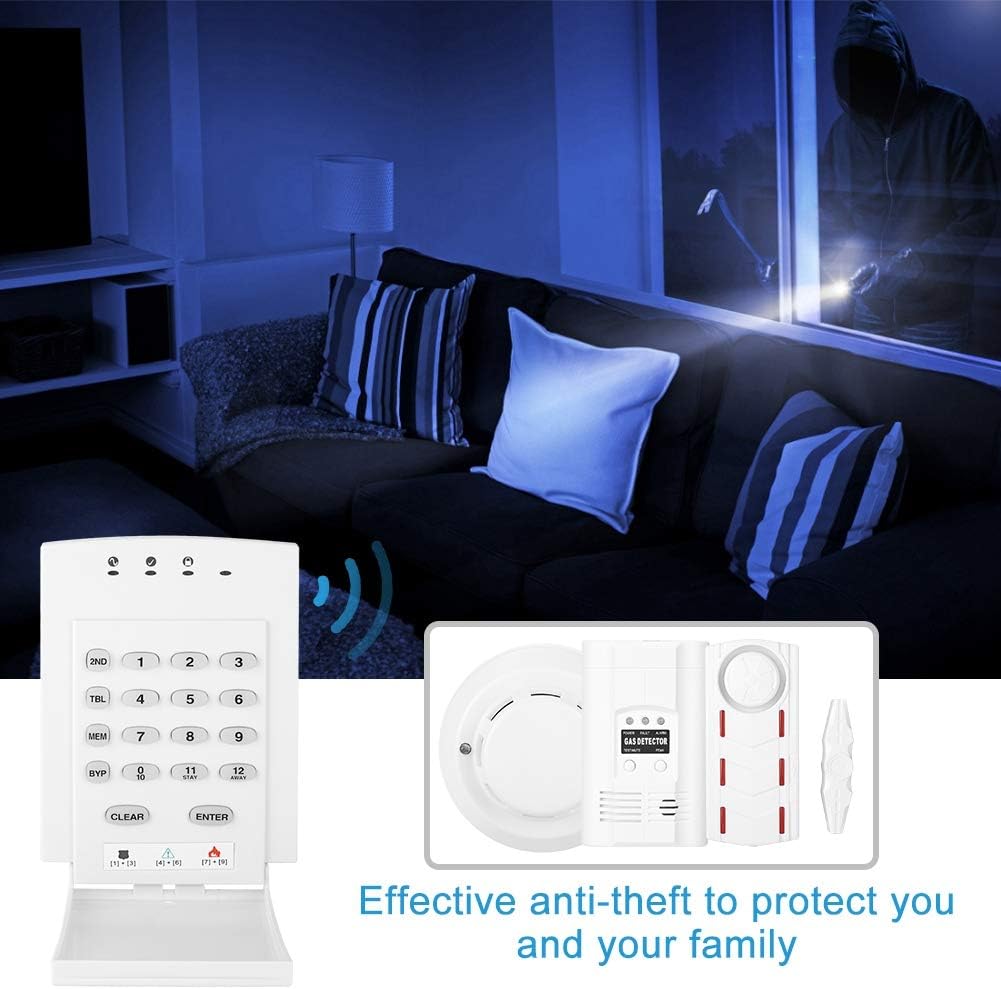
Figure 3: A white keypad shown with a visual effect of cracking ground beneath it, emphasizing its fireproof enclosure and durability.
4. Wiring (if applicable)
The keypad is designed to be used with a Paradox alarm host. Ensure proper wiring connections as per the Paradox system's requirements. Refer to the wiring diagram on the back of the keypad or in the detailed user manual for your Paradox host.

Figure 4: The back panel of the Sonew keypad, showing the internal wiring connections with colored wires visible through an opening. This illustrates the wiring points for integration with an alarm system.
ऑपरेटिंग सूचना
1. Basic Arming and Disarming
The keypad is controlled by a reduced instruction set microprocessor, making operations simple. Most features can be activated by pressing a single button.
Refer to the digital card provided for quick reference on common commands.

Figure 5: The Sonew keypad shown next to a digital card with instructions for programming time, master code, and arming/disarming status indicators.
2. Zone Status Indicators
The lights of the key lamp 1-12 represent the state of real zone numbers 1-12 or 13-24, providing a clear and easy-to-understand status display.
3. Setting Doorbell Zones
Up to 4 doorbell zones can be set. Consult your Paradox alarm host manual for specific programming steps.
4. Emergency Alarm Buttons
The system includes 3 groups of emergency alarm buttons for immediate alerts.
5. Adding Remote Controls and Sensors
The system supports adding remote controls, door sensors, motion detectors, and RFID cards. Follow the on-screen prompts on the keypad to add new devices.
Video 1: This video demonstrates how to program sensors for the D1D9 alarm system, including adding remote controls, door sensors, motion detectors, and RFID cards. It shows the step-by-step process on the keypad interface.
देखभाल
७.२. साफसफाई
Wipe the keypad surface with a soft, dry cloth. Avoid using abrasive cleaners or solvents.
2. Power Supply Check
Regularly check the AC indicator to ensure continuous power supply. In case of power outage, ensure your Paradox alarm host has backup battery functionality.
3. Battery Replacement (if applicable for connected sensors)
If using battery-powered sensors with your Paradox host, replace batteries as recommended by the sensor manufacturer to ensure optimal performance.
Video 2: This video provides a detailed tutorial on the full functionality settings of the MH306V alarm system, which may include battery management for connected components.
समस्यानिवारण
1. Keypad Unresponsive
Check the AC power indicator. Ensure the keypad is properly connected to the power source. If the issue persists, consult the Paradox alarm host manual.
2. Alarm Not Triggering
Verify that all sensors are correctly installed and paired with the Paradox alarm host. Check sensor batteries. Ensure the system is armed correctly.
८.४. खोटे अलार्म
Inspect sensors for proper placement and ensure they are not obstructed. Adjust sensitivity settings on motion detectors if available through the Paradox host.
4. Compatibility Issues
This product is designed to be used exclusively with a Paradox alarm host. Compatibility with other systems is not guaranteed.
तपशील
| वैशिष्ट्य | तपशील |
|---|---|
| ब्रँड | सोनव |
| मॉडेल | B07WT58XMY |
| परिमाण | Approx. 135*97*32mm / 5.3*3.8*1.3in |
| वजन | अंदाजे 192 ग्रॅम |
| साहित्य | Plastic (Fireproof enclosure) |
| नियंत्रण पद्धत | स्पर्श करा |
| सुसंगत साधने | Paradox alarm host (Smartphone for notifications if integrated with host) |
| वीज वापर | Low, with AC display |
| Doorbell Zones | 4 (समायोज्य) |
| आणीबाणी बटणे | 3 गट |
| UPC | 789904612051 |
हमी आणि समर्थन
For warranty information and technical support, please refer to the documentation provided with your Paradox alarm host or contact Sonew customer service. Keep your purchase receipt for warranty claims.
टीप: Please allow 1-3cm error due to manual measurement. Monitors are not calibrated same, item color displayed in photos may be showing slightly different from the real object. Please take the real one as standard.