परिचय
This manual provides essential instructions and information for users of the Apple iPhone XS and iPhone XS Max. It covers initial setup, basic operation, key features of iOS 12, and tips for maximizing your device's potential. Please read this guide thoroughly to ensure proper use and understanding of your new iPhone.
उत्पादन संपलेview
The iPhone XS and iPhone XS Max represent a significant advancement in smartphone technology, featuring a powerful A12 Bionic chip, advanced camera systems, and an all-screen design. This manual serves as your guide to exploring these capabilities.
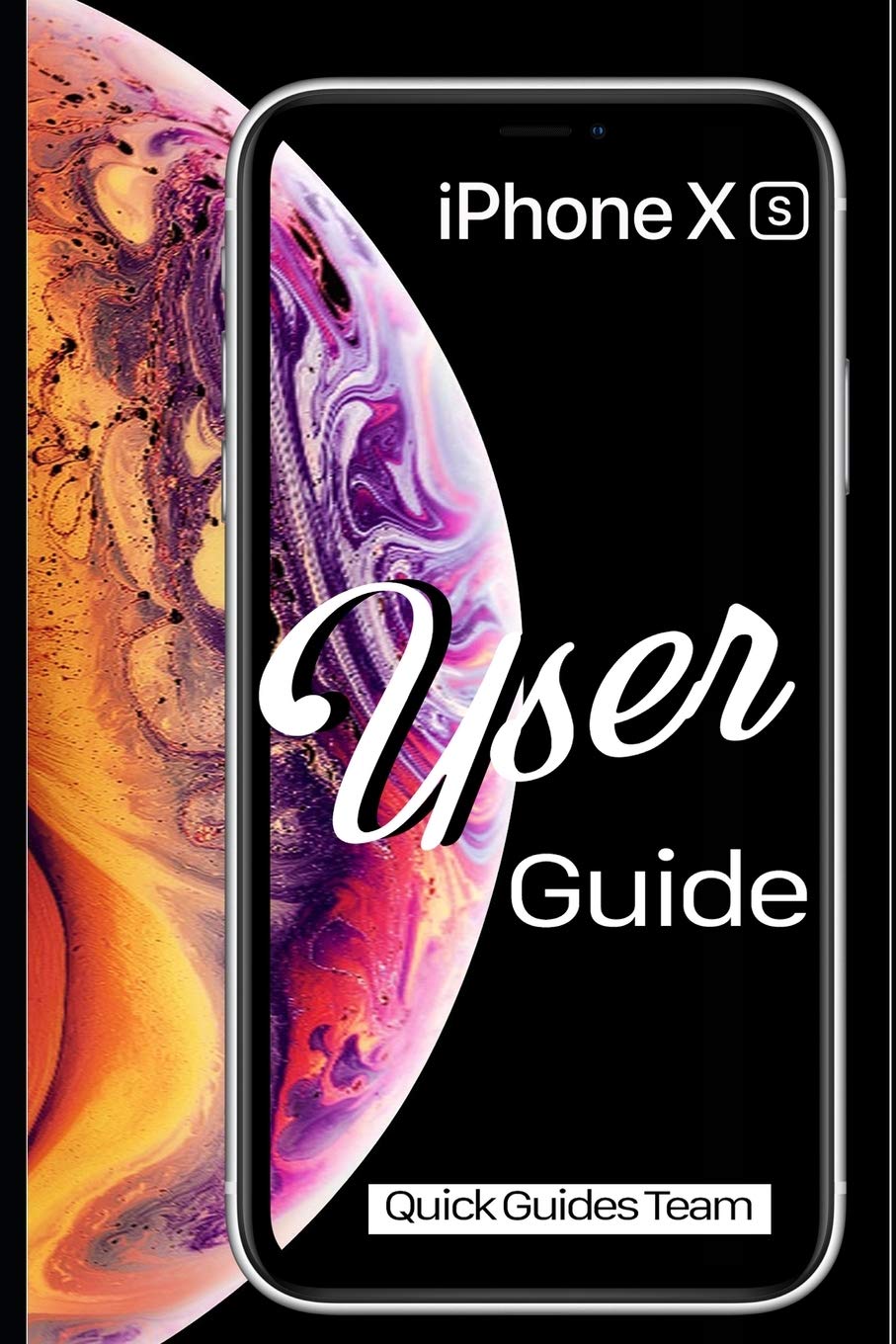
Image 1: Front cover of the Apple iPhone XS User Manual. This image displays the iPhone XS with its vibrant display and the manual's title.

Image 2: Back cover of the Apple iPhone XS User Manual. The back cover is plain black and includes the ISBN-13 barcode: 978-1091970465.
सेटअप
- पॉवर चालू: Apple लोगो दिसेपर्यंत बाजूचे बटण दाबा आणि धरून ठेवा.
- प्रारंभिक कॉन्फिगरेशन: तुमची भाषा, प्रदेश निवडण्यासाठी आणि वाय-फाय नेटवर्कशी कनेक्ट करण्यासाठी ऑन-स्क्रीन सूचनांचे अनुसरण करा.
- फेस आयडी सेटअप: Configure Face ID for secure authentication and Apple Pay.
- डेटा ट्रान्सफर: Choose to restore from an iCloud or iTunes backup, or set up as a new iPhone.
- ऍपल आयडी: Sign in with your existing Apple ID or create a new one. This is essential for accessing the App Store, iCloud, and other Apple services.
Operating Your iPhone XS
Basic Gestures and Navigation
- टॅप करा: Select an item or activate a button.
- Swipe Up (from bottom edge): होम स्क्रीनवर जा.
- Swipe Up and Pause (from bottom edge): View all open apps (App Switcher).
- Swipe Down (from top-right corner): नियंत्रण केंद्र उघडा.
- Swipe Down (from top-center): सूचना केंद्र उघडा.
- चिमूटभर: फोटो झूम इन किंवा आउट करा आणि web पृष्ठे
Home Screen and Apps
The Home screen is where you access all your applications. You can organize apps into folders, search for apps using Spotlight Search (swipe down from the middle of the Home screen), and customize your app layout.
- अॅप्स उघडणे: Tap an app icon.
- Closing Apps: From the App Switcher, swipe an app card upwards.
- ॲप स्टोअर: Download new applications and games.
सेटिंग्ज
The Settings app allows you to customize your iPhone's behavior, connectivity, and privacy. Key settings include:
- वाय-फाय आणि ब्लूटूथ: Manage wireless connections.
- सूचना: Control how apps alert you.
- डिस्प्ले आणि ब्राइटनेस: Adjust screen appearance.
- बॅटरी: Monitor battery usage and health.
- फेस आयडी आणि पासकोड: Manage security settings.
कॅमेरा वैशिष्ट्ये
The iPhone XS camera system offers advanced photography capabilities. New photo modes and features in iOS 12 enhance your ability to capture stunning images and videos.
- पोर्ट्रेट मोड: Create professional-looking photos with a depth-of-field effect.
- Smart HDR: Automatically capture more detail in highlights and shadows.
- व्हिडिओ रेकॉर्डिंग: Record 4K video at up to 60 fps.
आवश्यक अनुप्रयोग
- सफारी: Browse the internet securely.
- मेल: Manage your email accounts.
- संदेश: Send and receive text messages and iMessages.
- फेसटाइम: Make video and audio calls to other Apple users.
- Files: Access and organize documents across various cloud services.
- माझे शोधा: Locate your devices or share your location with friends.
देखभाल
- स्वच्छता: तुमचा आयफोन स्वच्छ करण्यासाठी मऊ, लिंट-फ्री कापड वापरा. अपघर्षक पदार्थ किंवा कठोर रसायने टाळा.
- सॉफ्टवेअर अपडेट्स: Regularly update iOS to the latest version for security enhancements and new features. Go to सेटिंग्ज > सामान्य > सॉफ्टवेअर अपडेट.
- बॅटरी काळजी: Optimize battery life by managing background app refresh, reducing screen brightness, and enabling Low Power Mode when needed.
- डेटा बॅकअप: Regularly back up your iPhone to iCloud or a computer using iTunes to prevent data loss.
समस्यानिवारण
- डिव्हाइस प्रतिसाद देत नाही: If your iPhone is unresponsive, perform a force restart: Press and quickly release the Volume Up button, then press and quickly release the Volume Down button, then press and hold the Side button until you see the Apple logo.
- ॲप प्रतिसाद देत नाही: Close the app from the App Switcher and reopen it. If the issue persists, restart your iPhone.
- कनेक्टिव्हिटी समस्या: For Wi-Fi or Bluetooth problems, try toggling the respective setting off and on, or restart your iPhone. You can also reset network settings via सेटिंग्ज > सामान्य > आयफोन ट्रान्सफर किंवा रीसेट करा > रीसेट > नेटवर्क सेटिंग्ज रीसेट करा.
- सॉफ्टवेअर ग्लिचेस: Ensure your iOS is up to date. If problems persist, consider restoring your iPhone from a backup or performing a factory reset (सेटिंग्ज > सामान्य > आयफोन ट्रान्सफर किंवा रीसेट करा > सर्व सामग्री आणि सेटिंग्ज मिटवा) after backing up your data.
तपशील
| वैशिष्ट्य | तपशील |
|---|---|
| मॉडेल | iPhone XS, iPhone XS Max |
| ऑपरेटिंग सिस्टम | iOS 12 (at time of manual publication) |
| Dimensions (iPhone XS) | ५३३ x ४७.८ x ३४४.३ मिमी (२०.९८ x १.८८ x १३.५६ इंच) (Approximate, based on general knowledge) |
| Weight (iPhone XS) | 177 ग्रॅम (6.24 औंस) (Approximate, based on general knowledge) |
| ISBN-10 (Manual) | 1091970467 |
| ISBN-13 (Manual) | 978-1091970465 |
| Publication Date (Manual) | 29 मार्च 2019 |
Note: Device specifications are approximate and may vary. Refer to Apple's official website for the most accurate and up-to-date product details.
हमी आणि समर्थन
For detailed warranty information, please refer to the official Apple warranty documentation included with your device or visit the official Apple website. Apple provides comprehensive support resources, including online knowledge bases, community forums, and direct customer service.
- ऑनलाइन समर्थन: भेट द्या support.apple.com for troubleshooting guides, FAQs, and service options.
- अधिकृत सेवा: For hardware issues, contact an authorized Apple service provider.


