
MAXSHOT V10
MAXSHOT Electric Scooter V10 User Manual
मॉडेल: V10
परिचय
This manual provides essential information for the safe operation, assembly, maintenance, and troubleshooting of your MAXSHOT V10 Electric Scooter. Please read this manual thoroughly before first use to ensure proper function and safety.
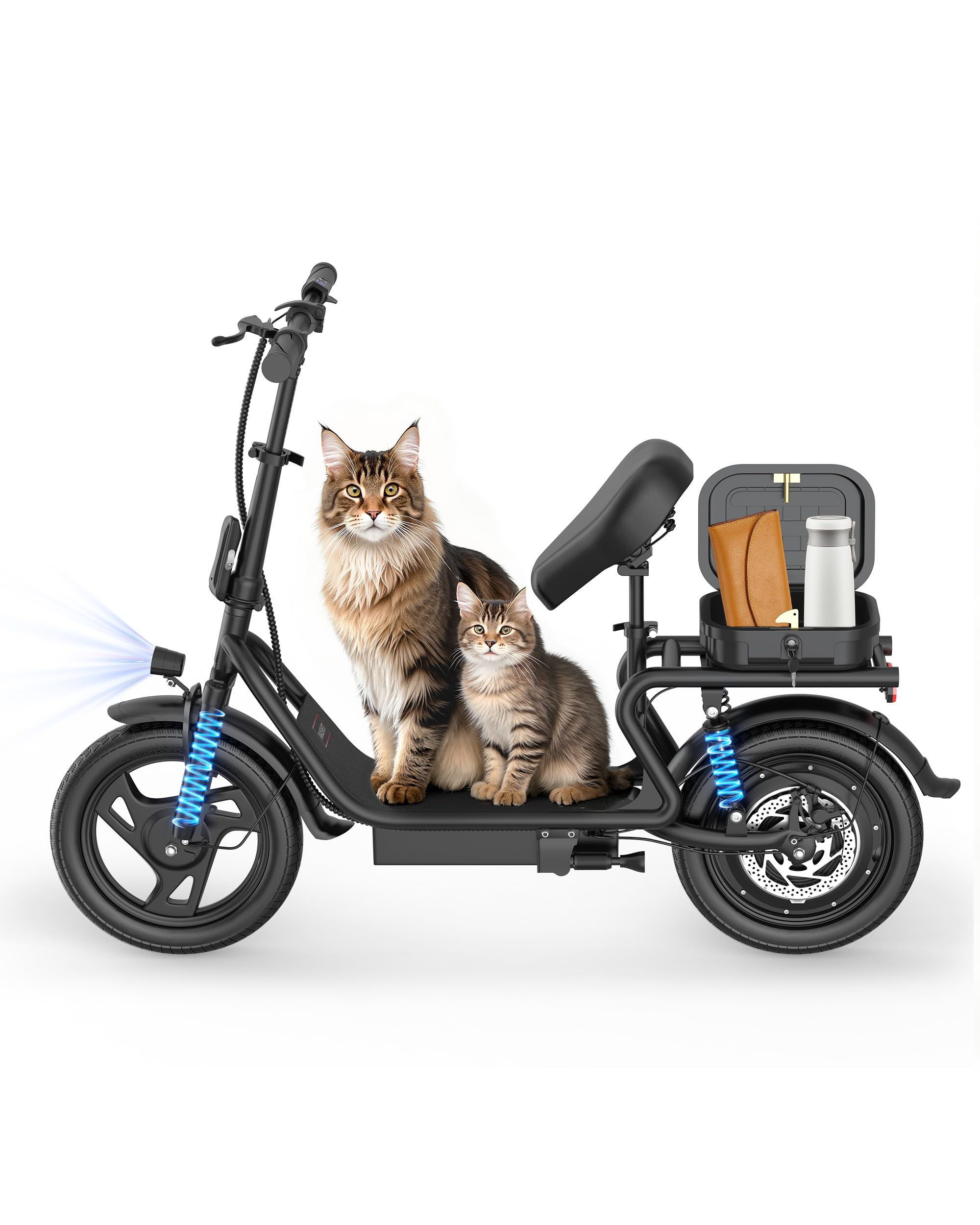
Image: The MAXSHOT V10 Electric Scooter, showcasinत्याची रचना आणि वैशिष्ट्ये.
सुरक्षा मार्गदर्शक तत्त्वे
Always prioritize safety when operating the electric scooter. Failure to follow safety instructions can result in serious injury or damage to the scooter.
- Wear a helmet and appropriate safety gear (knee pads, elbow pads) at all times.
- ओल्या परिस्थितीत, मुसळधार पावसात किंवा डबक्यातून सायकल चालवू नका.
- प्रत्येक राईडपूर्वी सर्व बोल्ट आणि जलद रिलीझ सुरक्षितपणे बांधलेले आहेत याची खात्री करा.
- स्थानिक वाहतूक कायदे आणि नियमांचे पालन करा.
- Avoid riding on uneven surfaces, steep inclines, or in areas with heavy pedestrian traffic.
- स्टंट किंवा अचानक चाली करू नका.
- इतर वाहनांपासून आणि पादचाऱ्यांपासून सुरक्षित अंतर ठेवा.
- स्कूटर प्रौढांच्या वापरासाठी डिझाइन केलेले आहे.
पॅकेज सामग्री
पॅकेजमध्ये सर्व वस्तू आहेत का ते तपासा:
- MAXSHOT V10 Electric Scooter
- वापरकर्ता मॅन्युअल (हा दस्तऐवज)
- चार्जर
- Detachable Seat
- Assembly Tools (may include hex wrench)
सेटअप आणि विधानसभा
The MAXSHOT V10 Electric Scooter comes mostly pre-assembled. Follow these steps to complete the setup:
- अनपॅक करणे: Carefully remove the scooter and all components from the packaging. Inspect for any damage during transit.
- हँडलबारची स्थापना:
Attach the handlebar to the main stem. Ensure it is aligned correctly and secure it using the provided screws and tools. Tighten all bolts firmly.

Image: Close-up of the handlebar area, showing the stem and controls.
- सीट जोडणी:
If not already attached, install the detachable seat onto the designated post. Adjust the seat height for comfortable riding posture. Ensure the seat is securely locked in place.

प्रतिमा: मागचा भाग view of the scooter showing the detachable seat and storage bag.
- प्रारंभिक शुल्कः
Before first use, fully charge the scooter's battery. Connect the charger to the charging port and then to a power outlet. The indicator light on the charger will change when charging is complete (typically from red to green).
- टायर प्रेशर तपासणी:
Verify that the tires are inflated to the recommended pressure. Proper tire pressure ensures optimal performance and safety.
ऑपरेटिंग सूचना
पॉवरिंग चालू/बंद
- To power on, press and hold the power button on the display for a few seconds.
- पॉवर ऑफ करण्यासाठी, डिस्प्ले बंद होईपर्यंत पॉवर बटण पुन्हा दाबा आणि धरून ठेवा.
राइडिंग मोड्स
The MAXSHOT V10 offers three riding modes to suit different preferences and conditions:
- ECO Mode (E): Approximately 8 mph (13 km/h) - For extended range and beginner riders.
- ड्राइव्ह मोड (डी): Approximately 13 mph (21 km/h) - Balanced speed and range for daily commuting.
- स्पोर्ट मोड (S): Approximately 22 mph (35 km/h) - Maximum speed for experienced riders.
Switch between modes using the designated button on the handlebar display.

Image: A rider demonstrating the scooter with an overlay showing the three speed modes (E, D, S) and their respective speeds.
स्मार्ट एलसीडी डिस्प्ले
The integrated LCD display provides real-time information:
- वर्तमान गती
- बॅटरी पातळी
- Riding Mode (E, D, S)
- हेडलाइट इंडिकेटर
- Display lock/unlock function

Image: A close-up of the scooter's handlebars and the smart LCD display, showing speed and battery information.
ब्रेकिंग सिस्टम
The scooter is equipped with a dual braking system for reliable stopping power:
- Front Braking: Lever-activated brake on the handlebar.
- मागील डिस्क ब्रेक: Provides strong and responsive stopping.
Always apply brakes smoothly and gradually to avoid skidding. Practice braking in a safe, open area before riding in traffic.
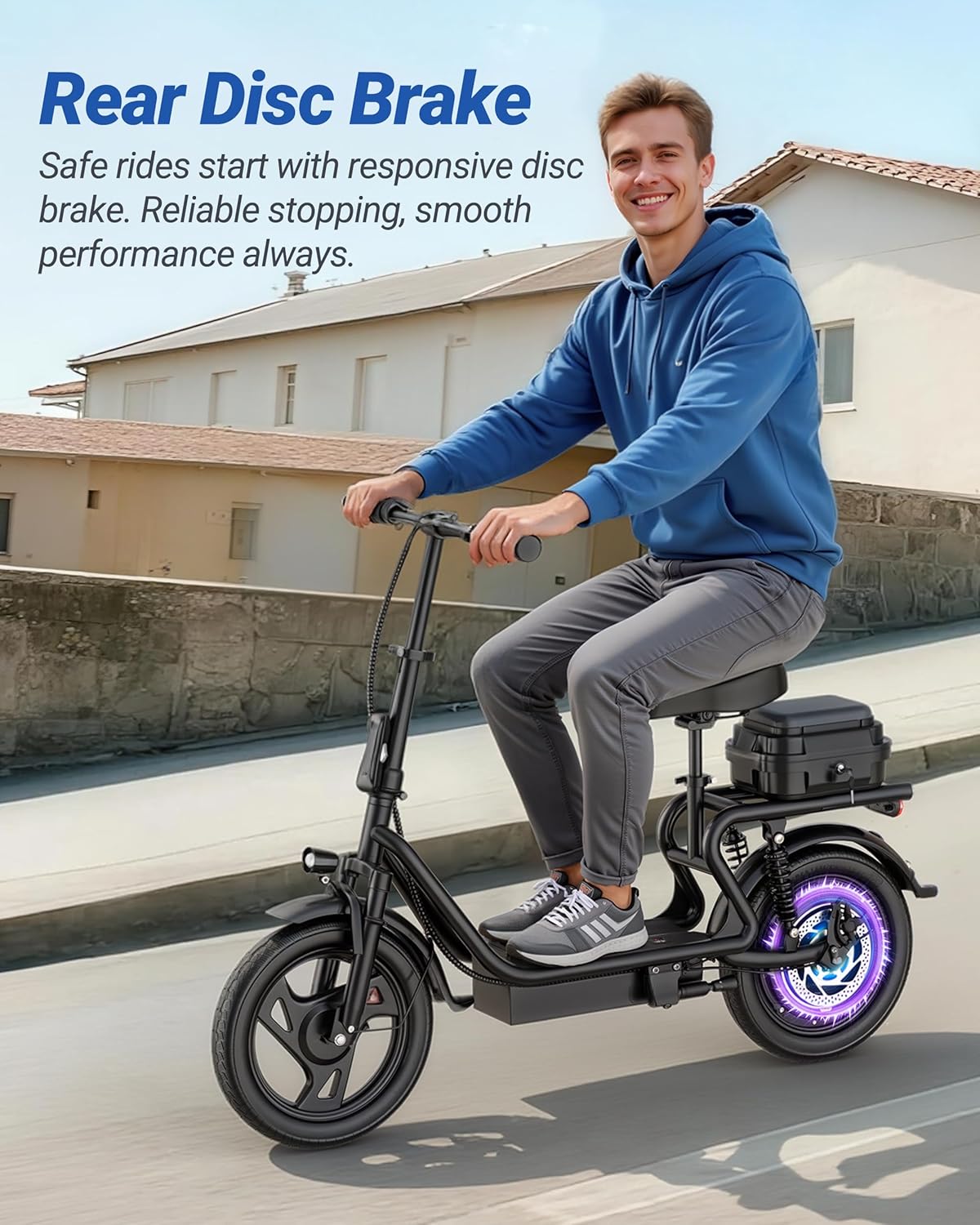
Image: A rider on the scooter, highlighting the rear disc brake system.
फोल्डिंग यंत्रणा
The MAXSHOT V10 features a one-step folding system for easy storage and transport. To fold the scooter:
- स्कूटर बंद असल्याची खात्री करा.
- Locate the folding latch mechanism on the stem.
- Engage the release lever and fold the handlebar stem downwards until it locks into place.
- The folded dimensions are approximately 47x23 inches (119x58 cm).
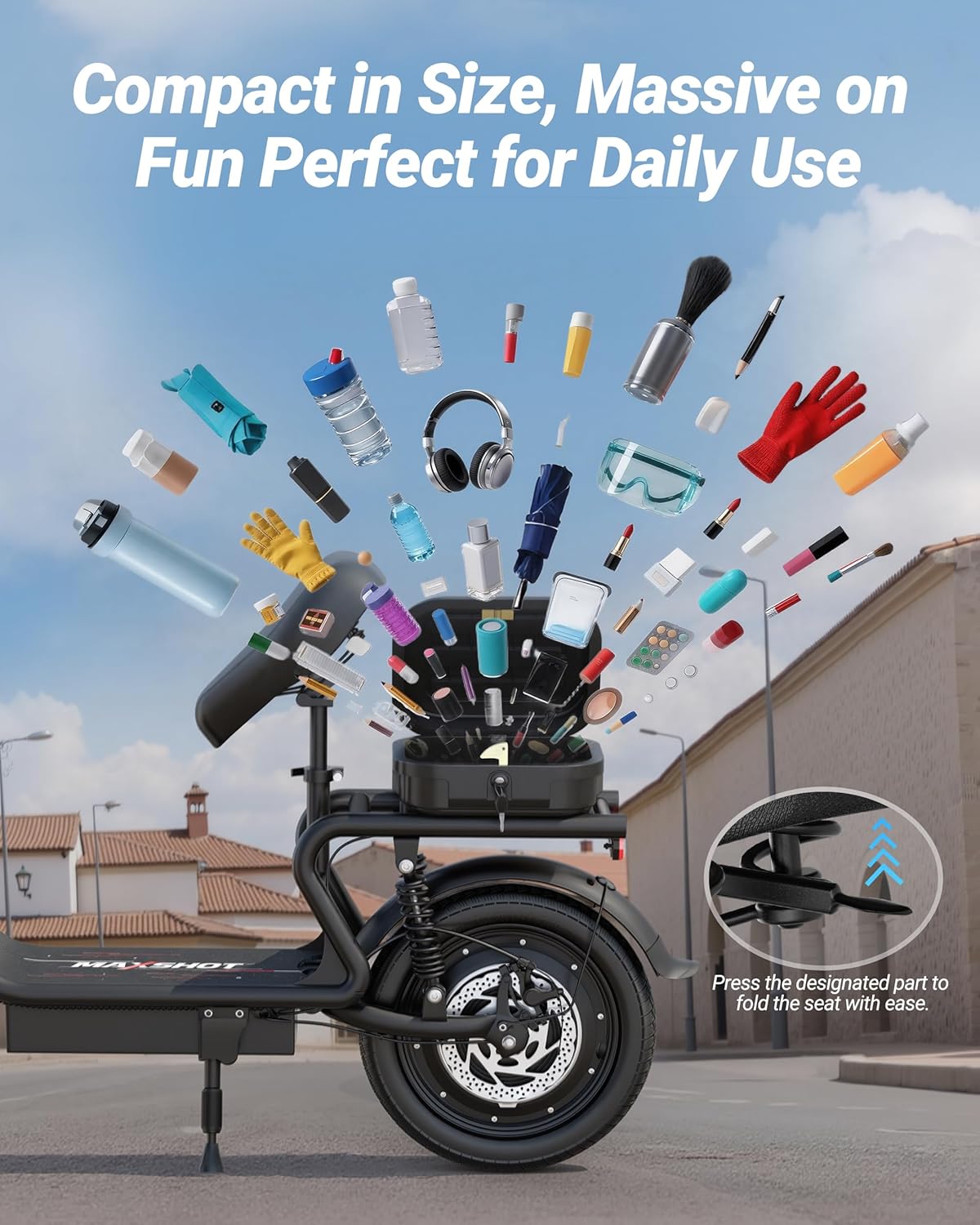
Image: The MAXSHOT V10 Electric Scooter folded and stored in the trunk of a car, demonstrating its compact size.
देखभाल
Regular maintenance ensures the longevity and safe operation of your MAXSHOT V10 Electric Scooter.
- स्वच्छता: जाहिरातीने स्कूटर पुसून टाकाamp कापड. उच्च दाबाचे पाणी वापरू नका किंवा स्कूटरचा कोणताही भाग पाण्यात बुडवू नका.
- बॅटरी काळजी:
- प्रत्येक वापरानंतर बॅटरी पूर्णपणे चार्ज करा.
- If storing for an extended period, charge the battery to 50-70% every 30-60 days.
- बॅटरी पूर्णपणे काढून टाकणे टाळा.
- टायरची देखभाल: Regularly check tire pressure and inflate to the recommended PSI. Inspect tires for wear and tear.
- ब्रेक तपासणी: Periodically inspect brake levers, cables, and disc brakes for proper function and wear. Adjust or replace components as needed.
- Fastener Inspection: Check all screws, bolts, and connections regularly to ensure they are tight and secure.
- स्टोरेज: स्कूटर थेट सूर्यप्रकाश आणि अति तापमानापासून दूर थंड, कोरड्या जागी ठेवा.
समस्यानिवारण
This section addresses common issues you might encounter with your MAXSHOT V10 Electric Scooter.
| समस्या | संभाव्य कारण | उपाय |
|---|---|---|
| स्कूटर चालू होत नाही. | Low or depleted battery; loose battery connection. | Charge the battery fully. Check battery connections. |
| No acceleration or movement (E7 error) | Motor or throttle cable issue; internal electrical fault. | Check throttle cable connections. If the E7 error persists, contact customer support. Do not attempt to disassemble internal components if unfamiliar with electrical systems. |
| कमी केलेली श्रेणी किंवा वेग | Under-inflated tires; heavy load; riding uphill frequently; cold weather; battery degradation. | Ensure tires are properly inflated. Reduce load. Ride in appropriate mode. Battery performance can decrease over time. |
| ब्रेक कमकुवत वाटतात. | जीर्ण झालेले ब्रेक पॅड; सैल ब्रेक केबल; हायड्रॉलिक सिस्टीममध्ये हवा (लागू असल्यास). | Inspect brake pads and replace if worn. Adjust brake cable tension. If issues persist, seek professional service. |
For issues not listed here or if troubleshooting steps do not resolve the problem, please contact MAXSHOT customer support.
तपशील
| वैशिष्ट्य | तपशील |
|---|---|
| ब्रँड | MAXSHOT |
| मॉडेल क्रमांक | V10 |
| मोटर पॉवर | 500W ब्रशलेस |
| कमाल गती | 22 एमपीएच (35 किमी/ता) |
| बॅटरी | 48V 10.4Ah लिथियम बॅटरी |
| कमाल श्रेणी | Up to 21-25 Miles (34-40 km) |
| टायरचा आकार | 14 इंच |
| टायर प्रकार | घन रबर |
| ब्रेकिंग सिस्टम | Dual Disc Brakes (Front & Rear) |
| निलंबन | ड्युअल निलंबन |
| फ्रेम साहित्य | ॲल्युमिनियम |
| कमाल लोड क्षमता | 265 पाउंड (120 किलो) |
| दुमडलेला परिमाण | अंदाजे ५.३१ x १.५७ इंच (१३.५ x ४ सेमी) |
| विशेष वैशिष्ट्ये | Cruise Control, Foldable Design, Detachable Seat, Front Bag, APP Control |
| शिफारस केलेले वय | प्रौढ |
Note: Specifications are subject to change without notice. Performance may vary based on rider weight, terrain, and environmental conditions.
हमी माहिती
The MAXSHOT V10 Electric Scooter comes with a १२ महिन्यांची मर्यादित वॉरंटी from the date of purchase. This warranty covers manufacturing defects in materials and workmanship under normal use.
वॉरंटी कव्हर करत नाही:
- Damage caused by improper assembly, maintenance, or storage.
- अपघात, गैरवापर, गैरवर्तन किंवा निष्काळजीपणामुळे होणारे नुकसान.
- Normal wear and tear of components such as tires, brake pads, and grips.
- अनधिकृत बदल किंवा दुरुस्ती.
कृपया वॉरंटी दाव्यांसाठी तुमचा खरेदीचा पुरावा ठेवा.
ग्राहक समर्थन
If you have any questions, require assistance with assembly, operation, or encounter issues not covered in this manual, please contact MAXSHOT customer support.
For the most up-to-date contact information, please refer to the MAXSHOT official webसाइट किंवा तुमचे खरेदी दस्तऐवजीकरण.
Ask a question about this manual
Ask about setup, troubleshooting, compatibility, parts, safety, or missing instructions. Manuals+ will review the question and use this page’s manual context to help answer it.