
1. परिचय
This manual provides instructions for the WDZP Universal Replacement Remote Control, model PH-12+EL, designed for Philips televisions. This remote control is engineered for immediate use without complex programming or setup. Simply install the batteries, and it is ready to operate your compatible Philips TV.
The remote features advanced infrared technology for a strong signal and long-distance control, ensuring a responsive user experience.
2. सेटअप
To begin using your WDZP Universal Replacement Remote Control, follow these simple steps:
- अनपॅक करा: Carefully remove the remote control from its packaging.
- बॅटरी स्थापित करा: Locate the battery compartment on the back of the remote. Open the compartment cover. Insert two AAA batteries (not included), ensuring the positive (+) and negative (-) terminals align correctly with the indicators inside the compartment. Close the battery compartment cover securely.
- वापरासाठी तयार: Once batteries are installed, the remote control is ready to operate your Philips TV. No additional programming or pairing is required.

Figure 2.1: Battery Installation Guide. This image demonstrates the simple three-step process for setting up the remote control, primarily focusing on battery insertion.
3. ऑपरेटिंग सूचना
The WDZP Universal Replacement Remote Control provides full functionality for your Philips TV. Below is a general guide to its buttons and their functions:
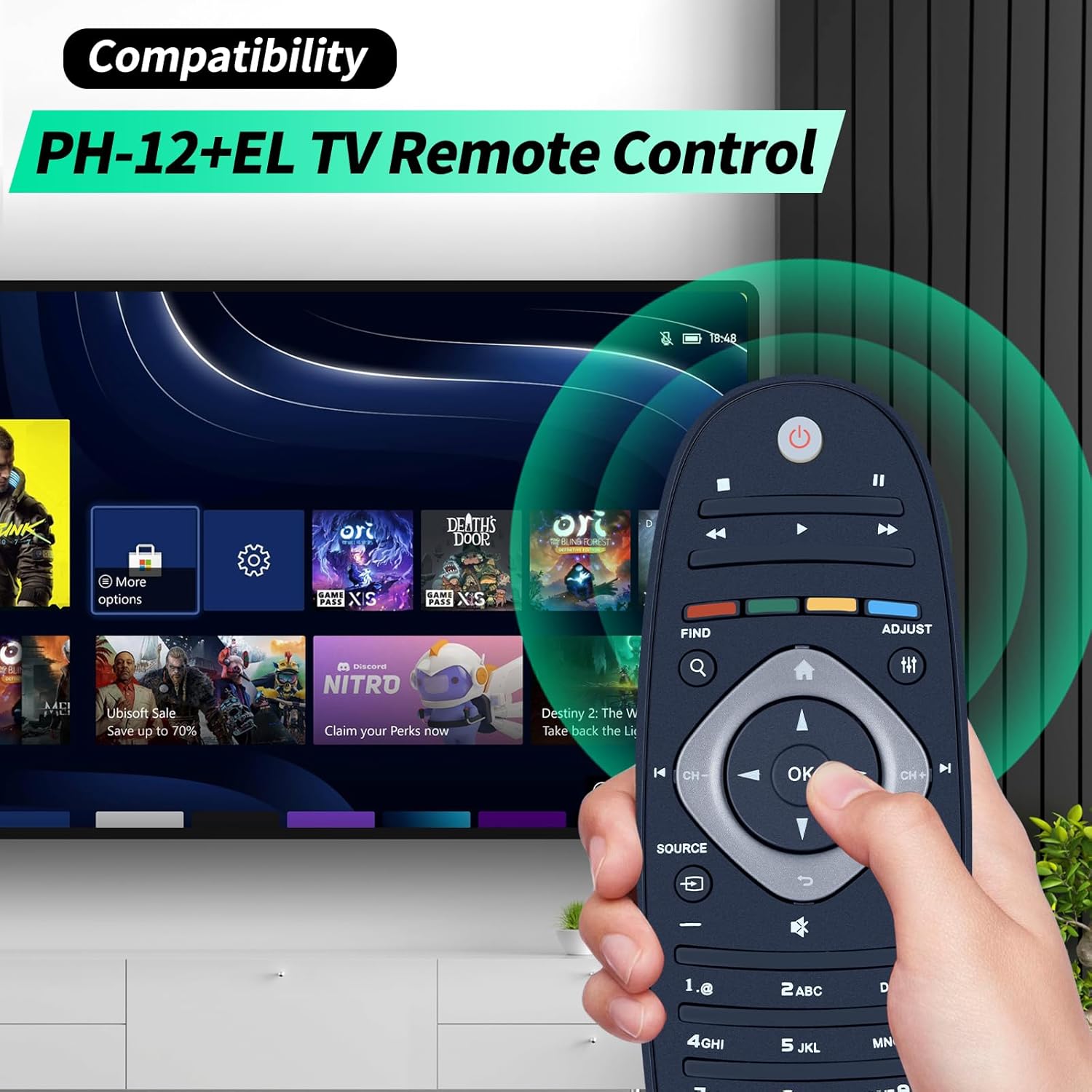
Figure 3.1: Remote Control in Use. This image illustrates the remote control's compatibility with Philips TVs and its ergonomic design during operation.
- पॉवर बटण (🏻): टीव्ही चालू किंवा बंद करते.
- आवाज वर/खाली (+/-): टीव्ही व्हॉल्यूम समायोजित करते.
- चॅनल वर/खाली (CH+/CH-): टीव्ही चॅनेल बदलतो.
- नेव्हिगेशन पॅड (वर, खाली, डावीकडे, उजवीकडे, ठीक आहे): Used to navigate menus and select options on the TV screen. The OK बटण निवडींची पुष्टी करते.
- स्त्रोत बटण: इनपुट स्रोतांमधून (HDMI, AV, इ.) चक्र फिरते.
- संख्या बटणे (0-9): थेट चॅनेल इनपुटसाठी.
- बटण नि: शब्द करा टीव्ही ऑडिओ म्यूट किंवा अनम्यूट करा.
- Menu/Options Button: Accesses the TV's main menu or contextual options.
- मागे/परत जाण्याचे बटण: मागील स्क्रीन किंवा मेनूवर परत येतो.
- मीडिया कंट्रोल बटणे (प्ले, पॉज, स्टॉप, रिवाइंड, फास्ट फॉरवर्ड): Controls media playback if supported by the TV.
Point the remote control directly at your Philips TV's infrared receiver for optimal performance. The remote has a maximum range of 40 feet and a 180-degree control angle.

Figure 3.2: Remote Control Features. This image details the operational range, angle, and physical characteristics of the remote.
4. देखभाल
Proper care and maintenance will ensure the longevity and optimal performance of your remote control.
- स्वच्छता: रिमोट कंट्रोल मऊ, कोरड्या कापडाने पुसून टाका. हट्टी घाणीसाठी, किंचित डीampen the cloth with water or a mild, non-abrasive cleaner. Avoid using harsh chemicals or abrasive materials, as these can damage the surface or internal components.
- बॅटरी बदलणे: रिमोटची रिस्पॉन्सिव्हिटी कमी झाल्यावर किंवा ती काम करणे थांबवते तेव्हा बॅटरी बदला. दोन्ही बॅटरी नेहमी एकाच वेळी नवीन AAA बॅटरीने बदला. जुन्या आणि नवीन बॅटरी किंवा वेगवेगळ्या प्रकारच्या बॅटरी मिसळू नका.
- स्टोरेज: If the remote control will not be used for an extended period, remove the batteries to prevent leakage, which can damage the device. Store the remote in a cool, dry place away from direct sunlight and extreme temperatures.
- संरक्षण: The remote is designed to be durable and shockproof, but avoid dropping it from significant heights or exposing it to excessive force.
5. समस्या निवारण
जर तुम्हाला तुमच्या रिमोट कंट्रोलमध्ये समस्या येत असतील, तर कृपया खालील समस्यानिवारण चरणांचा संदर्भ घ्या:
- रिमोट प्रतिसाद देत नाही:
- बॅटरी तपासा. त्या योग्य ध्रुवीयतेसह (+/-) योग्यरित्या घातल्या आहेत याची खात्री करा.
- ताज्या AAA बॅटऱ्यांनी बॅटरी बदला.
- Ensure there are no obstructions between the remote control and the TV's infrared receiver.
- Make sure you are within the operational range (up to 40 feet) and pointing the remote directly at the TV.
- Limited Range or Intermittent Functionality:
- This could indicate low battery power. Replace the batteries.
- Ensure no strong light sources (like direct sunlight or bright fluorescent lights) are interfering with the infrared signal.
- Clean the infrared emitter on the front of the remote and the receiver on the TV with a soft cloth.
- विशिष्ट बटणे काम करत नाहीत:
- जर काही बटणेच प्रतिसाद देत नसतील, तर प्रथम बॅटरी बदलण्याचा प्रयत्न करा.
- Ensure the remote is clean and there is no debris lodged under the buttons.
If the problem persists after trying these steps, please contact customer support as detailed in the Warranty and Support section.
6. तपशील
| वैशिष्ट्य | तपशील |
|---|---|
| मॉडेल | PH-12+EL |
| ब्रँड | WDZP |
| सुसंगत साधने | फिलिप्स टेलिव्हिजन |
| कनेक्टिव्हिटी तंत्रज्ञान | Infrared (IR3.0 Advanced Technology) |
| कमाल श्रेणी | 40 फूट |
| नियंत्रण कोन | 180 अंश |
| Reaction Rate | 38khz+ |
| बॅटरी प्रकार | 2 x AAA (समाविष्ट नाही) |
| साहित्य | Premium ABS (Matte/Smooth Finish) |
| विशेष वैशिष्ट्ये | Ergonomic, Durable & Shockproof, Lightweight & Comfortable |
| परिमाण (अंदाजे) | ३.१५ इंच (लांबी) x ०.९८ इंच (रुंदी) x ०.५१ इंच (जाडी) |

Figure 6.1: Remote Control Dimensions. This image provides a visual representation of the remote's physical measurements.
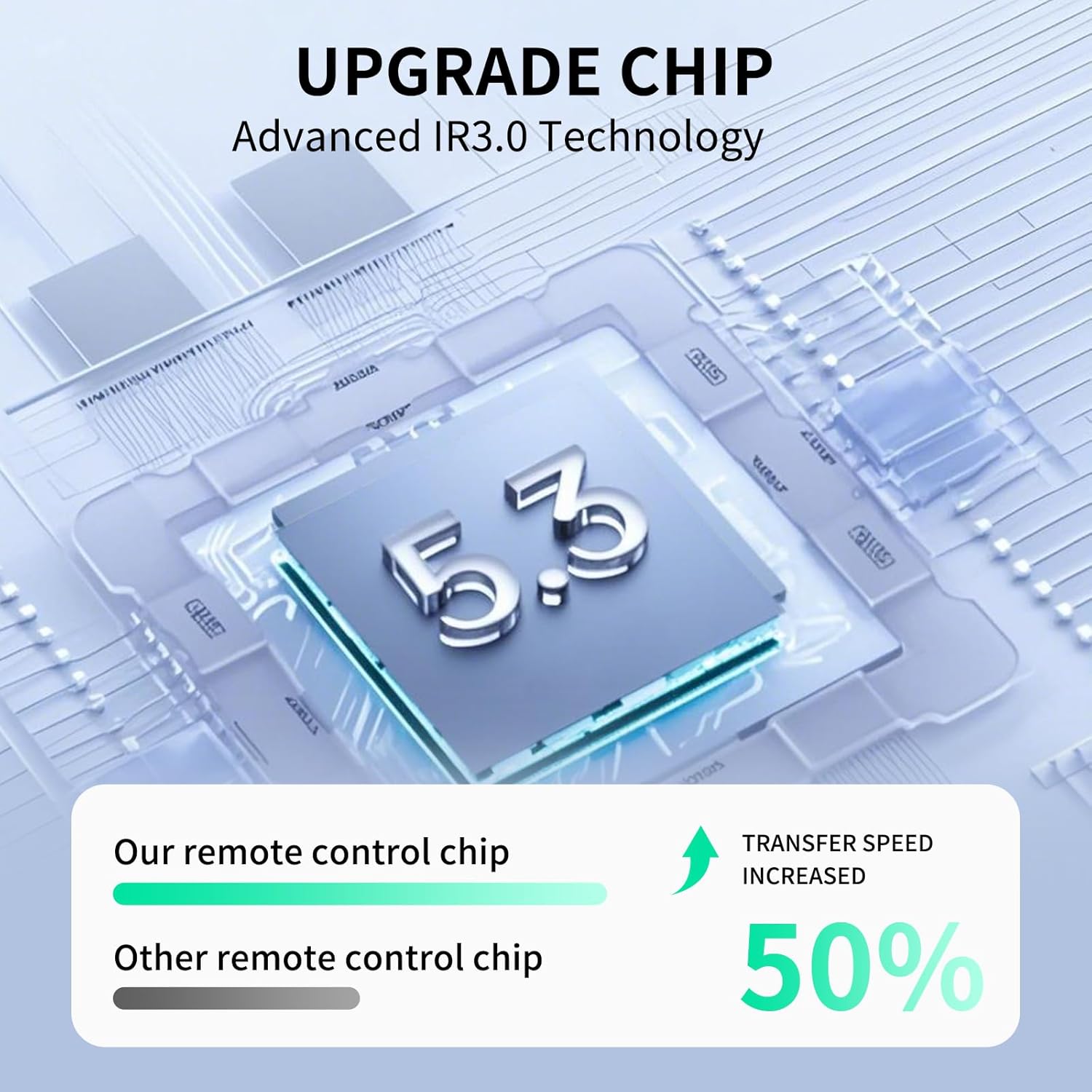
Figure 6.2: Advanced IR3.0 Technology. This image highlights the internal technology contributing to the remote's performance.
7. हमी आणि समर्थन
WDZP stands firmly behind its products and customers.
- हमी: हे उत्पादन १२ महिन्यांच्या वॉरंटीसह येते.
- परतावा: Returns are accepted within the warranty period.
- ग्राहक सेवा: If you encounter any quality issues or require assistance, please do not hesitate to contact our dedicated customer support team. We are available to assist you promptly.
- संपर्क माहिती: Please refer to your purchase documentation or the seller's information on the platform where you purchased the product for specific contact details.