
Jectse Jectsehtin20gcvm-11
Jectse MP3 Player with Bluetooth User Manual
Model: Jectsehtin20gcvm-11
1. परिचय
This manual provides detailed instructions for the operation and maintenance of your Jectse MP3 Player. This portable device features a 2.4-inch full-touch screen, 4GB internal storage, Bluetooth 5.0 connectivity, FM radio, E-book reader, and voice recording capabilities. Please read this manual thoroughly before using the device to ensure proper functionality and longevity.
2. सुरक्षितता माहिती
- उपकरणाला अति तापमान, थेट सूर्यप्रकाश किंवा उच्च आर्द्रतेच्या संपर्कात आणू नका.
- डिव्हाइसवर जोरदार प्रभाव टाकणे किंवा त्याच्या अधीन करणे टाळा.
- Do not disassemble or attempt to repair the device yourself. This will void the warranty.
- Use only the provided charging cable and certified power adapters.
- श्रवणशक्तीचे नुकसान टाळण्यासाठी मध्यम आवाजाच्या पातळीवर ऐका.
- डिव्हाइसला पाणी आणि इतर द्रवांपासून दूर ठेवा.
3. पॅकेज सामग्री
पॅकेजमध्ये सर्व वस्तू आहेत का ते तपासा:
- Jectse MP3 Player
- वायर्ड हेडफोन्स
- यूएसबी चार्जिंग केबल

Image: The Jectse MP3 Player, along with its included wired headphones and USB charging cable, laid out on a surface.
4. उत्पादन संपलेview
The Jectse MP3 Player features a compact design with a 2.4-inch touch screen for intuitive navigation. The device includes physical buttons on the side for power, volume control, and other functions. A built-in speaker is located on the back.

प्रतिमा: समोर view of the Jectse MP3 Player displaying its colorful touch screen interface with icons for Music, Video, Dictionary, Recorder, Settings, Applications, Folder, Listening, FM Radio, and Ebook.
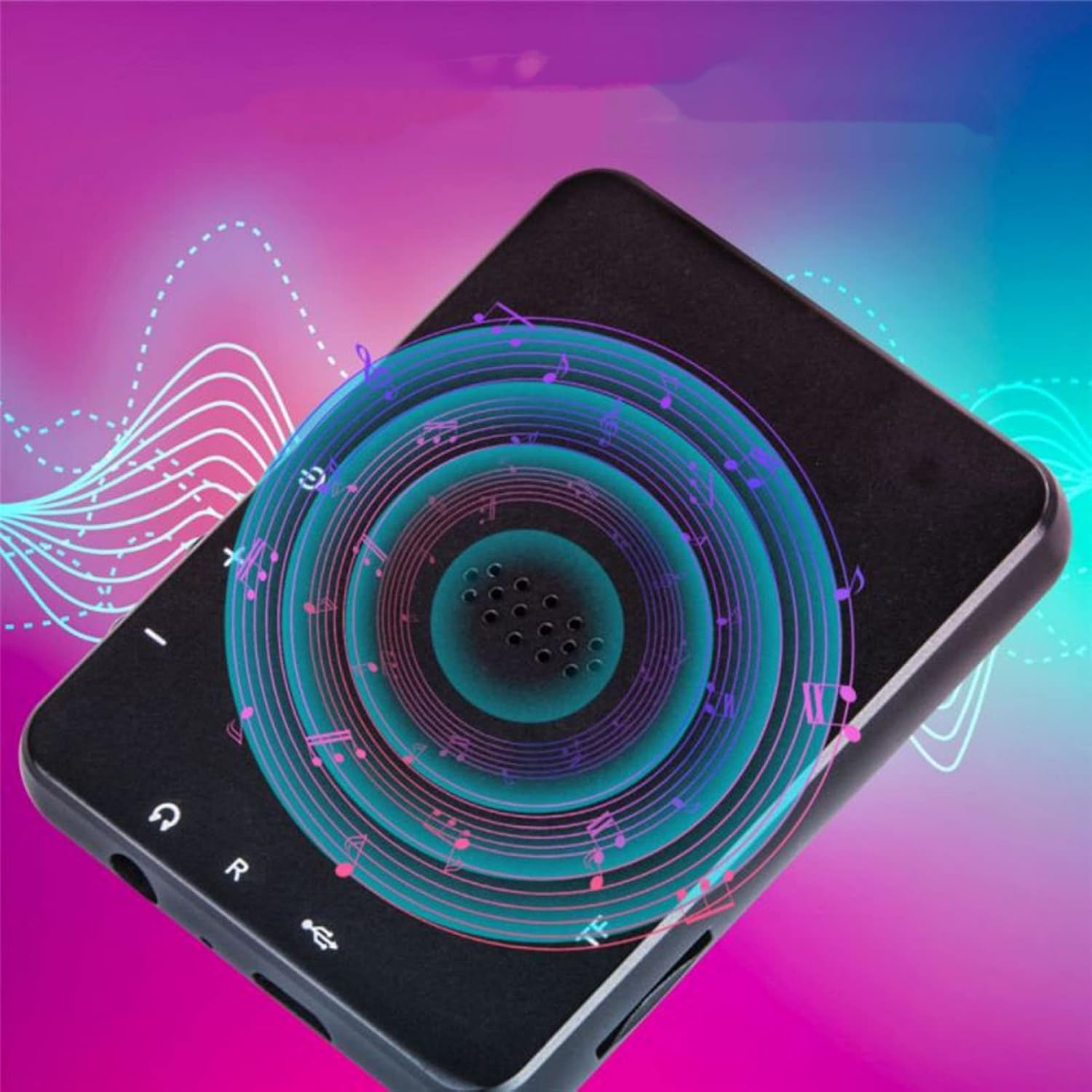
प्रतिमा: मागे view of the Jectse MP3 Player, showing the speaker grille and side buttons for power and volume, with a visual representation of sound waves emanating from the speaker.
5. सेटअप
5.1. डिव्हाइस चार्ज करणे
Before first use, fully charge the MP3 player. Connect the provided USB charging cable to the device's charging port and plug the other end into a USB power adapter (not included) or a computer's USB port. The battery indicator on the screen will show charging status.
5.2. Inserting a Memory Card (Optional)
The device has 4GB of internal storage. To expand storage, insert a microSD card (up to 256GB, not included) into the memory card slot. Ensure the card is inserted correctly until it clicks into place.
5.3. हेडफोन कनेक्ट करणे
Plug the wired headphones into the 3.5mm audio jack on the device. Alternatively, you can connect Bluetooth headphones (see section 6.2).
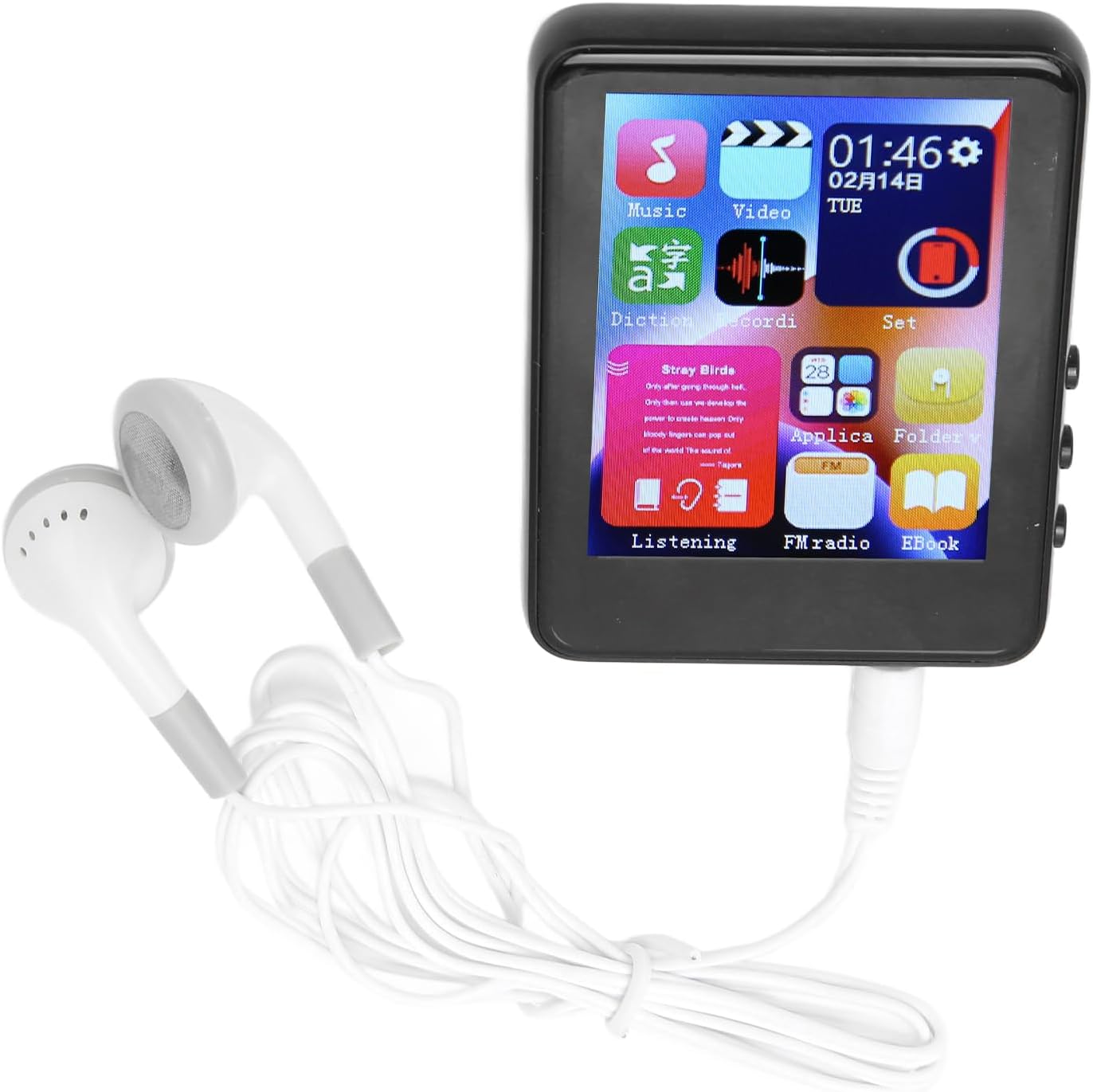
Image: The Jectse MP3 Player with white wired headphones plugged into its audio jack, ready for use.
5.4. पॉवर चालू/बंद
- चालू करण्यासाठी: स्क्रीन उजळेपर्यंत डिव्हाइसच्या बाजूला असलेले पॉवर बटण दाबा आणि धरून ठेवा.
- पॉवर ऑफ करण्यासाठी: स्क्रीनवर पॉवर-ऑफ पर्याय येईपर्यंत पॉवर बटण दाबा आणि धरून ठेवा, नंतर पुष्टी करा.
6. ऑपरेटिंग सूचना
6.1. नेव्हिगेशन
The device features a full-touch screen. Swipe left/right or up/down to navigate through menus and applications. Tap an icon to open an application or select an option. Use the back arrow or swipe gestures (if available) to return to the previous screen.
6.2. संगीत प्लेबॅक
The player supports MP3, APE, FLAC, WMA, WAV, and AAC audio formats. Transfer music files from your computer to the device's internal storage or an inserted memory card.
- Tap the 'Music' icon on the home screen.
- Browse your music library by artist, album, genre, or folder.
- प्लेबॅक सुरू करण्यासाठी गाण्यावर टॅप करा.
- Use the on-screen controls for play/pause, skip tracks, and volume adjustment.

Image: The Jectse MP3 Player showing a music playback screen with album art and controls, while a person enjoys music with wireless earbuds.
6.3. ब्लूटूथ कनेक्शन
Connect your MP3 player to Bluetooth headphones or speakers for wireless audio.
- Go to 'Settings' and select 'Bluetooth'.
- ब्लूटूथ 'चालू' करा.
- तुमचे ब्लूटूथ ऑडिओ डिव्हाइस पेअरिंग मोडमध्ये असल्याची खात्री करा.
- जोडण्यासाठी उपलब्ध असलेल्या उपकरणांच्या सूचीमधून तुमचे उपकरण निवडा.
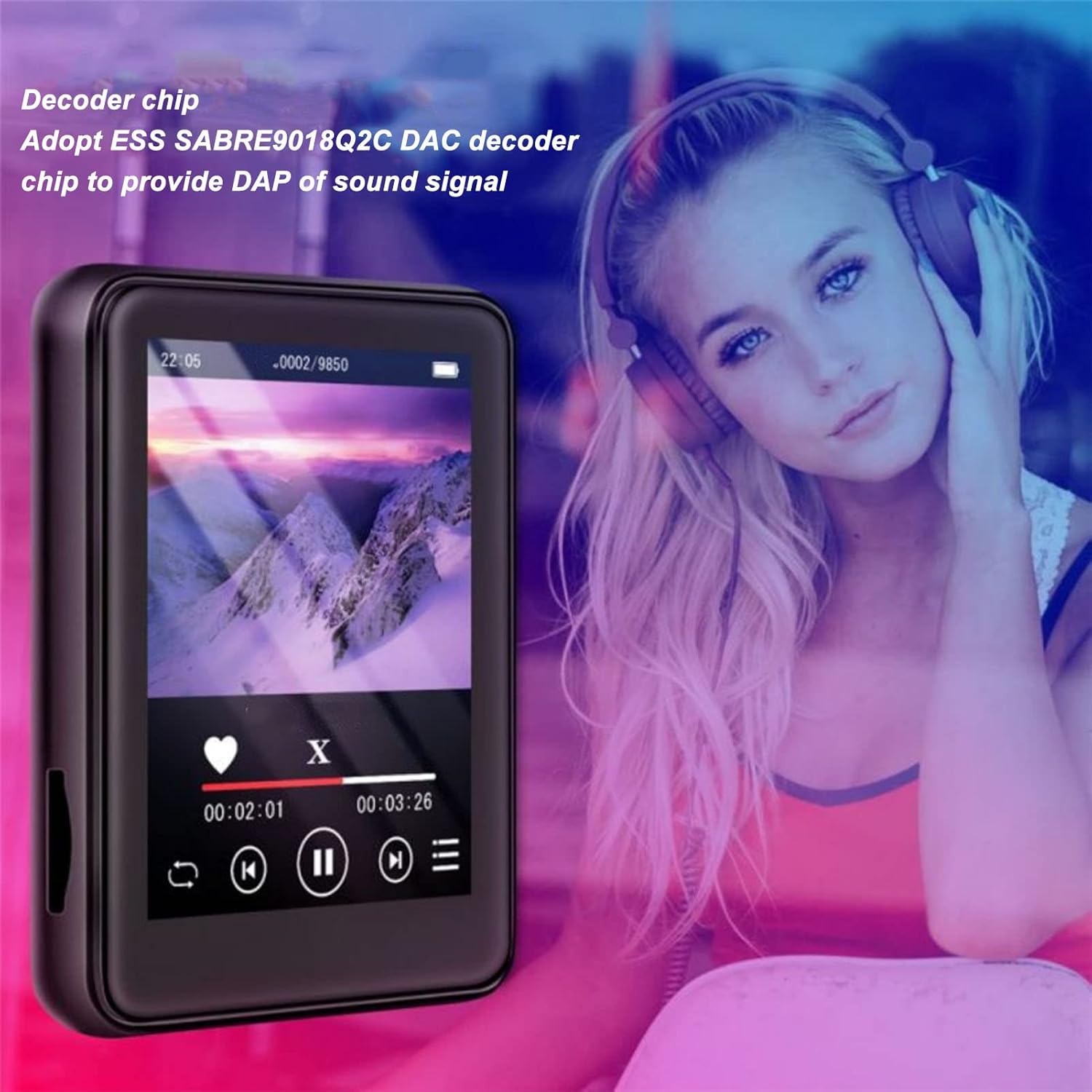
Image: The Jectse MP3 Player displaying a video or music interface, with text highlighting its ESS SABRE9018Q2C DAC decoder chip for high-quality sound. A person wearing over-ear headphones is visible in the background.
6.4. एफएम रेडिओ
Listen to FM radio stations using the built-in tuner. Wired headphones must be connected as they act as the antenna.
- Tap the 'FM Radio' icon.
- Perform an automatic scan to find available stations.
- ऑन-स्क्रीन नियंत्रणे वापरून तुमच्या इच्छित स्टेशनवर ट्यून करा.
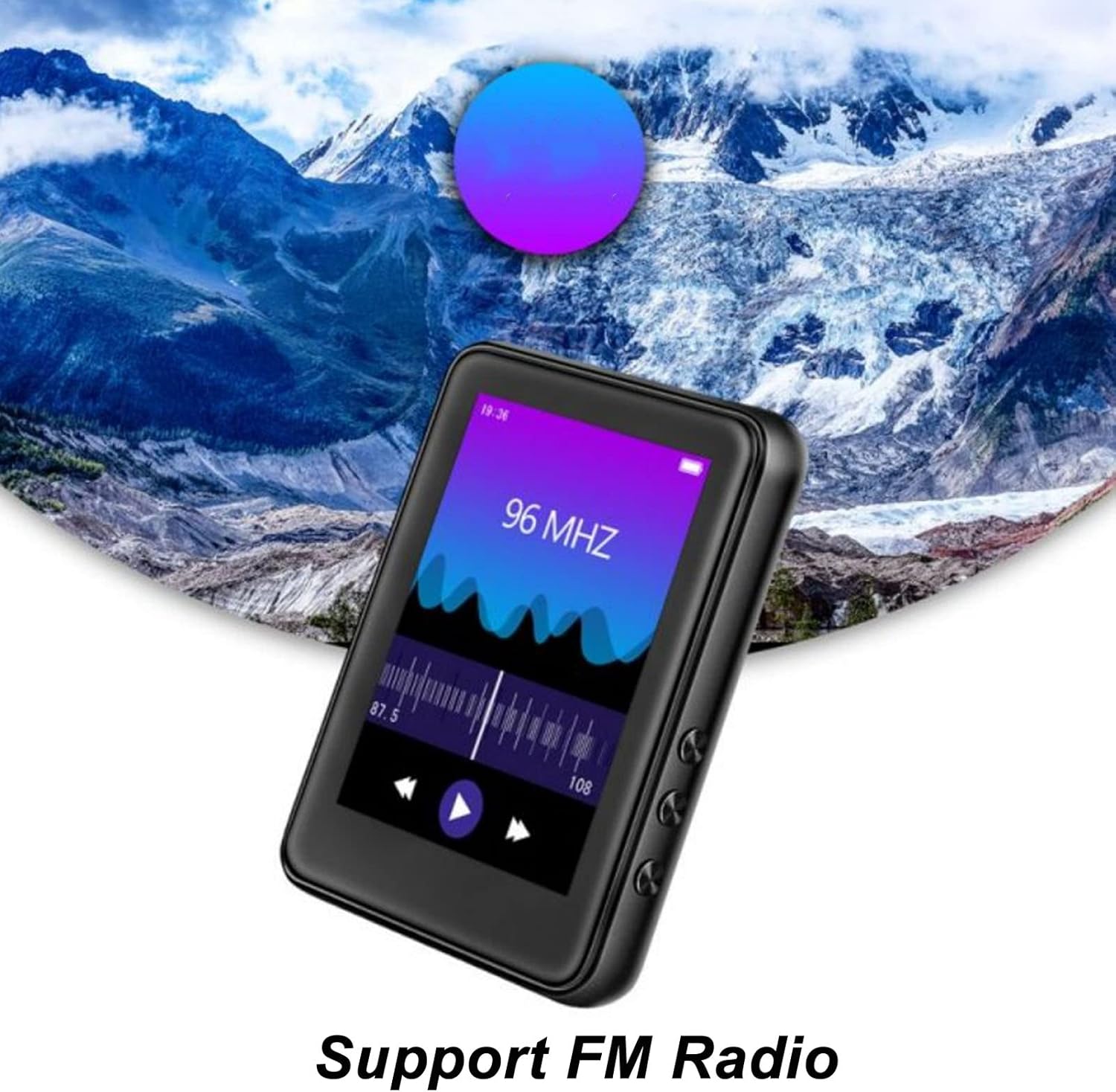
Image: The Jectse MP3 Player showing its FM Radio interface, tuned to 96 MHz, with a visual representation of radio waves and controls.
6.5. ई-पुस्तके
Read TXT and LRC format e-books on your device.
- Tap the 'Ebook' icon.
- Select the e-book you wish to read.
- Swipe the screen to turn pages.
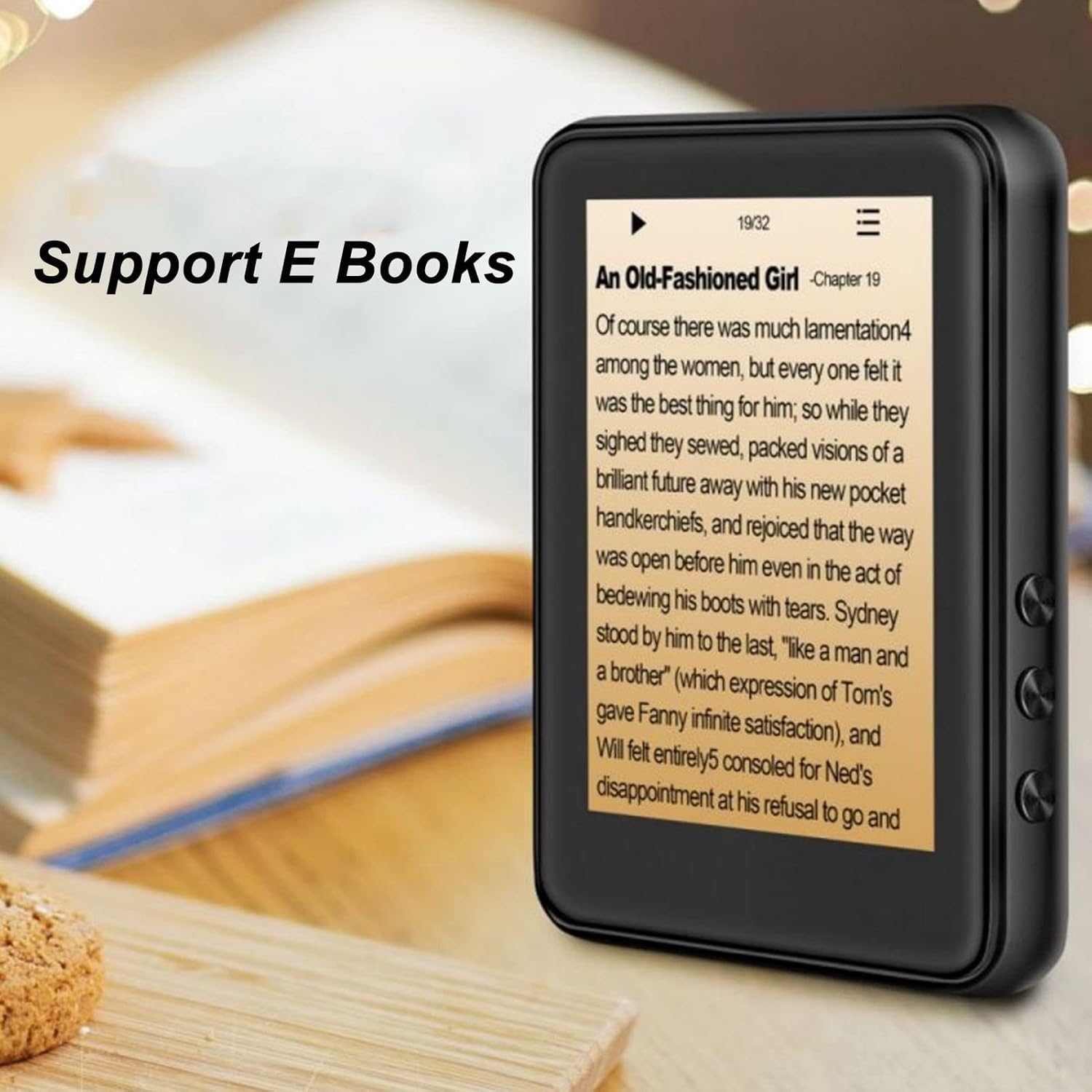
Image: The Jectse MP3 Player displaying an e-book titled 'An Old-Fashioned Girl - Chapter 19' on its screen, with text content visible.
6.6. व्हॉईस रेकॉर्डर
बिल्ट-इन मायक्रोफोन वापरून ऑडिओ रेकॉर्ड करा.
- Tap the 'Recorder' icon.
- Tap the record button to start recording.
- Tap the stop button to end and save the recording.

Image: The Jectse MP3 Player showing its voice recorder interface with a red record button and a timer, positioned in a meeting room setting.
6.7. व्हिडिओ प्लेबॅक
The device supports MP4 video playback. Transfer compatible video files to the device's storage.
- Tap the 'Video' icon.
- व्हिडिओ निवडा file तुम्हाला खेळायचे आहे.
- Use the on-screen controls for playback.
7. देखभाल
- स्वच्छता: उपकरण स्वच्छ करण्यासाठी मऊ, कोरडे कापड वापरा. द्रव क्लीनर किंवा अपघर्षक पदार्थ वापरू नका.
- स्टोरेज: वापरात नसताना यंत्र थंड, कोरड्या जागी साठवा.
- बॅटरी काळजी: बॅटरीचे आयुष्य वाढवण्यासाठी, बॅटरी वारंवार पूर्णपणे डिस्चार्ज करणे टाळा. डिव्हाइस नियमितपणे चार्ज करा, जरी ते जास्त काळ वापरात नसले तरीही.
- सॉफ्टवेअर अपडेट्स: निर्मात्याची तपासणी करा webइष्टतम कामगिरी सुनिश्चित करण्यासाठी कोणत्याही उपलब्ध फर्मवेअर अपडेटसाठी साइट.
8. समस्या निवारण
-
डिव्हाइस चालू होत नाही:
बॅटरी चार्ज झाली आहे याची खात्री करा. पुन्हा चालू करण्याचा प्रयत्न करण्यापूर्वी डिव्हाइसला कमीत कमी १० मिनिटे चार्जरशी कनेक्ट करा.
-
आवाज नाही:
Check the volume level. Ensure headphones are properly connected or Bluetooth headphones are paired and connected. Test with different headphones if possible.
-
ब्लूटूथशी कनेक्ट करू शकत नाही:
Ensure Bluetooth is enabled on both the MP3 player and the target device. Make sure the target device is in pairing mode and within range. Try restarting both devices.
-
Device freezes or is unresponsive:
Press and hold the power button for approximately 10-15 seconds to force a restart.
-
Files not appearing on device:
खात्री करा files are in supported formats. Verify that files were transferred correctly to the internal storage or memory card. Check if the memory card is properly inserted.
9. तपशील
| वैशिष्ट्य | तपशील |
|---|---|
| मॉडेल | Jectsehtin20gcvm-11 |
| पडदा | 2.4 Inches TFT Screen |
| ऑनबोर्ड स्टोरेज | 4GB |
| मेमरी कार्ड सपोर्ट | Up to 256GB (microSD, not included) |
| ब्लूटूथ आवृत्ती | ब्लूटूथ 5.0 |
| समर्थित ऑडिओ स्वरूप | एमपी३, एपीई, एफएलएसी, डब्ल्यूएमए, डब्ल्यूएव्ही, एएसी |
| समर्थित फोटो स्वरूप | JPEG, BMP |
| Supported E-Book Formats | TXT, LRC |
| एफएम रेडिओ फ्रिक्वेन्सी | 87Hz-108Hz |
| सिग्नल टू नॉईस रेश्यो | ≥ 90db |
| बॅटरी प्रकार | अंगभूत 500mAh पॉलिमर लिथियम बॅटरी |
| ऑपरेटिंग सिस्टम सुसंगतता | Windows 98/ME/2K/XP/Vista/Win7, OS X 10 |
| आयटम वजन | 4.5 औंस |
| पॅकेजचे परिमाण | 5.12 x 3.15 x 1.18 इंच |
10. हमी आणि समर्थन
For warranty information and technical support, please refer to the documentation provided with your purchase or visit the official Jectse webसाइट. वॉरंटी दाव्यांसाठी तुमचा खरेदीचा पुरावा ठेवा.
Ask a question about this manual
Ask about setup, troubleshooting, compatibility, parts, safety, or missing instructions. Manuals+ will review the question and use this page’s manual context to help answer it.