
1. परिचय
Thank you for choosing the Ofuzzi Slim H7 Pro Handheld Vacuum. This manual provides essential information for the safe operation, maintenance, and troubleshooting of your device. Please read it thoroughly before first use and retain it for future reference.
सुरक्षितता माहिती
- Ensure the vacuum is fully charged before initial use.
- Do not use the vacuum to pick up liquids, burning or smoking materials, or sharp objects.
- Keep the vacuum away from water and high temperatures.
- खराब झालेल्या कॉर्ड किंवा प्लगने व्हॅक्यूम चालवू नका.
- केस, सैल कपडे, बोटे आणि शरीराचे सर्व अवयव उघड्या आणि हलत्या भागांपासून दूर ठेवा.
- हे उपकरण कमी झालेल्या शारीरिक, संवेदनक्षम किंवा मानसिक क्षमता किंवा अनुभव आणि ज्ञानाचा अभाव असलेल्या व्यक्तींद्वारे (मुलांसह) वापरण्यासाठी हेतू नाही, जोपर्यंत त्यांना त्यांच्या सुरक्षिततेसाठी जबाबदार असलेल्या एखाद्या व्यक्तीद्वारे उपकरणाच्या वापराबाबत पर्यवेक्षण किंवा सूचना दिल्या जात नाहीत.
२. बॉक्समध्ये काय आहे?
अनबॉक्सिंग करताना सर्व घटक उपस्थित आहेत याची खात्री करा:
- हँडहेल्ड व्हॅक्यूम क्लीनर
- क्रेव्हीस टूल
- यूएसबी-सी केबल
- Push-in Brush
- साफसफाईचा ब्रश
- वापरकर्ता मॅन्युअल (हा दस्तऐवज)
- स्टोरेज बॅग

Video: An unboxing demonstration of the Ofuzzi H7 Pro Handheld Vacuum, showing all included accessories and the main unit.
3. उत्पादन संपलेview
The Ofuzzi Slim H7 Pro is a lightweight and powerful handheld vacuum designed for quick and efficient cleaning.
प्रमुख वैशिष्ट्ये:
- हलके डिझाइन: Weighs approximately 1.0 lb for easy handling.
- शक्तिशाली सक्शन: Up to 27 AW/11000Pa provided by an efficient brushless motor.
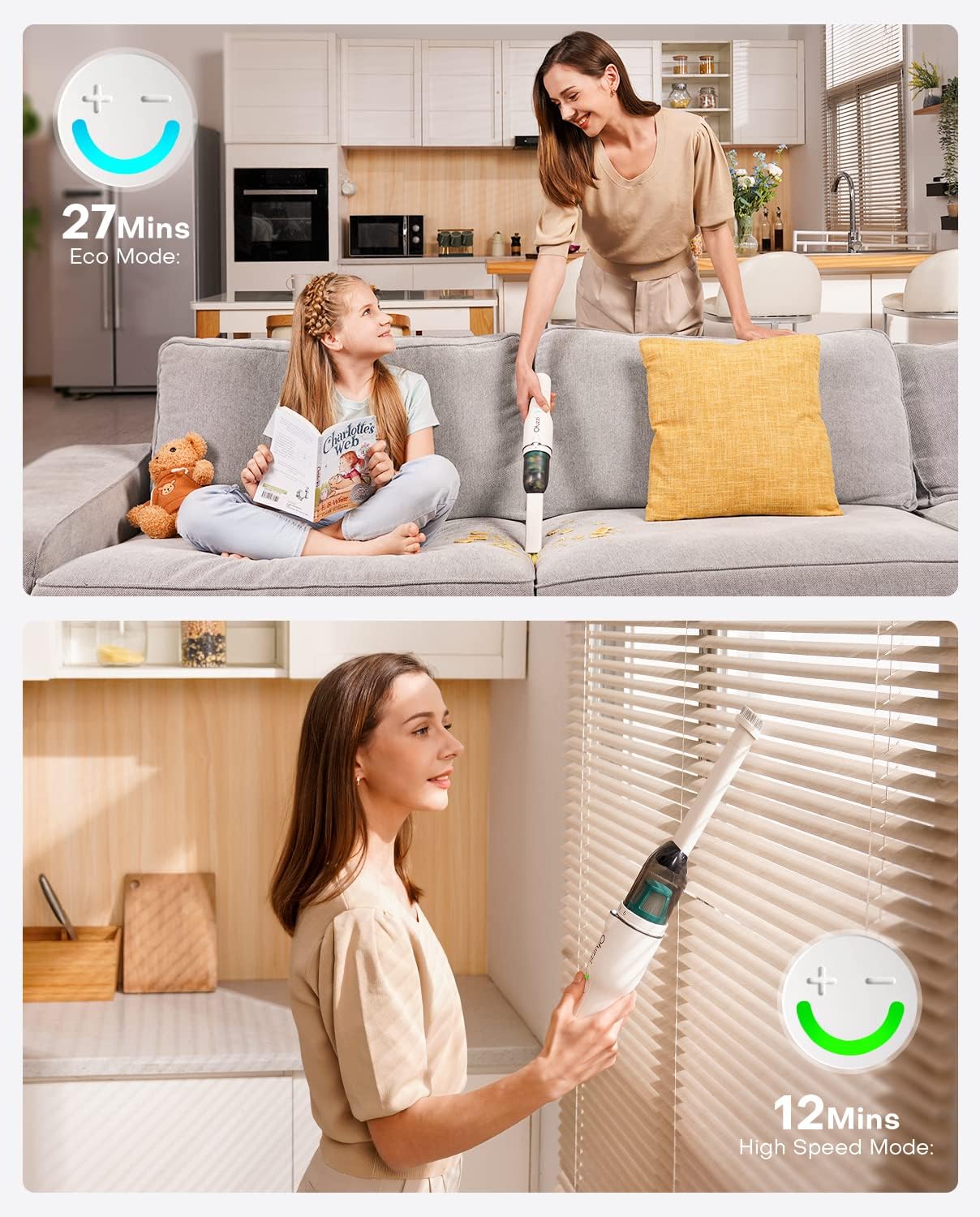
- Two-Speed Modes: Offers Eco Mode (up to 27 minutes runtime) and High Speed Mode (up to 12 minutes runtime).
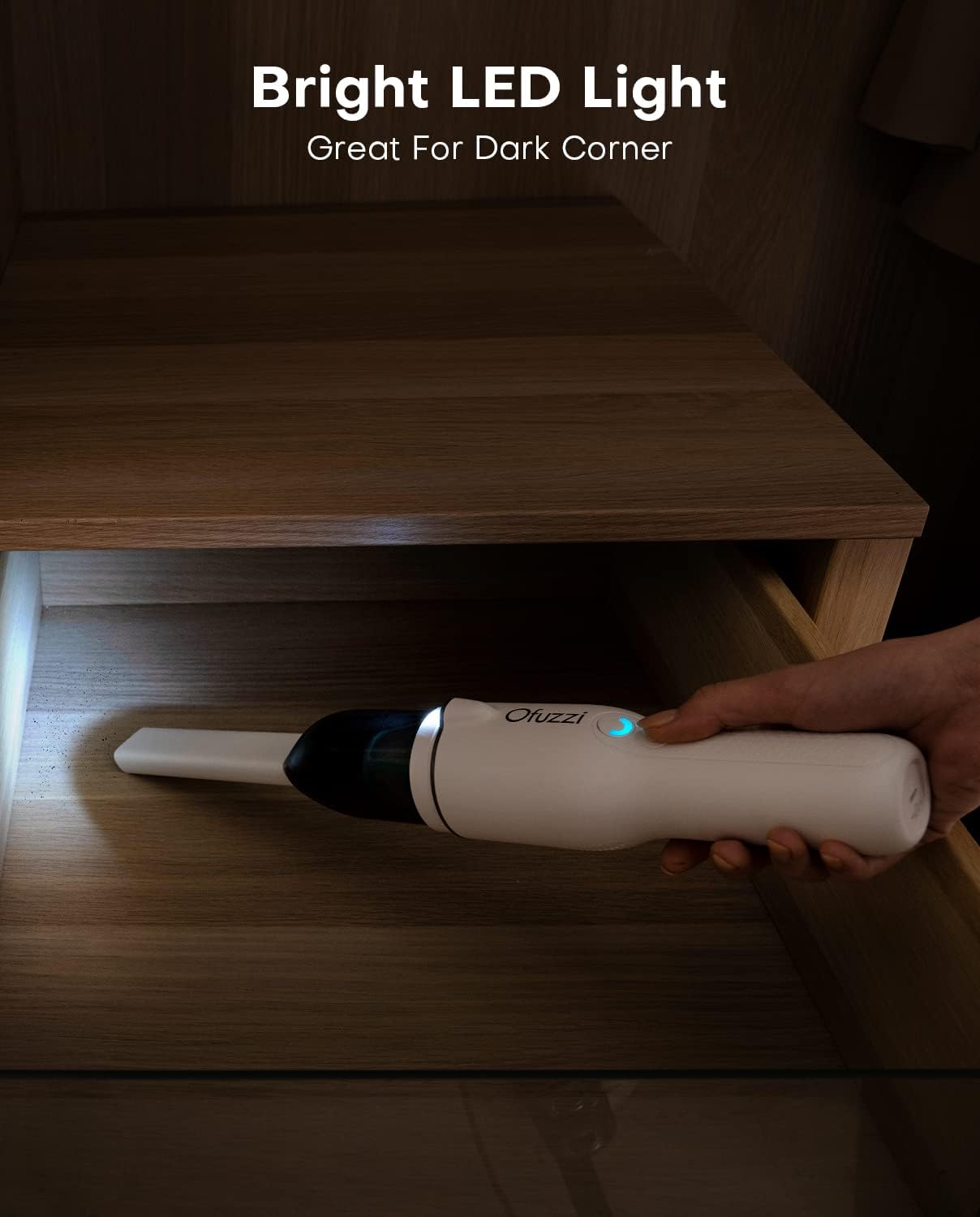
- एलईडी लाइटिंग: Integrated LED light for visibility in dark areas.
- टाइप-सी चार्जिंग: Convenient USB-C port for charging.
- धुण्यायोग्य फिल्टर: Replaceable and washable HEPA filter for easy maintenance.
- कमी आवाज ऑपरेशन: ≤४५dB वर चालते.



व्हिडिओ: एक षटकview of the Ofuzzi H7 Pro Handheld Vacuum, highlighting its features and various cleaning applications.
4. सेटअप
प्रारंभिक चार्जिंग
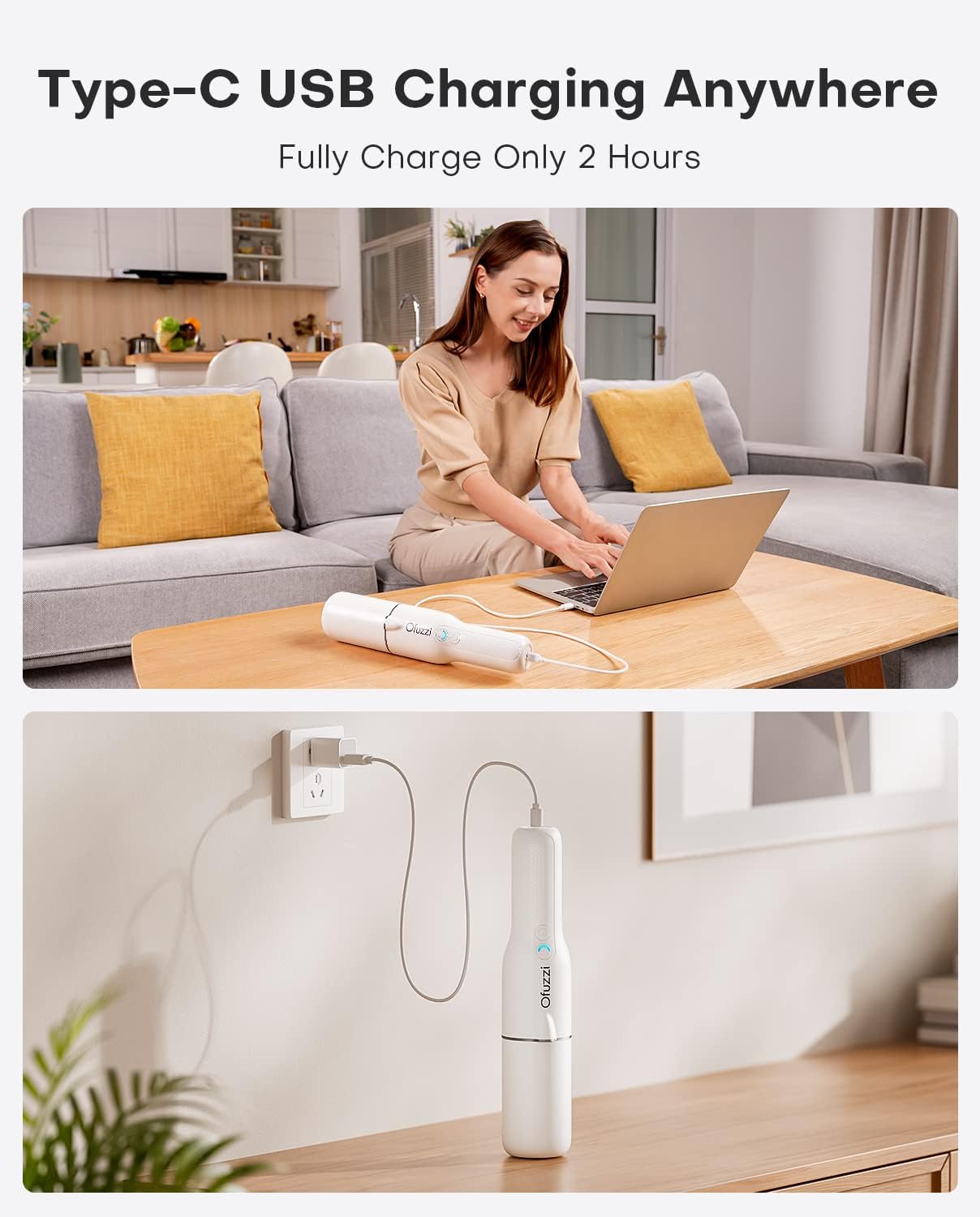
Before first use, fully charge the vacuum cleaner. The device uses a Type-C charging port for convenience.
- Connect the provided USB-C cable to the charging port on the vacuum.
- USB-C केबलचे दुसरे टोक एका सुसंगत USB पॉवर अॅडॉप्टरमध्ये (समाविष्ट नाही) किंवा USB पोर्टमध्ये प्लग करा.
- The charging indicator light will show the charging status. A full charge typically takes approximately 2 hours.
5. ऑपरेटिंग सूचना
पॉवर चालू/बंद आणि मोड निवड
- To power on the vacuum, press the power button once. It will start in Eco Mode.
- To switch to High Speed Mode, press the power button again.
- To power off the vacuum, press the power button a third time.
एलईडी लाइट वापरणे
The integrated LED light automatically illuminates when the vacuum is powered on, providing visibility in dimly lit areas.
ॲक्सेसरीज जोडत आहे
The Ofuzzi Slim H7 Pro comes with two nozzles for various cleaning tasks:
- फाटण्याचे साधन: Ideal for reaching tight spaces, corners, and gaps in furniture or car interiors.
- Push-in Brush: Suitable for cleaning delicate surfaces, upholstery, and dislodging stubborn dirt.
To attach an accessory, simply push it firmly onto the vacuum's suction opening until it clicks into place. To remove, pull it off gently.

6. देखभाल
Regular cleaning and maintenance ensure optimal performance and extend the lifespan of your Ofuzzi Slim H7 Pro vacuum.
डस्ट कप आणि फिल्टर साफ करणे
- Pull out the cover from the unit: Gently pull the front cover of the vacuum away from the main body.
- Rotate the dust cup and pull it out: Twist the dust cup counter-clockwise and then pull it away from the vacuum.
- Pull out the filter system and empty the trash: Carefully remove the filter assembly from the dust cup and discard collected debris.
- Anticlockwise rotate and pull out the filter: Separate the HEPA filter from its housing by rotating it counter-clockwise.
- Wash the dust cup and filters: Rinse the dust cup and both parts of the filter system under running water. Ensure all dust and debris are removed.
- Completely dry before putting them back: Allow all washed components to air dry completely before reassembling them into the vacuum. Do not use the vacuum with wet filters.

7. समस्या निवारण
If you encounter issues with your Ofuzzi Slim H7 Pro, refer to the following common problems and solutions:
| समस्या | संभाव्य कारण | उपाय |
|---|---|---|
| व्हॅक्यूम चालू होत नाही | बॅटरी संपली आहे पॉवर बटण योग्यरित्या दाबले नाही | Charge the vacuum fully (approx. 2 hours). पॉवर बटण घट्टपणे दाबले असल्याची खात्री करा. |
| सक्शन पॉवर कमी | धूळ कप भरला आहे फिल्टर बंद आहे Nozzle/hose is blocked | धूळ कप रिकामा करा. HEPA फिल्टर साफ करा किंवा बदला. Check and clear any blockages in the nozzle or suction path. |
| Vacuum stops during operation | बॅटरी कमी आहे ओव्हरहाटिंग संरक्षण सक्रिय केले | व्हॅक्यूम रिचार्ज करा. Turn off the vacuum and allow it to cool down for at least 30 minutes before resuming use. |
| Charging indicator light not working | चार्जिंग केबल किंवा अॅडॉप्टरची समस्या Vacuum not connected properly | वेगळी USB-C केबल किंवा पॉवर अॅडॉप्टर वापरून पहा. Ensure the USB-C cable is securely connected to both the vacuum and the power source. |
8. तपशील
| वैशिष्ट्य | तपशील |
|---|---|
| ब्रँड | ऑफुझी |
| मॉडेलचे नाव | Slim H7 Pro |
| मॉडेल क्रमांक | H7 Pro |
| आयटम वजन | 1.0 एलबीएस (16 औंस) |
| परिमाण (L x W x H) | ८५.४" x ६२.२" x ३९" |
| सक्शन पॉवर | 27 AW / 11 kPa |
| मोटर प्रकार | Brushless Motor (75,000 RPM) |
| आवाज पातळी | ≤75 dB |
| डस्ट कप क्षमता | 90 मि.ली |
| फिल्टर प्रकार | HEPA Filter (Replaceable and Washable) |
| उर्जा स्त्रोत | बॅटरीवर चालणारी (लिथियम-आयन) |
| बॅटरी चार्ज वेळ | 2 तास |
| रनटाइम | Eco Mode: Up to 27 minutes High Speed Mode: Up to 12 minutes |
| कनेक्टिव्हिटी तंत्रज्ञान | यूएसबी (टाइप-सी) |
| विशेष वैशिष्ट्ये | LED Light, Two Speed Modes |
9. हमी आणि समर्थन
For warranty information, technical support, or service inquiries, please refer to the official Ofuzzi webसाइटवर जा किंवा त्यांच्या ग्राहक सेवेशी थेट संपर्क साधा. कोणत्याही वॉरंटी दाव्यांसाठी खरेदीचा पुरावा म्हणून तुमची खरेदी पावती ठेवा.
ऑनलाइन समर्थन: ला भेट द्या Ofuzzi Store on Amazon अधिक उत्पादन माहिती आणि समर्थन संसाधनांसाठी.