
1. परिचय
खरेदी केल्याबद्दल धन्यवाद.asing the MEIZE Android 11 Tablet. This manual provides essential information for setting up, operating, and maintaining your device. Please read it carefully to ensure proper use and to maximize your tablet's performance. Keep this manual for future reference.
2. उत्पादन संपलेview
The MEIZE Android 11 Tablet is a versatile device designed for various tasks, from entertainment to productivity. It features a vibrant 10.1-inch IPS display, a powerful 8-core processor, and a long-lasting battery.
प्रमुख वैशिष्ट्ये
- High-Performance 8-Core Processor: Equipped with a 1.6GHz 8-core CPU and a built-in gravity sensor, ensuring stable and fast operation for a smooth user experience.
- अँड्रॉइड १३ ऑपरेटिंग सिस्टम: Runs on a stable and enhanced Android 11 system, offering a convenient user interface and excellent app performance.
- वाय-फाय कनेक्टिव्हिटी: Supports 2.4GHz Wi-Fi for stable and high-speed wireless communication, enabling efficient power saving for wireless devices. Compatible with popular apps like Facebook, Twitter, YouTube, Line, and Instagरॅम.
- High-Definition IPS Display: Features a vivid 10.1-inch Full HD 1280x800 IPS display, providing clear and bright images with a 178-degree viewing angle. The wear-resistant touch panel enhances usability.
- दुहेरी कॅमेरे: Includes a 13MP rear camera and a 5MP front camera for capturing photos and engaging in video calls.
- दुहेरी स्पीकर्स: Delivers immersive audio for an enhanced multimedia experience.
- मोठी स्टोरेज क्षमता: Comes with 32GB of internal storage, expandable up to 128GB via a microSD card (sold separately), allowing ample space for photos, files, e-books, videos, music, and games.
- 6000mAh बॅटरी: A large-capacity battery provides up to 10 hours of continuous use on a single charge, ideal for commuting, travel, and extended entertainment.
- बहु-कार्यात्मक: Integrated GPS allows for offline navigation with downloaded maps. An FM radio function is included for radio enthusiasts. Bluetooth connectivity enables easy pairing with speakers and other compatible devices.

आकृती १: समोर आणि मागे view of the MEIZE Android 11 Tablet.

Figure 2.2: The tablet running Android 10.0 OS, showcasing its interface and app compatibility.
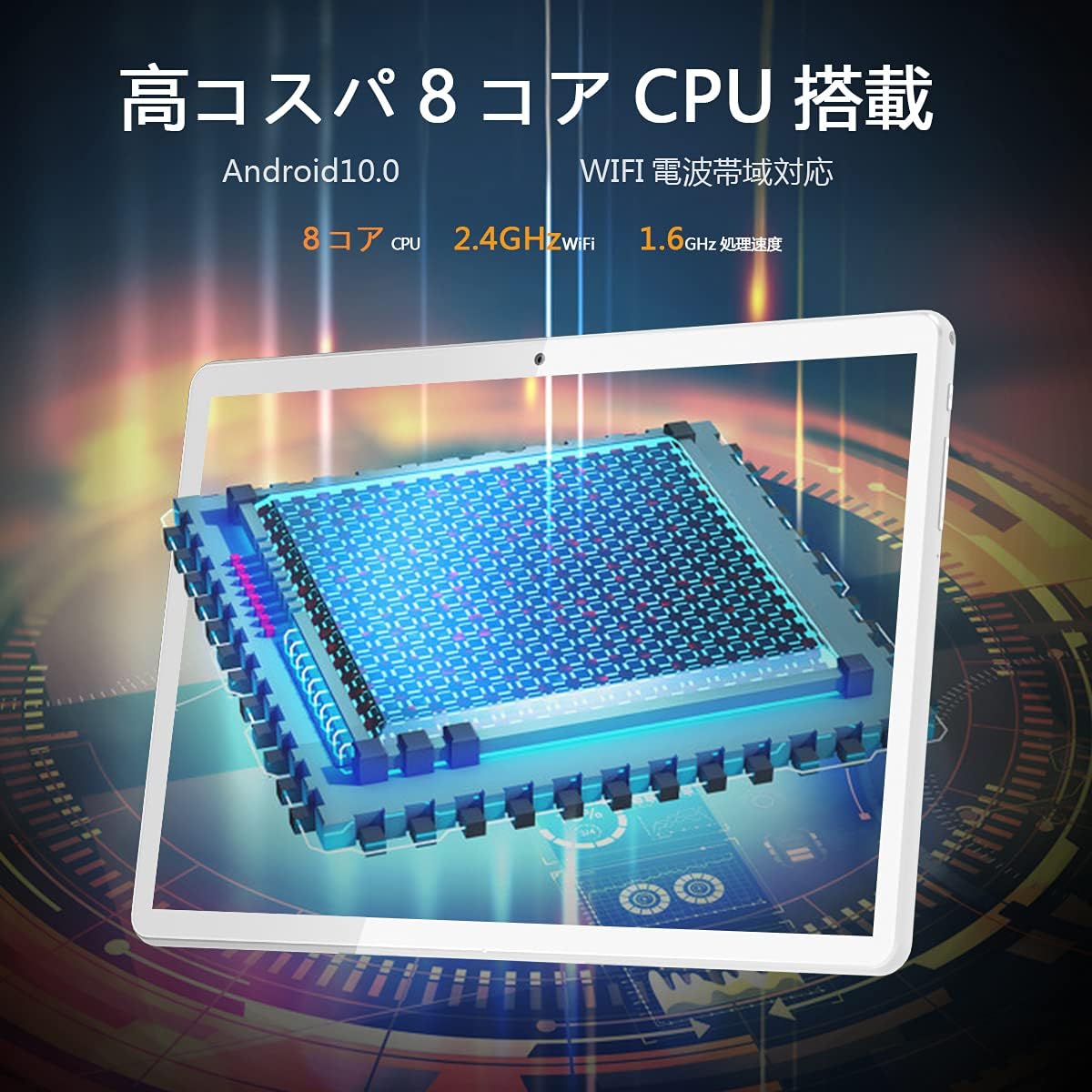
Figure 2.3: Illustration of the tablet's high-performance 8-core CPU.

Figure 2.4: The 10.1-inch Full HD IPS display showcasing vivid colors and wide viewकोन.

Figure 2.5: The tablet's large storage capacity (32GB ROM, 2GB RAM) and microSD expansion capability.

Figure 2.6: The tablet's dual camera system, featuring a 5MP front camera and a 13MP rear camera.
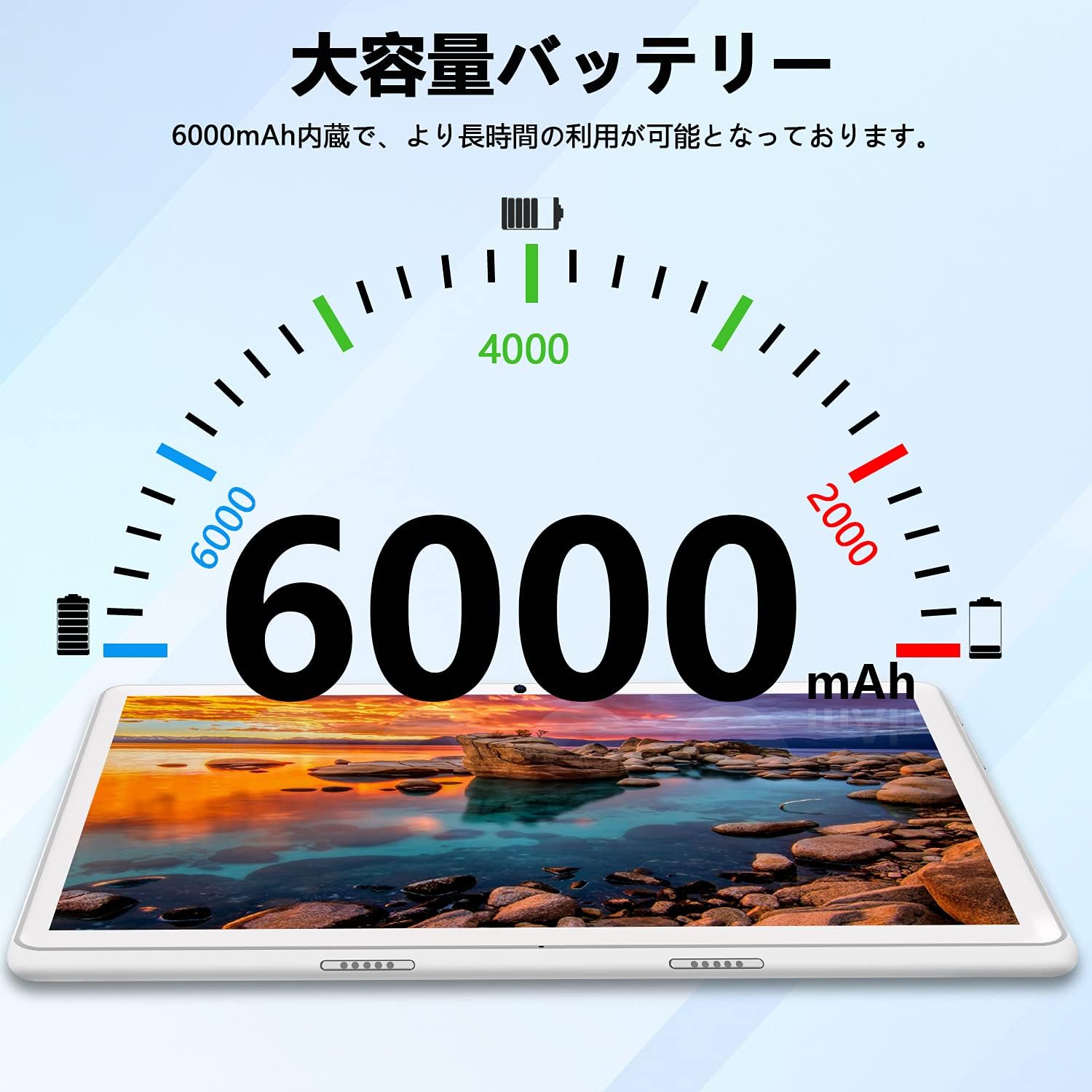
Figure 2.7: The tablet's 6000mAh large-capacity battery, providing extended usage time.
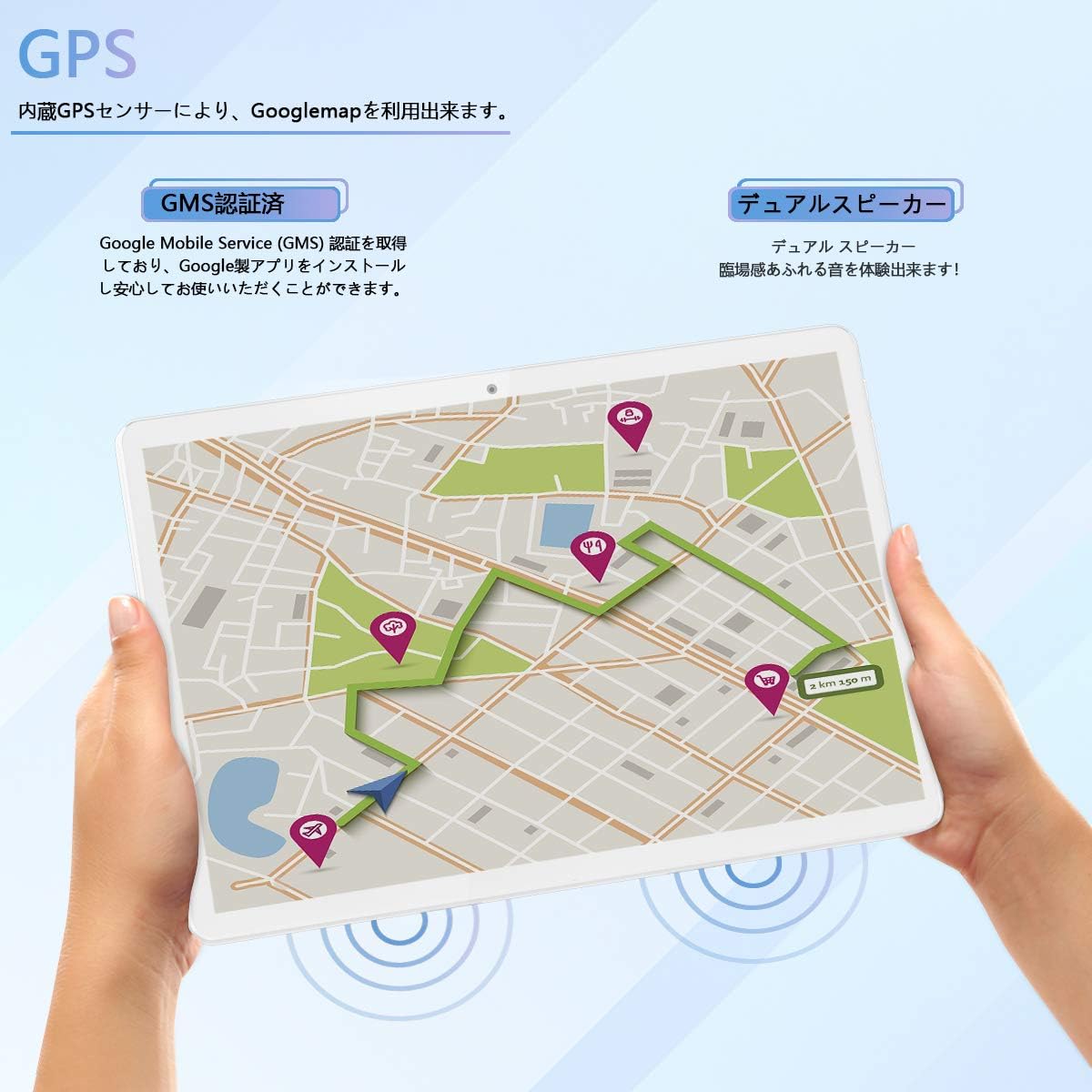
Figure 2.8: The tablet's GPS navigation capabilities and dual speaker system.
3. सेटअप
3.1 प्रारंभिक चार्जिंग
Before first use, fully charge the tablet using the provided USB cable and power adapter. The battery indicator on the screen will show the charging status. A full charge typically takes several hours.
3.2 पॉवर चालू/बंद
- चालू करण्यासाठी: Press and hold the Power button until the MEIZE logo appears on the screen.
- पॉवर ऑफ करण्यासाठी: Press and hold the Power button until the power options appear. Select "Power off" and confirm.
- रीस्टार्ट करण्यासाठी: Press and hold the Power button until the power options appear. Select "Restart" and confirm.
3.3 वाय-फाय कनेक्शन
- Go to "Settings" > "Network & internet" > "Wi-Fi".
- Toggle the Wi-Fi switch to the "On" position.
- The tablet will scan for available Wi-Fi networks. Select your desired network from the list.
- If prompted, enter the network password and tap "Connect".
- एकदा कनेक्ट झाल्यानंतर, स्टेटस बारमध्ये वाय-फाय आयकॉन दिसेल.
३.४ प्रारंभिक अँड्रॉइड सेटअप
Follow the on-screen prompts to complete the initial Android setup, which includes selecting your language, connecting to Wi-Fi, setting up a Google account, and configuring security options.
4. ऑपरेटिंग सूचना
२.१ मूलभूत नेव्हिगेशन
- स्पर्श करा: एखादा आयकॉन किंवा पर्याय निवडण्यासाठी त्यावर टॅप करा.
- स्पर्श करा आणि धरून ठेवा: अतिरिक्त पर्यायांमध्ये प्रवेश करण्यासाठी किंवा ते हलविण्यासाठी आयटम दाबा आणि धरून ठेवा.
- स्वाइप: सूचीमधून स्क्रोल करण्यासाठी किंवा होम स्क्रीनमध्ये स्विच करण्यासाठी तुमचे बोट स्क्रीनवर ड्रॅग करा.
- चिमूटभर: प्रतिमा झूम इन किंवा आउट करण्यासाठी दोन बोटांचा वापर करा आणि web पृष्ठे
४.२ अॅप्स स्थापित करणे आणि व्यवस्थापित करणे
- Google Play Store ॲप उघडा.
- साठी शोधा the desired app.
- Tap "Install" to download and install the app.
- To uninstall an app, go to "Settings" > "Apps & notifications", select the app, and tap "Uninstall".
४.४ कॅमेरा वापरणे
- "कॅमेरा" अॅप उघडा.
- पुढील आणि मागील कॅमेऱ्यांमध्ये स्विच करण्यासाठी कॅमेरा आयकॉनवर टॅप करा.
- फोटो काढण्यासाठी किंवा व्हिडिओ रेकॉर्डिंग सुरू/थांबवण्यासाठी शटर बटणावर टॅप करा.
- Access photos and videos in the "Gallery" app.
4.4 GPS नेव्हिगेशन
The tablet has a built-in GPS sensor. You can use navigation apps like Google Maps. For offline navigation, download maps in advance through the app settings.
५.३ ब्लूटूथ कनेक्टिव्हिटी
- Go to "Settings" > "Connected devices" > "Bluetooth".
- Toggle Bluetooth to "On".
- The tablet will scan for nearby Bluetooth devices. Select the device you wish to pair with.
- पेअरिंग प्रक्रिया पूर्ण करण्यासाठी कोणत्याही ऑन-स्क्रीन सूचनांचे अनुसरण करा.
4.6 एफएम रेडिओ
To use the FM radio, connect wired headphones (not included) to the 3.5mm audio jack. The headphones act as an antenna. Open the FM Radio app and scan for available stations.
5. देखभाल
६.१ टॅब्लेट साफ करणे
Use a soft, lint-free cloth to clean the screen and body of the tablet. Avoid using harsh chemicals, abrasive cleaners, or aerosol sprays, as these can damage the device.
5.2 बॅटरी काळजी
- टॅब्लेटला अति तापमानात (गरम किंवा थंड) उघड करणे टाळा.
- बॅटरी वारंवार पूर्णपणे संपू देऊ नका. ०% पर्यंत पोहोचण्यापूर्वी ती चार्ज करा.
- फक्त मूळ किंवा प्रमाणित सुसंगत चार्जर वापरा.
5.3 सॉफ्टवेअर अद्यतने
Periodically check for system updates to ensure your tablet has the latest features and security patches. Go to "Settings" > "System" > "System update" to check for updates.
5.4 स्टोरेज व्यवस्थापन
नियमितपणे अनावश्यक गोष्टी साफ करा files and apps to maintain optimal performance. You can check storage usage in "Settings" > "Storage". Consider using a microSD card for additional storage.
6. समस्या निवारण
| समस्या | संभाव्य उपाय |
|---|---|
| टॅब्लेट चालू होत नाही. | Ensure the tablet is charged. Connect it to the charger for at least 30 minutes, then try powering it on again. |
| वाय-फाय कनेक्शन समस्या. | Check if Wi-Fi is enabled in settings. Restart your router and the tablet. Ensure you have entered the correct password. |
| टॅब्लेट हळू चालत आहे. | Close unused apps. Clear cache for frequently used apps. Free up storage space. Restart the tablet. |
| Apps are crashing. | Ensure apps are updated to their latest versions. Clear the app's cache and data in "Settings" > "Apps & notifications". Reinstall the app if necessary. |
| स्क्रीन प्रतिसाद देत नाही. | Restart the tablet by holding the power button for about 10-15 seconds until it forces a restart. |
जर तुम्हाला येथे सूचीबद्ध नसलेल्या समस्या येत असतील किंवा सुचवलेल्या उपायांमुळे समस्या सुटत नसेल, तर कृपया ग्राहक समर्थनाशी संपर्क साधा.
7. तपशील
| वैशिष्ट्य | तपशील |
|---|---|
| ब्रँड | MEIZE |
| मॉडेल क्रमांक | Meize k106 |
| ऑपरेटिंग सिस्टम | Android 11 |
| CPU | Spreadtrum SC9863A 1.6GHz 8-core |
| स्क्रीन आकार | 10.1 इंच |
| कमाल डिस्प्ले रिझोल्यूशन | 1280x800 pixels (Full HD IPS) |
| रॅम | 2 जीबी |
| अंतर्गत स्टोरेज | 32 जीबी |
| विस्तारण्यायोग्य स्टोरेज | मायक्रोएसडी कार्डद्वारे ६४ जीबी पर्यंत (स्वतंत्रपणे विकले जाते) |
| मागील कॅमेरा | 13 MP |
| समोरचा कॅमेरा | 5 MP |
| बॅटरी क्षमता | 6000 mAh |
| वायरलेस प्रकार | Wi-Fi (2.4GHz, 802.11bgn) |
| कनेक्टिव्हिटी | Bluetooth, GPS, FM Radio, 3.5mm Headphone Jack |
| रंग | पांढरा |
| आयटम वजन | 835 ग्रॅम |
| GTIN/UPC | 779139339939 |
8. हमी आणि समर्थन
This product comes with a manufacturer's warranty. Please refer to the warranty card included in the packaging for specific terms and conditions. For any questions or technical assistance, our Japanese support team is available to respond within 24 hours via email. Please contact us through the email address provided in your purchase documentation.