
1. परिचय
This manual provides detailed instructions for the installation, configuration, and operation of your Multilaser RE058 150Mbps Wireless Router. Please read this manual carefully before using the device to ensure proper setup and optimal performance. This router offers wireless connectivity at 150Mbps, features a detachable antenna, and includes four LAN ports for wired connections.
2. पॅकेज सामग्री
तुमच्या पॅकेजमध्ये सर्व वस्तू आहेत का ते तपासा:
- 1x Multilaser RE058 150Mbps Wireless Router
- 1x Power Adapter (Bivolt)
- १x RJ45 इथरनेट केबल
- 1x Detachable Antenna (5 dBi)
- 1x द्रुत स्थापना मार्गदर्शक
3. उत्पादन संपलेview
Familiarize yourself with the router's ports and indicators.
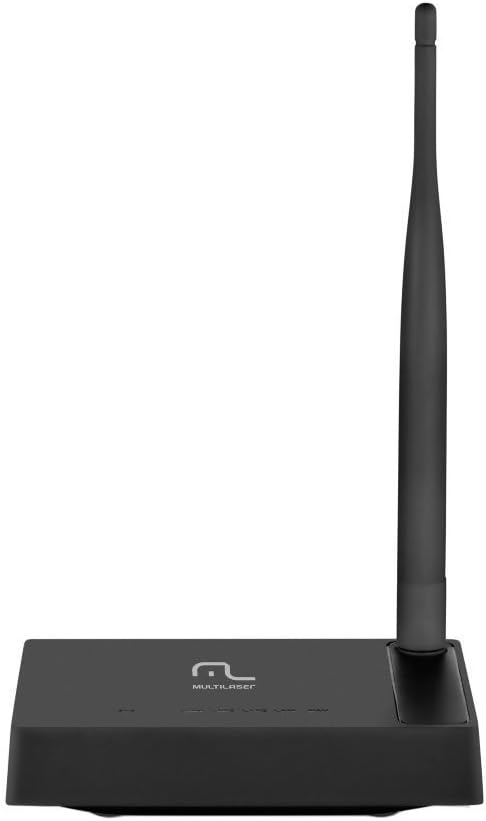
प्रतिमा 3.1: मागील view of the Multilaser RE058 router, highlighting the WAN port (blue), four LAN ports (yellow/orange), and the power input. The detachable antenna is connected on the left side.
४.१. फ्रंट पॅनल इंडिकेटर
- पीडब्ल्यूआर: पॉवर इंडिकेटर. डिव्हाइस चालू असताना प्रकाश पडतो.
- वॅन: Wide Area Network indicator. Lit when connected to the internet. Blinks during data transmission.
- LAN1-LAN4: Local Area Network indicators. Lit when a device is connected to the corresponding LAN port. Blinks during data transmission.
४.२. मागील पॅनेल पोर्ट
- WAN पोर्ट (निळा): Connects to your modem or internet service provider's network.
- LAN पोर्ट्स (1-4): संगणक, गेमिंग कन्सोल किंवा स्मार्ट टीव्ही सारख्या वायर्ड उपकरणांशी कनेक्ट होते.
- पॉवर इनपुट: दिलेल्या पॉवर अॅडॉप्टरशी कनेक्ट होते.
- अँटेना कनेक्टर: For attaching the detachable antenna.
- रीसेट बटण: Used to restore factory default settings. Press and hold for approximately 5-10 seconds while the router is powered on.
4. सेटअप
Follow these steps to set up your Multilaser RE058 router:
- अँटेना कनेक्ट करा: Screw the detachable antenna clockwise onto the antenna connector at the back of the router until it is secure.
- मोडेमशी कनेक्ट करा: Use the provided RJ45 Ethernet cable to connect your modem's LAN port to the blue WAN port राउटर वर.
- पॉवर चालू: Connect the power adapter to the router's power input and then plug the adapter into an electrical outlet. The PWR indicator should light up.
- Connect Devices (Optional Wired): For wired connections, use additional Ethernet cables to connect your computers or other devices to the yellow LAN ports (1-4) राउटर वर.
- प्रारंभ होण्याची प्रतीक्षा करा: Allow a few minutes for the router to power on and initialize. The WAN indicator should light up, indicating an internet connection.
- राउटर इंटरफेसमध्ये प्रवेश करा: उघडा ए web browser on a connected computer or device. In the address bar, type the router's default IP address (usually
192.168.0.1or192.168.1.1) and press Enter. Refer to the Quick Installation Guide for the exact default IP and login credentials. - प्रारंभिक कॉन्फिगरेशन: Follow the on-screen instructions in the router's web interface to set up your internet connection type (DHCP, Static IP, PPPoE, etc.) and configure your wireless network (SSID and password). The router software is available in Portuguese for easier setup.
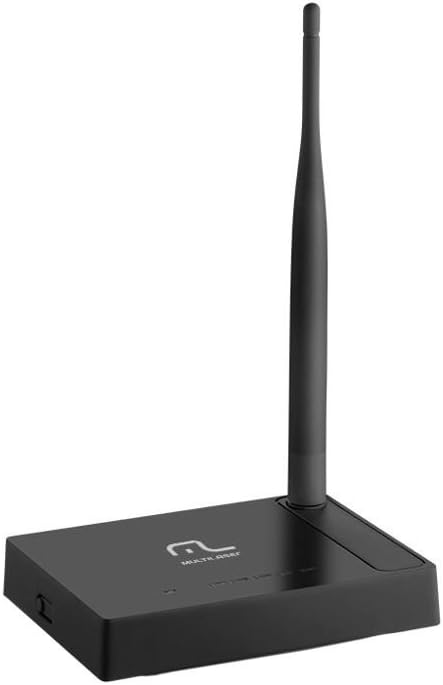
प्रतिमा ४.२: बाजू view of the Multilaser RE058 router, showing the detachable antenna securely connected and standing upright.
5. ऑपरेटिंग
This section covers the basic operation and features of your router.
5.1. Wireless Network (Wi-Fi)
After initial setup, your wireless network will be active. To connect devices:
- तुमच्या डिव्हाइसवर (स्मार्टफोन, लॅपटॉप, टॅबलेट), उपलब्ध वाय-फाय नेटवर्क शोधा.
- Select the Network Name (SSID) you configured during setup.
- Enter the Wi-Fi password (security key) when prompted.
४.१. वायर्ड नेटवर्क
Devices connected to the LAN ports will automatically obtain an IP address from the router and gain internet access (if the WAN connection is active).
६.७. रिपीटर फंक्शन
The Multilaser RE058 can function as a wireless repeater to extend the range of an existing Wi-Fi signal. This mode needs to be configured via the router's web interface. Consult the full user manual or the router's online help for detailed steps on configuring repeater mode.
5.4. प्रगत वैशिष्ट्ये
राउटरचे web interface provides access to advanced settings, including:
- वॅन प्रकार: DHCP, Static IP, PPPoE, L2TP, PPTP, Dual Access, WISP.
- Virtual Servers, Port Triggering, UPnP, DMZ: For advanced network configurations and port forwarding.
- प्रवेश नियंत्रण: IP/MAC/Domain Filtering to manage network access.
- VPN Pass-through: PPTP, L2TP, IPSec for VPN connections.
- Dynamic DNS, Static Routing, WOL (Wake-on-LAN): Additional network utilities.
- फर्मवेअर अद्यतनः Keep your router's software up-to-date for improved performance and security.
6. देखभाल
तुमच्या राउटरचे दीर्घायुष्य आणि इष्टतम कामगिरी सुनिश्चित करण्यासाठी:
- राउटर थंड, कोरड्या जागी ठेवा, थेट सूर्यप्रकाश आणि उष्णतेच्या स्रोतांपासून दूर.
- डिव्हाइसभोवती योग्य वायुवीजन सुनिश्चित करा.
- बाहेरील भाग मऊ, कोरड्या कापडाने स्वच्छ करा. द्रव क्लीनर वापरू नका.
- Regularly check for and install firmware updates from the Multilaser website to enhance security and features.
- Periodically restart the router (unplug and replug the power adapter) to refresh its connection and clear temporary issues.
7. समस्या निवारण
तुम्हाला समस्या येत असल्यास, हे सामान्य उपाय वापरून पहा:
७.१. इंटरनेट प्रवेश नाही
- Check all cable connections (WAN, LAN, Power). Ensure they are securely plugged in.
- तुमचा मॉडेम योग्यरित्या काम करत आहे आणि त्यात सक्रिय इंटरनेट कनेक्शन आहे का ते तपासा.
- Restart both your modem and router. Unplug their power adapters, wait 30 seconds, then plug the modem back in. Once the modem is fully online, plug the router back in.
- राउटरमध्ये लॉग इन करा web interface and check the WAN status. Ensure your internet connection type (DHCP, PPPoE, etc.) is correctly configured.
७.२. वाय-फायशी कनेक्ट होऊ शकत नाही.
- Ensure the router is powered on and the wireless indicator is active.
- तुम्ही योग्य वाय-फाय नेटवर्क (SSID) निवडत आहात आणि योग्य पासवर्ड टाकत आहात याची खात्री करा.
- रेंजच्या समस्या टाळण्यासाठी राउटरच्या जवळ जा.
- राउटर रीस्टार्ट करून पहा.
५.२. इंटरनेटचा वेग कमी
- Ensure your router is placed in a central location, away from obstructions and interference sources (e.g., microwaves, cordless phones).
- Check if multiple devices are heavily using the network.
- तुमच्या राउटरचे फर्मवेअर अपडेट करा.
- Contact your Internet Service Provider (ISP) to check your internet line speed.
7.4. Forgot Router Login Password
If you forget the router's login password, you can perform a factory reset. Locate the Reset button on the rear panel. With the router powered on, use a paperclip or similar pointed object to press and hold the Reset button for approximately 5-10 seconds until the indicators flash. The router will restart with factory default settings, and you can then log in using the default credentials (usually found on a sticker on the router or in the Quick Installation Guide).
8. तपशील
| वैशिष्ट्य | तपशील |
|---|---|
| ब्रँड | मल्टीलाझर |
| मॉडेल | RE058 |
| वायरलेस मानके | IEEE 802.11b, IEEE 802.11g, IEEE 802.11n |
| वारंवारता बँड | 2.4 - 2.4835 GHz (Single-Band) |
| डेटा ट्रान्सफर रेट | 150 Mbps पर्यंत |
| अँटेना | 1x Detachable, 5 dBi |
| इथरनेट पोर्ट्स | 1x 10/100Mbps Auto MDI/MDIX RJ45 WAN Port, 4x 10/100Mbps Auto MDI/MDIX RJ45 LAN Ports |
| वीज पुरवठा | DC 9V/500mA (Output), Bivolt input |
| ट्रान्समिशन पॉवर | 20dBm (MAX) |
| सुसंगत साधने | Notebook, Smartphone, Tablet |
| सॉफ्टवेअर वैशिष्ट्ये | DHCP, Static IP, PPPoE, L2TP, PPTP, Dual Access, WISP, Virtual Servers, Port Triggering, UPnP, DMZ, FTP Private Port, Access Control (IP/MAC/Domain Filtering), VPN Pass-through, Dynamic DNS, Static Routing, WOL, Backup & Restore, Firmware Update. |
9. हमी आणि समर्थन
This Multilaser RE058 Wireless Router comes with a 7 वर्षाची वॉरंटी उत्पादकाने प्रदान केलेले. वॉरंटी दाव्यांसाठी कृपया तुमचा खरेदीचा पुरावा जपून ठेवा.
For technical support, troubleshooting assistance, or warranty inquiries, please contact Multilaser customer service. Refer to the official Multilaser website or the Quick Installation Guide for up-to-date contact information.